

20 Best Figma Plugins for Designers & Developers in 2025
Best Figma Plugins
Figma has evolved into the ultimate design powerhouse, thanks to its expansive ecosystem of plugins that streamline workflows, enhance collaboration, and supercharge creativity. With an ever-growing library of tools, Figma empowers designers and developers to work faster, smarter, and more efficiently. Whether you're an crafting pixel-perfect UI, an animator bringing designs to life, a developer ensuring seamless handoffs, or an illustrator refining intricate details, the right Figma plugins can dramatically boost your productivity. In this guide, we've curated the 20 best Figma plugins, categorized to help you optimize your workflow, improve design precision, and unlock new creative possibilities.
I. UI Kits & Components
Speed up your workflow with ready-to-use UI components and design systems.
1. UIHut - UI Kit, Illustrations, 3D Assets
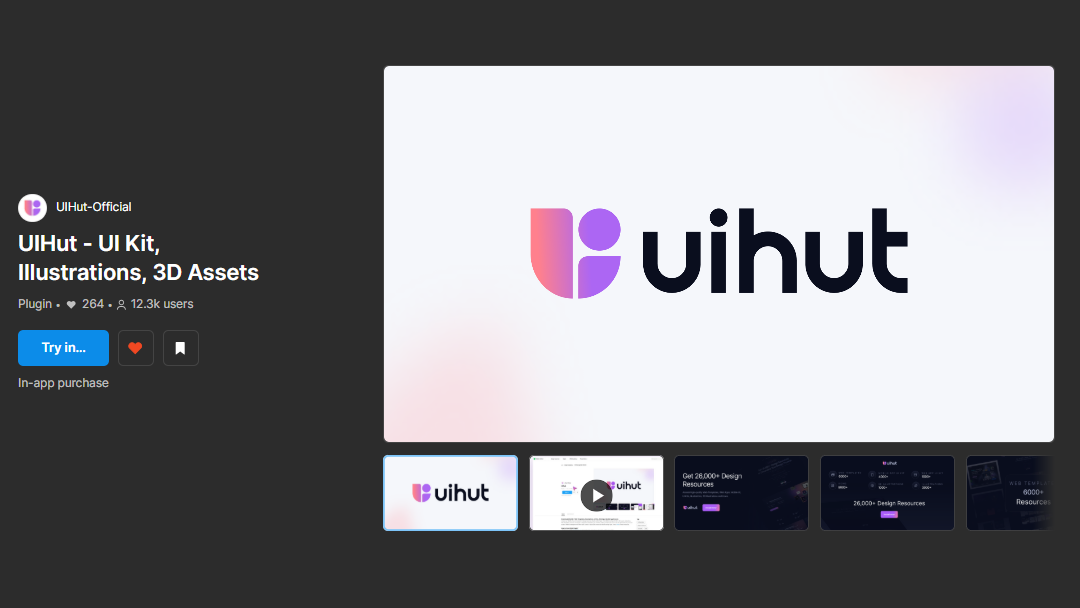
UIHut - UI Kit, Illustrations, 3D Assets is a powerful Figma plugin that streamlines your design workflow and boosts productivity.
Access a wide range of pre-made UI components, templates, illustrations & icon packs.
Speed up your design process with customizable elements.
Easy integration into your Figma projects.
2. FigDuo
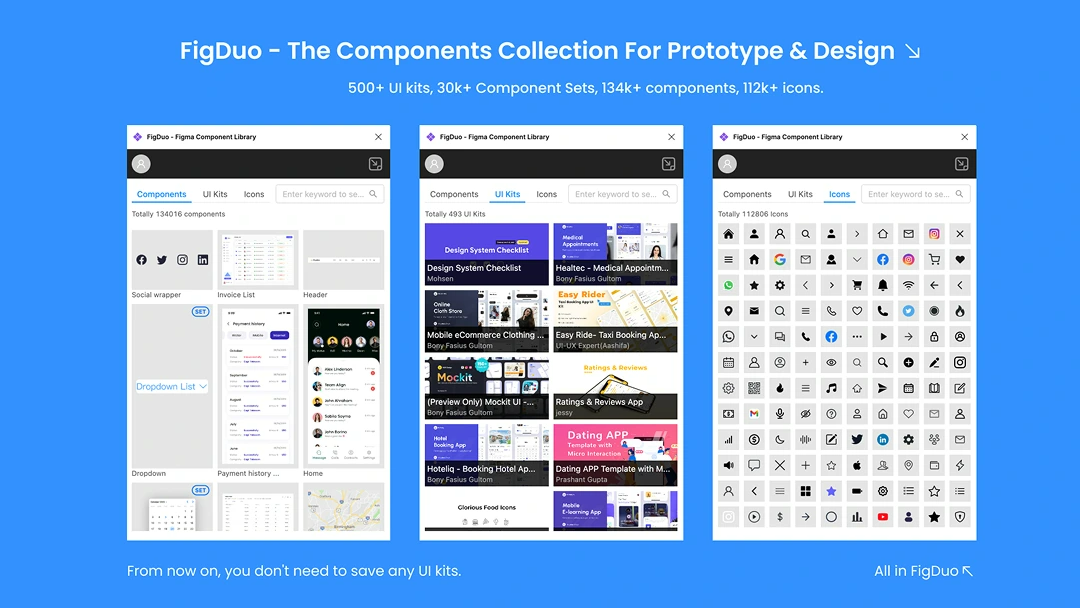
FigDuo is an essential Figma plugin that offers instant access to a vast library of UI components.
Access a diverse range of 150k+ components, 140k+ icons, and 560+ UI kits.
Quickly search, click, and insert components with ease.
Ideal for both beginners and experienced designers.
3. Figit
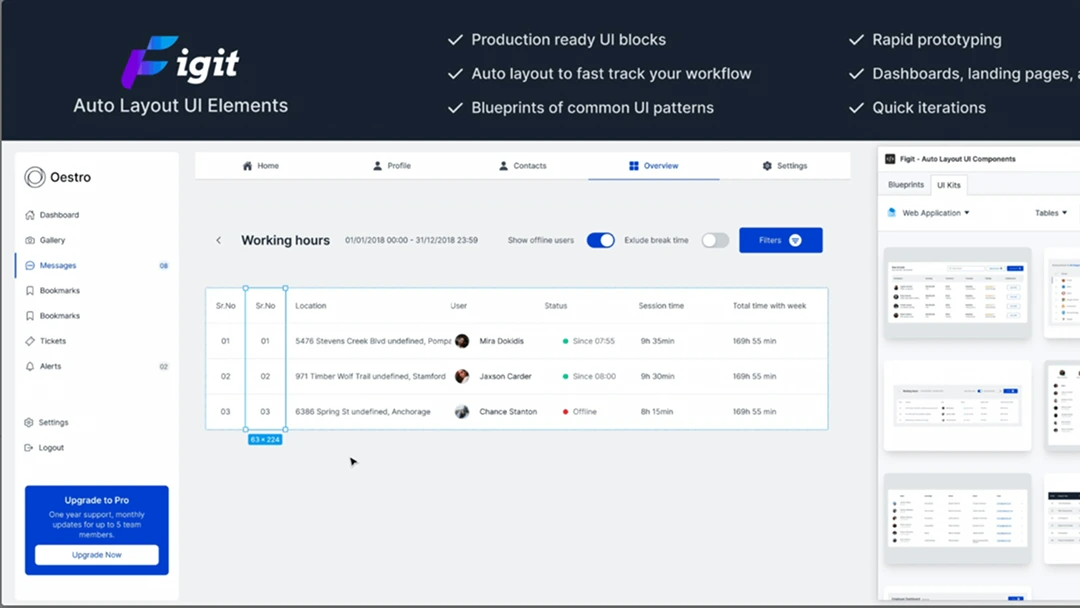
Figit provides a massive library of UI elements to help designers quickly create stunning user interfaces.
Includes a variety of UI elements like buttons, forms, navigation bars, icons, grids, and more.
Save time by using pre-designed layouts and sections.
All components follow contemporary design trends.
4. Handy Components
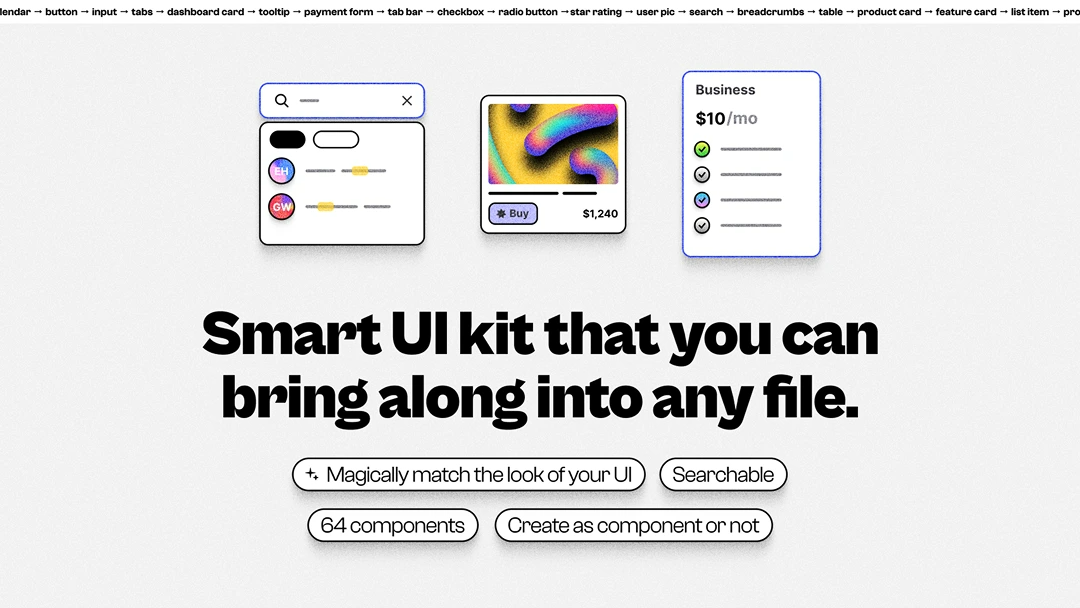
Handy Components provides a set of useful, pre-designed UI components that are easy to implement in any project.
Large selection of UI elements.
Flexible and adaptable.
Clean and modern design.
5. Story.to.design
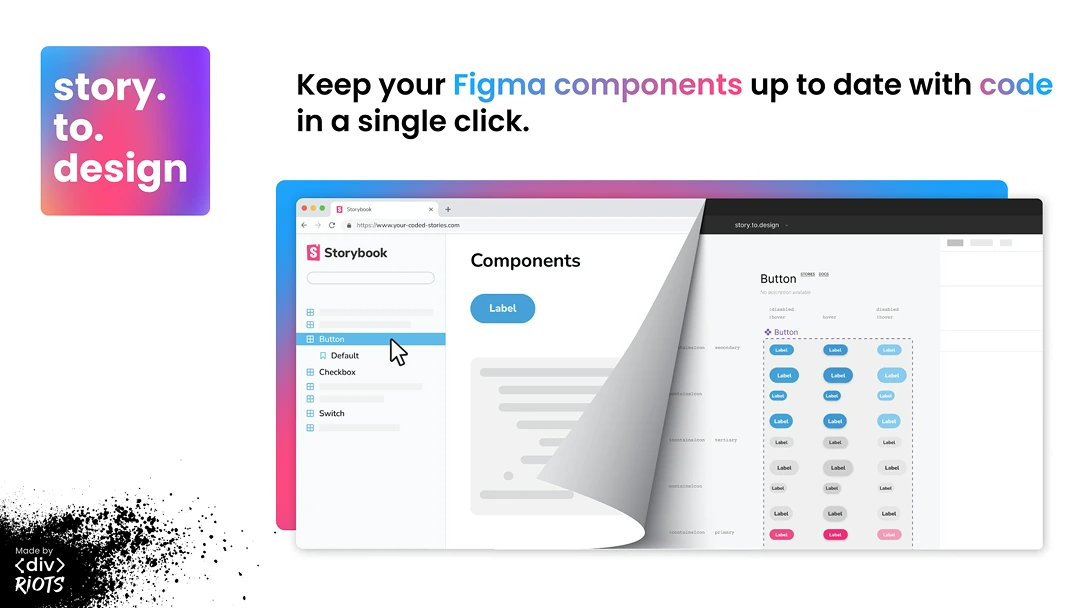
Story.to.design is a Figma plugin that allows designers to import Storybook components directly into Figma.
Pull in any Storybook component directly into Figma.
Sync changes.
Faster design iterations.
II. Prototyping & Animation
Bring your designs to life with these advanced prototyping and animation tools.
6. Figmotion
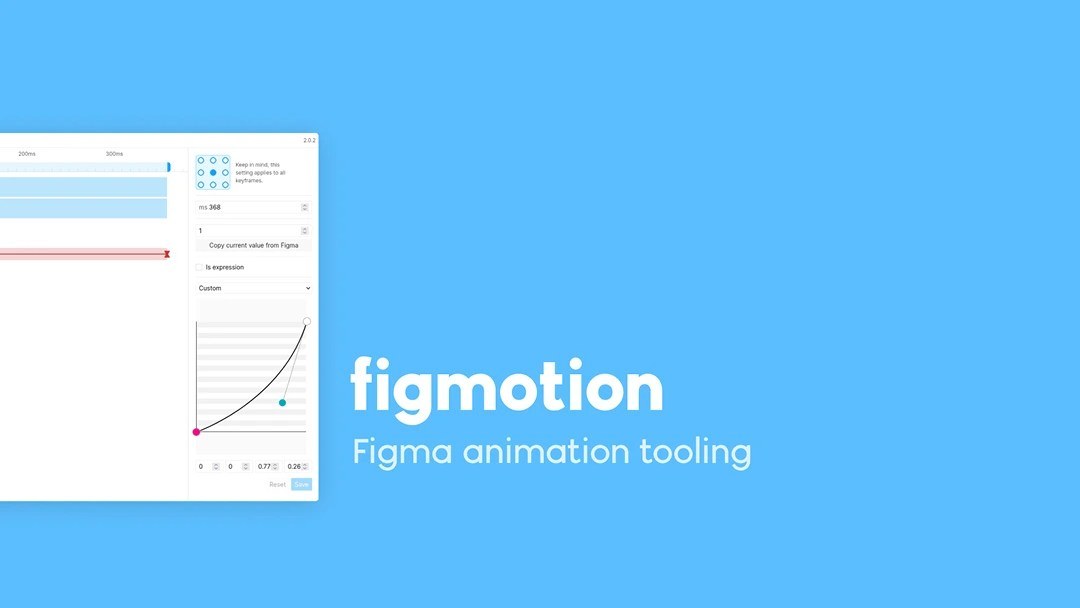
Figmotion is a native Figma tool for creating animations directly within your designs, offering keyframe-based motion editing without needing external software.
Keyframe-based animation editor
No need for third-party tools
Intuitive interface for motion design
7. Motion
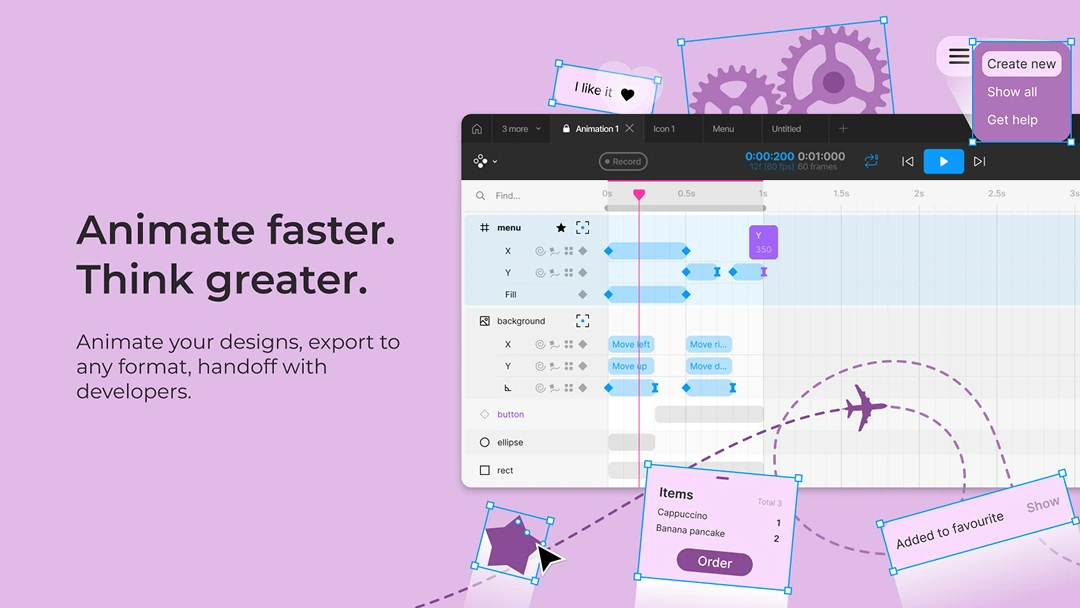
Motion is an ultimate animation tool for Figma.
Smooth Transitions: Create smooth animations between different screens and design states, ideal for user flow demos and interactive prototypes.
Trigger-based Animations: Set animations to trigger based on user interactions, such as clicks, hover, or page load, for a more interactive experience.
Presets and Templates: Quickly apply pre-made animation templates or create your own reusable animations to streamline your workflow.
8. ProtoPie
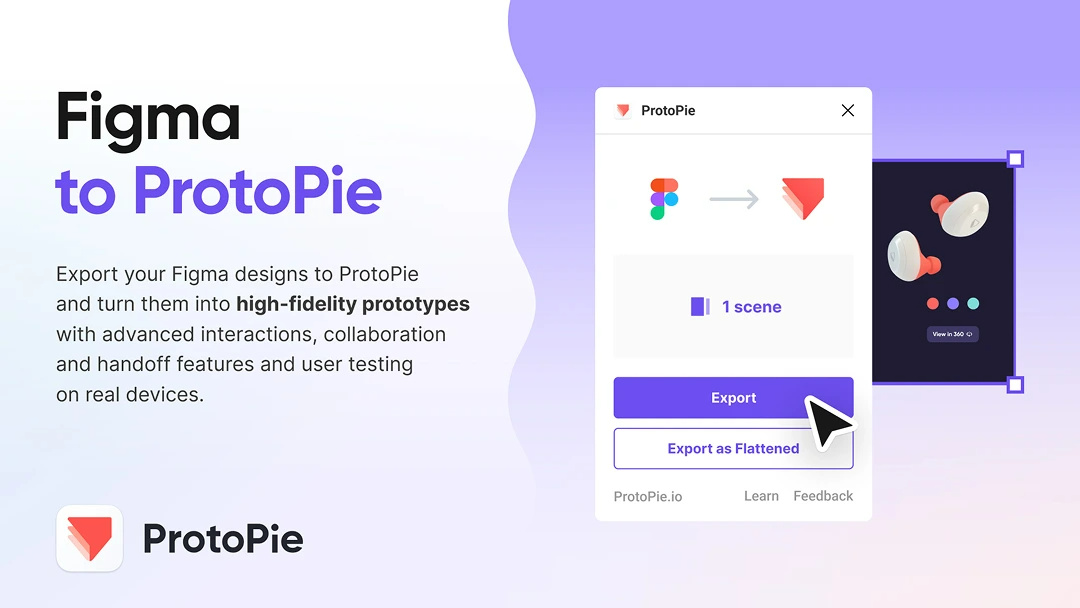
Sync Figma designs with ProtoPie for advanced prototyping capabilities, making high-fidelity interaction design possible without coding.
Drag-and-drop interaction builder
Supports complex animations
Seamless sync with ProtoPie
9. LottieFiles
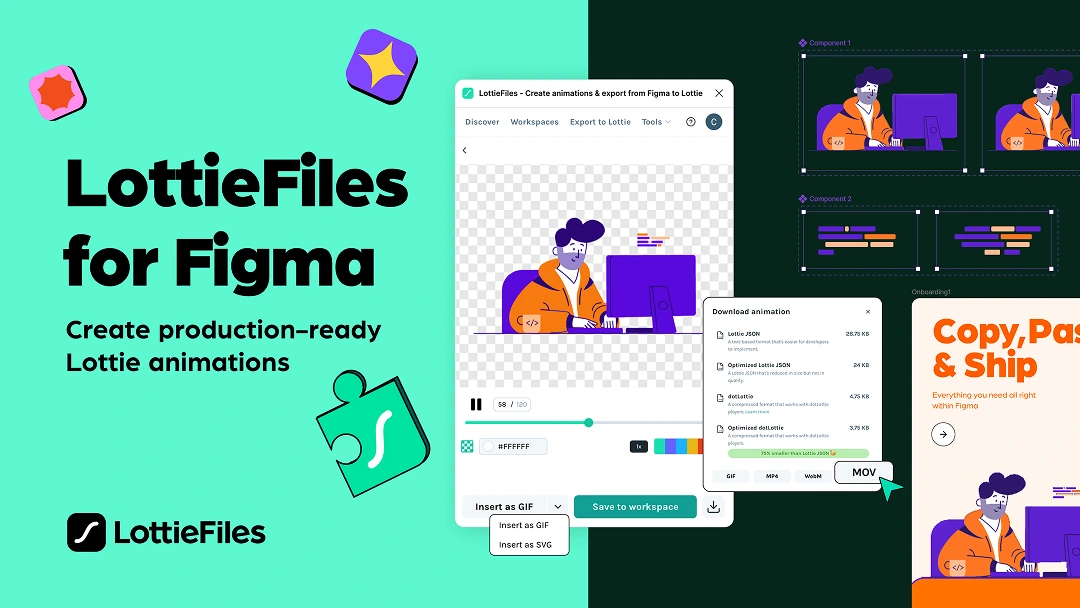
LottieFiles is a powerful Figma plugin that allows to create and export animations directly from Figma to Lottie, a popular JSON-based animation format.
Vector Animation Support
Preview Animations in Figma
Export to Lottie JSON
10. Jitter
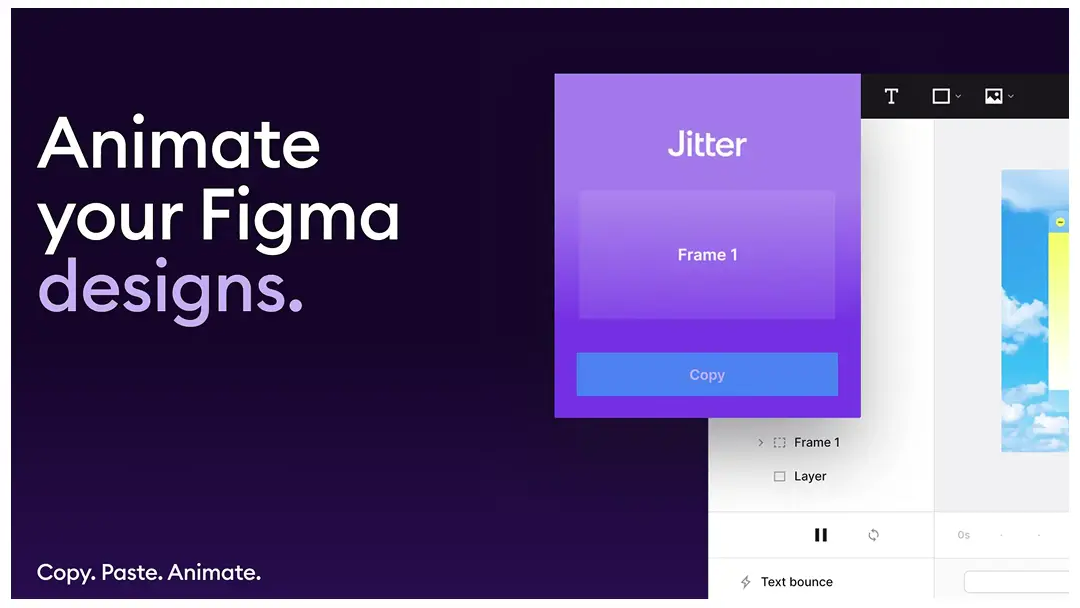
Jitter is a fast and simple animation tool on Figma.
Pixel-perfect import: Import designs in Jitter in 1 click: they look exactly like Figma. It feels like magic.
Text animations: Animate the letters, words and lines of your titles and texts super easily.
Animation presets: Explore ideas faster with animation presets: add presets to layers in one click, customize everything afterwards.
III. Icons & Illustrations
Enhance your designs with a vast library of high-quality icons and vector illustrations.
11. Iconify
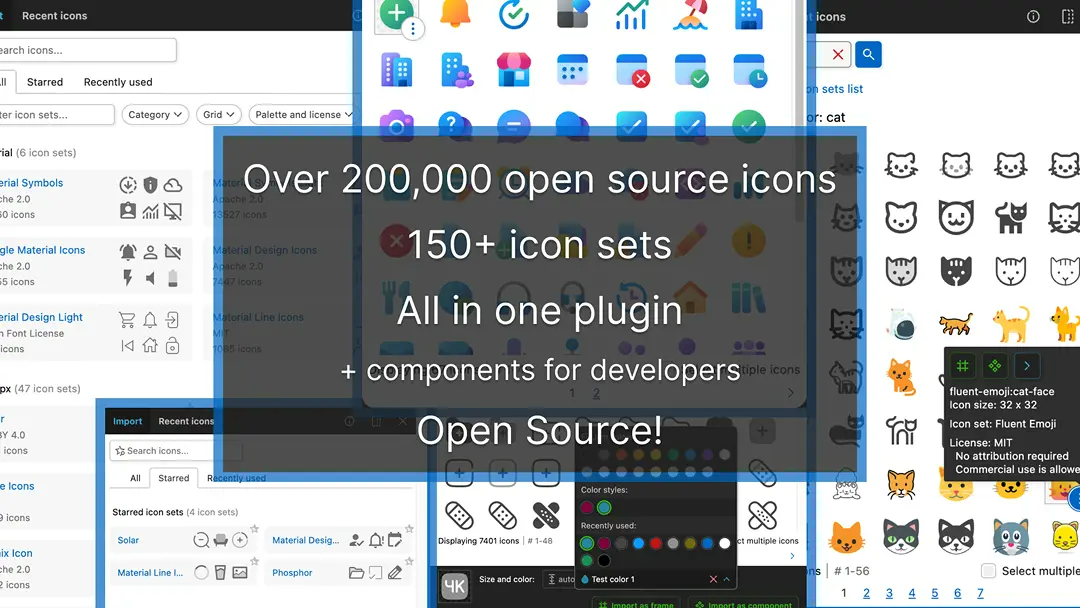
Access a vast library of free icons from various collections, including Material Icons, FontAwesome, and more using Iconify.
100,000+ icons in one place.
Supports SVG and PNG export.
12. Icons8
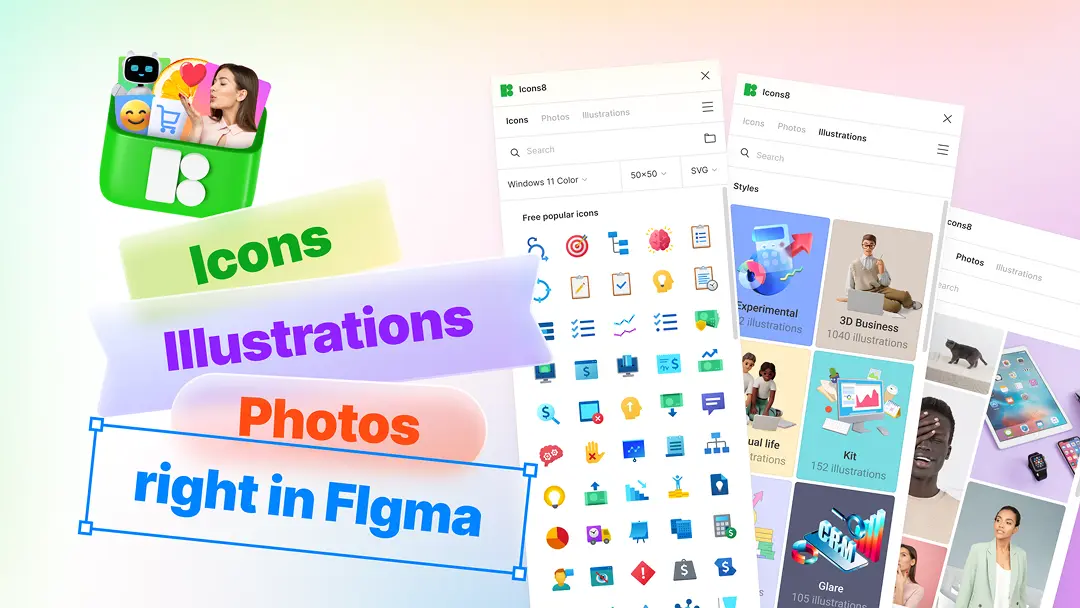
Get 1.5M+ icons, photos, and illustrations using Icons8 without ever needing to leave Figma!
Icons: Consistent, pixel-perfect, in 40+ styles, made by the best icon designers.
Illustrations: Flat and 3D, vector and raster, created by top Dribbble artists.
Photos: People, objects, and animals, ready-to-use shots, and background-free elements, taken by a movie-scale crew.
13. Blush
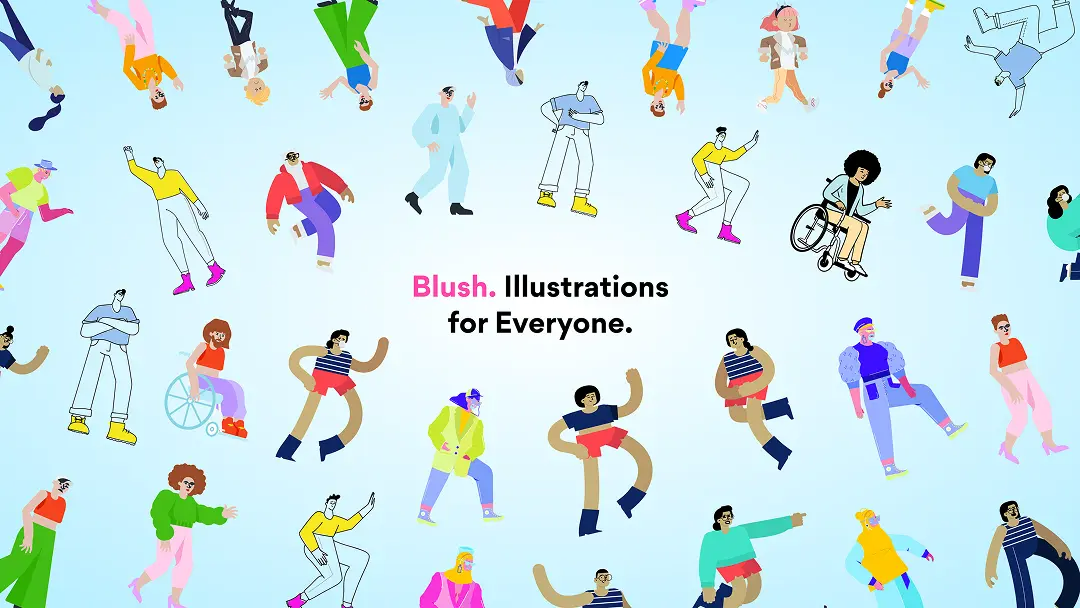
Create custom illustrations using modular components using Blush, making it easy to personalize visuals for your projects.
High-quality customizable illustrations
Free and premium illustration packs
Works directly inside Figma
14. Phosphor Icons
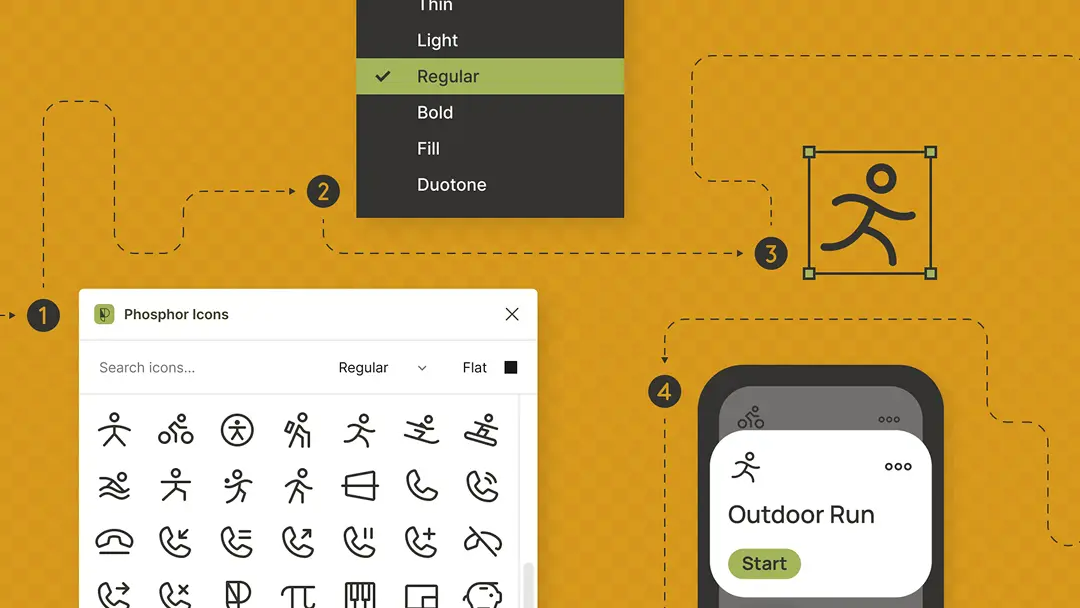
Phosphor Icons is a flexible and stylish icon pack that supports multiple weights and styles for UI design.
Open-source icon collection.
Multiple icon weights.
Scalable vector icons.
15. IconScout
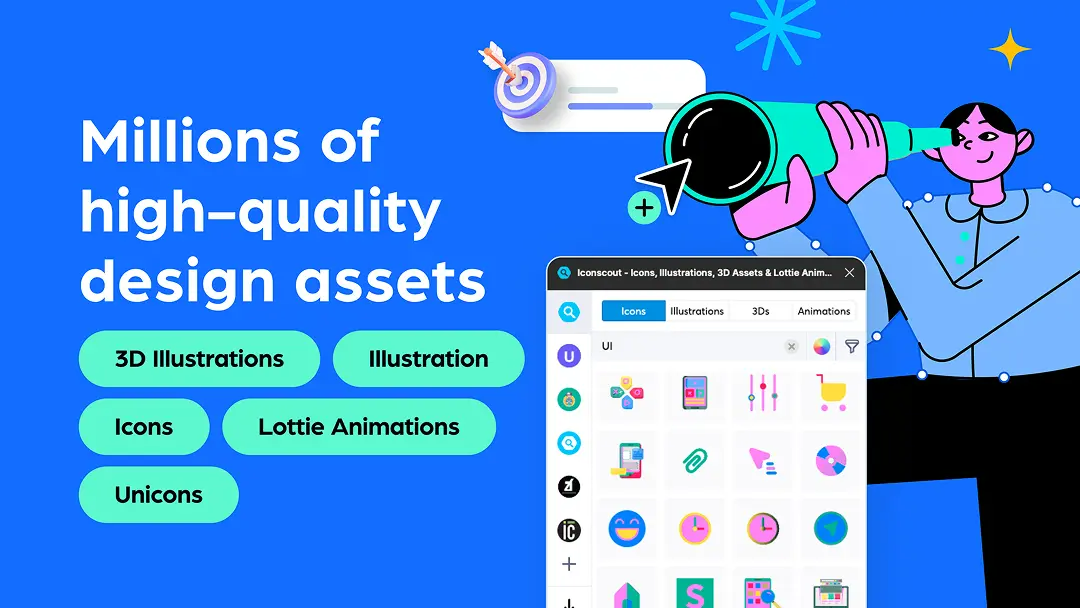
IconScout provides access to a vast library of high-quality icons and illustrations that can be directly integrated into Figma designs.
Icons: Explore a vast library of millions of icons to enhance your user interface effortlessly.
3D Illustrations: Add depth and realism with stunning 3D illustrations featuring 360 glTF views.
Illustrations: Infuse personality into your projects with a diverse collection of illustrations.
IV. Software Development
Bridge the gap between design and development with these powerful code-generation tools.
16. Locofy Lightning

Transform Figma designs into React, HTML, or CSS code with ease, accelerating the development process by using Locofy Lightning.
Converts Figma designs into code.
Supports React, HTML, and CSS.
Ideal for developers and designers.
17. Anima
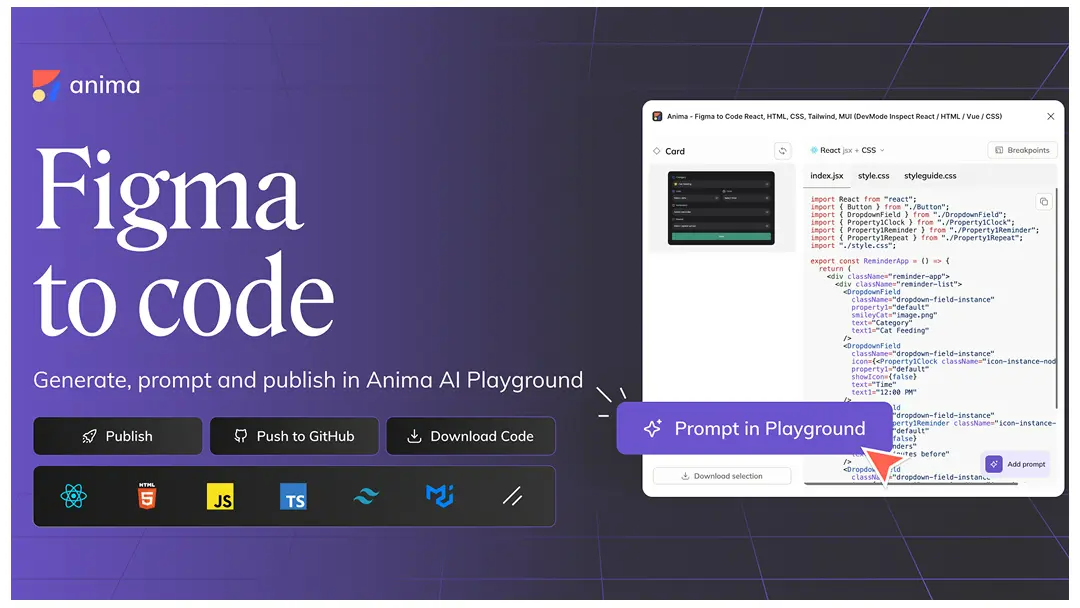
Anima helps to convert Figma designs into responsive, interactive prototypes and code, allowing designers to test real-world interactions.
Generate real HTML, CSS, and React code
Advanced prototyping with animations
Supports live interactions and testing
18. Builder.io
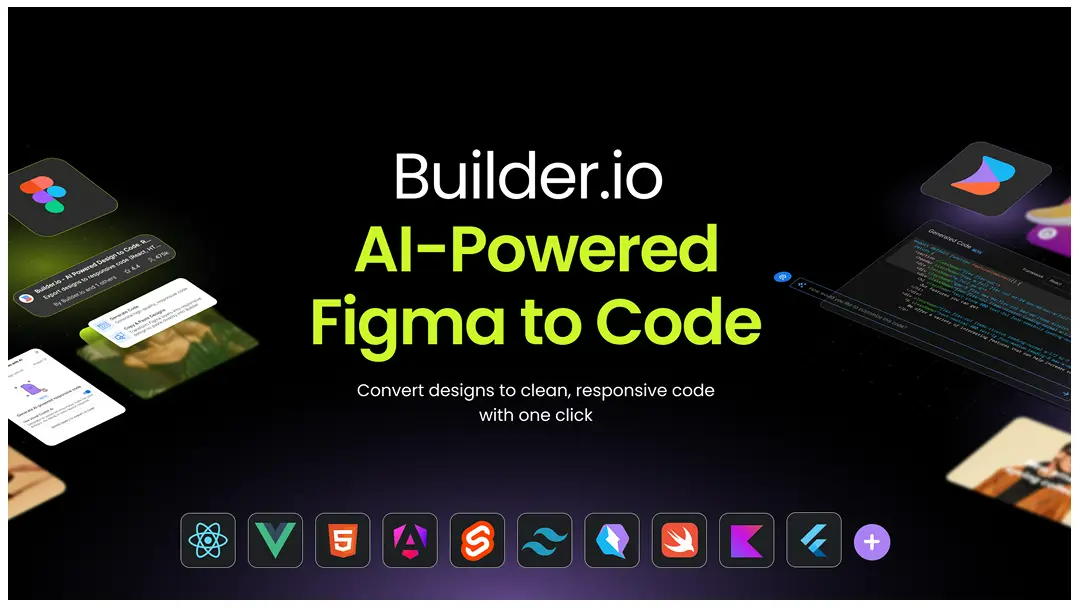
Builder.io use AI to generate clean, responsive code from Figma designs in real-time.
No setup: No need to do anything special to design files to turn them into code.
Any framework: Generate React, Next.js, Vue, Svelte, Angular, Swift, Flutter, Kotlin, React Native, HTML and more.
Automatically responsive: Generated code is automatically responsive, even when designs don’t use auto layout.
Leverage existing components: Map Figma components to code components to reuse existing components during code generation.
19. Figma to Code
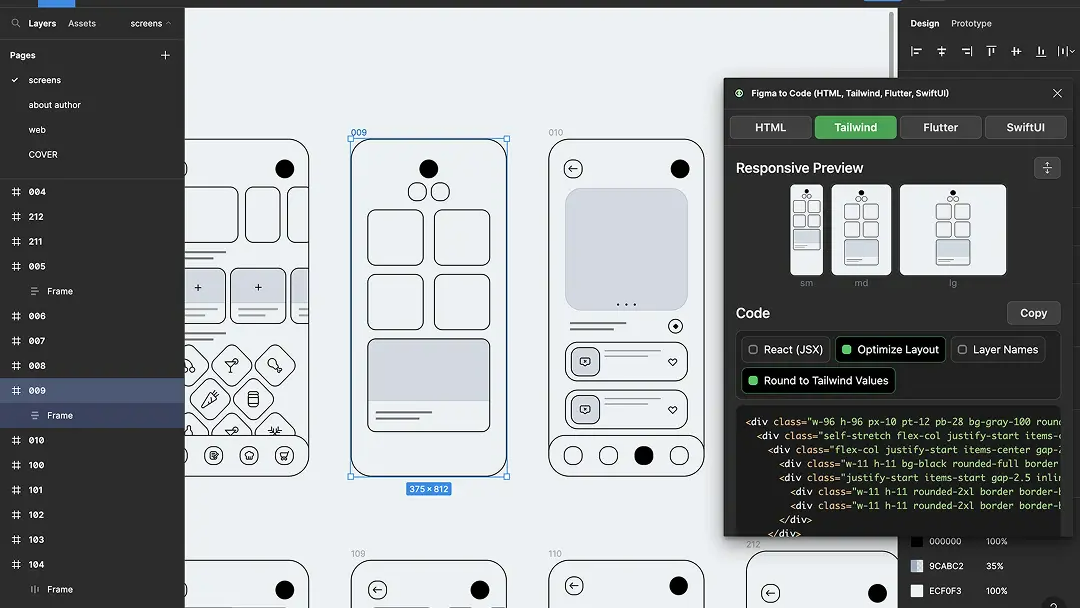
Figma to Code plugin effortlessly converts Figma layouts into responsive webpages (HTML, Tailwind, Svelte, or styled-components) or mobile apps (Flutter or SwiftUI).
Supports HTML, Tailwind, React (JSX), Svelte, styled-components.
Generates code that follows the best design and programming practices.
Perfect for web and mobile apps.
20. Figma to HTML with Framer
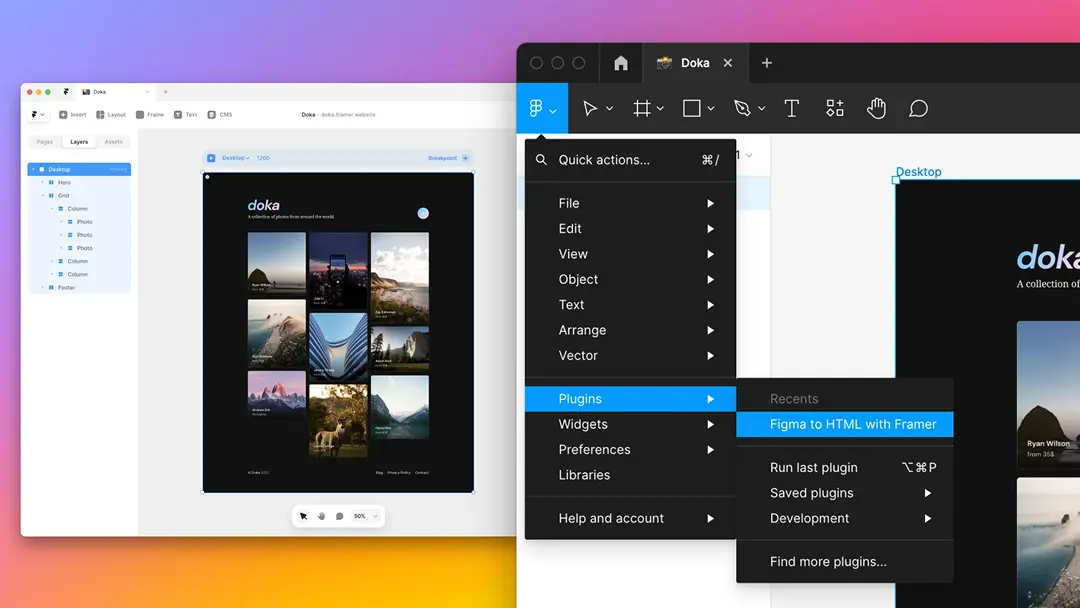
Figma to HTML with Framer export your Figma designs by simply copying what's on the canvas and pasting it in Framer.
Auto Export to HTML/CSS: The plugin takes care of converting Figma file into clean HTML and CSS, preserving design layout and styles.
Responsive and Mobile-Friendly: Automatically adjusts the layout for mobile and desktop versions, ensuring design looks good on any device.
Edit and Export via Framer: After exporting from Figma, you can edit the designs further in Framer to add interactions, animations, and micro-interactions.
Conclusion
These 20 Figma plugins cater to designers, developers, and product teams, making workflows smoother, more efficient, and highly collaborative. Whether you're building interactive prototypes, designing complex , managing extensive , or generating clean, developer-friendly code, these tools will elevate your design process. By integrating the right plugins into your workflow, you can save time, maintain consistency, and unlock new levels of creativity—ultimately helping you deliver high-quality designs with ease

Join S M Shohanur Hossain on Peerlist!
Join amazing folks like S M Shohanur Hossain and thousands of other builders on Peerlist.
2
16
2