

What Is Web Design? Everything You Need To Know About Web Design
Introduction
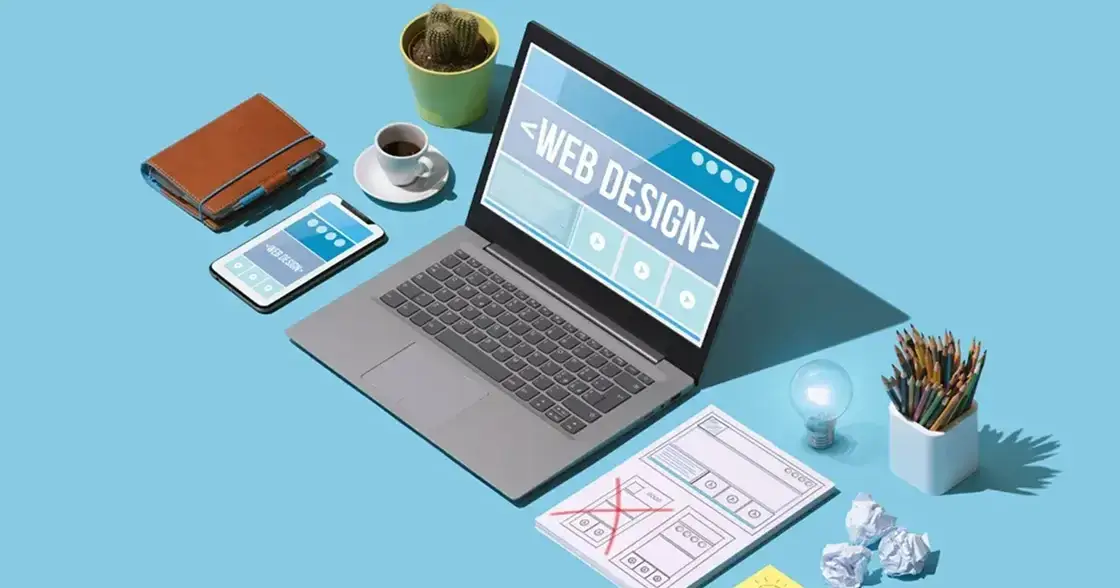
Web design is the process of designing a website. It includes everything from layout and typography to colors and graphics. But let’s be honest, a website is more than just a pretty face. It needs to be easy to use, simple to navigate, and filled with relevant content for your target audience. So, what exactly should you know about web design? Keep reading to find out!
What is Web Design?
Web design is the art and science of conceiving, planning, designing, and building a website. It involves layout, user experience, colors, fonts, and overall functionality. A well-designed site doesn’t just look good — it serves a purpose and meets business goals.
If you want to create a beautiful, , you need to understand the basics of web design. Learning these fundamentals will give you the foundation to become a skilled web designer.
Why Web Design is Important?
Web design is one of the . When someone lands on your website, the design is the very first thing they notice. If it looks outdated or messy, they’ll probably leave right away. That’s why design matters so much.
A good website design should:
Make a strong first impression
Be mobile-friendly across smartphones and tablets
Adapt to different screen sizes
Be optimized for search engines
Without these, even the best content may never get noticed. Learn more about the latest UI/UX design trends .
Essential Elements of Good Web Design
Efficient web design combines multiple elements to guide visitors toward your goals. Some essentials include:
Brand Image: Your website is often the first interaction people have with your brand. It should send the right message and align with your business values.
Color: Colors are powerful. They can affect customer perception, improve brand recall, and even influence purchase decisions.
Layout: Keep it simple, clean, and focused. A cluttered layout distracts users, while a strategic layout directs attention to important areas.
Fonts and Typography: Choose readable fonts that match your brand style. The right typography ensures clear messaging and a professional look.
Site Navigation: Navigation should feel intuitive. Visitors should easily find what they’re looking for without getting frustrated.
Benefits of Web Design
In today’s digital age, having a well-designed website is no longer optional. Here’s why:
Builds professionalism and credibility
Attracts and converts new customers
Retains existing customers
Boosts SEO rankings and traffic
Supports overall branding and marketing efforts
Different Types of Web Design
Single Page: Perfect for promotions or events, single-page websites put everything in one place for a streamlined experience.
Static Website: A static site is simple and consistent across all devices. It works well for businesses that just want to share basic information.
Dynamic Website: These are more interactive and flexible, great for businesses with complex products or services. They may take longer to build but are worth it for engagement.
Responsive Design: Responsive design ensures your site looks and functions properly on any device, from mobile phones to desktops.
Liquid Design: Liquid design adapts to different screen sizes smoothly, letting content flow naturally instead of looking forced.
Fixed Design: Fixed designs use set pixel widths. They’re great for content-heavy sites that need a consistent appearance across devices.
Skills Needed for Web Design
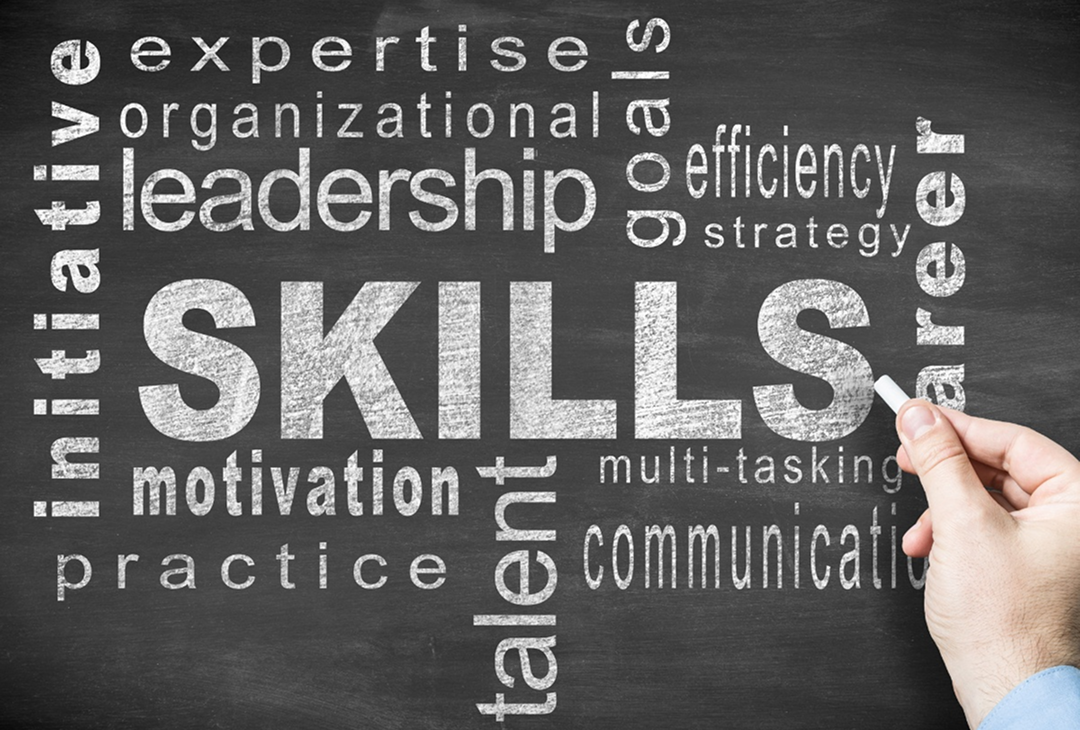
To succeed as a web designer, you’ll need both creative and technical skills. Here are some essentials:
Understanding design principles
Typography and color theory
Knowledge of design software
Familiarity with CMS platforms
Responsive design techniques
and UI design
Graphic design skills
HTML, CSS, and JavaScript basics
SEO awareness
Patience, communication, and problem-solving
What Does Good Web Design Look Like?
There’s no one-size-fits-all formula, but good web design should:
Be easy to navigate
Look professional and visually appealing
Be responsive to different devices
Stay fresh with regular updates
Similar Roles to Web Designers
Web design isn’t the only career in the digital design world. Some related roles include:
Interface Designer: Focuses on the structure and usability of apps or websites.
Graphic Designer: Creates logos, images, and visual branding elements.
Web Developer: Codes and builds site functionality.
Front-End Developer: Works on the client side with HTML, CSS, and JavaScript.
User Experience Designer: Improves usability through research, wireframes, and testing.
Web Design Inspiration
Inspiration is everywhere. Looking at successful designs can spark ideas for your own site.
Some popular platforms for design inspiration include:
Visual Elements of Web Design
Website Header: The header is crucial. It’s the first thing visitors see and often determines if they’ll stay or leave.
Website Footer: Located at the bottom, footers provide extra info like contact details, links, or disclaimers.
Colors: Colors influence emotions and user behavior, making them vital for engagement.
Typography: Typography is about readability and style. It can enhance both communication and brand identity.
Layout: A well-structured layout improves navigation and user satisfaction.
Shapes: Shapes add visual interest and can be used creatively for emphasis.
Space: Proper spacing gives designs balance, clarity, and a polished look.
Conclusion
Web design is one of the most in-demand skills in today’s digital world. Businesses everywhere need a strong online presence, and a well-designed website is the foundation of that presence. Whether you’re building your own site or considering a career in design, learning the principles of web design will set you up for success.
FAQs
1. What makes a website user-friendly? A user-friendly website is easy to navigate, loads quickly, and adapts to all devices while offering clear content.
2. How long does it take to design a website? It depends on complexity. A simple site may take a few days, while larger, dynamic websites may take weeks or months.
3. Do I need coding skills to be a web designer? Not always. Many tools and platforms allow you to design without coding, but knowing HTML, CSS, and JavaScript helps.
4. How often should I update my website? Regular updates are key. Fresh content improves SEO and keeps users engaged. Aim for updates at least once a month.
5. What’s the difference between web design and web development? Web design focuses on visuals and user experience, while web development handles coding and functionality.

Join S M Shohanur Hossain on Peerlist!
Join amazing folks like S M Shohanur Hossain and thousands of other builders on Peerlist.
0
14
0