

Why PDF Merge Tools Are More Frustrating Than They Should Be
File size limits, intrusive ads, forced sign-ups, and slow processing make a simple task unnecessarily difficult. Here's why most PDF merge tools fail users — and what a better experience looks like.
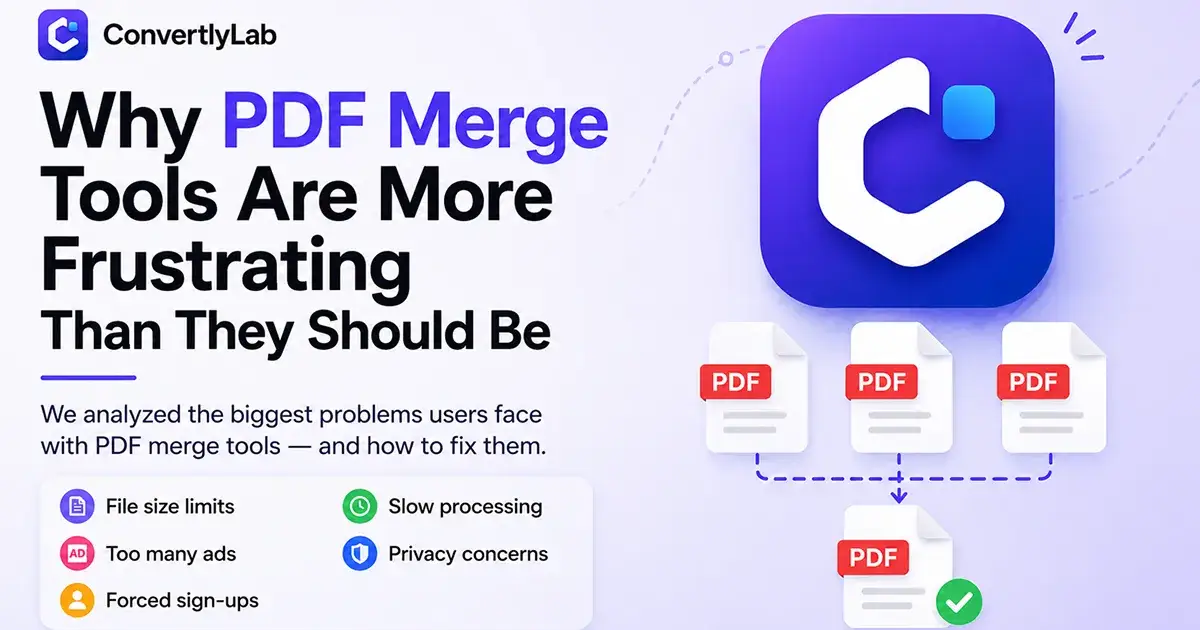
Merging PDF files should be one of the simplest tasks on the internet.
Yet many users find themselves dealing with frustrating limitations before they can even combine two documents.
Some tools restrict file sizes. Others flood users with ads. Many require account creation before downloading files, while some take far longer than necessary to process even small PDFs.
Over time, these small frustrations add up and turn a simple productivity task into an annoying experience.
The Common Problems with PDF Merge Tools
File Size Restrictions
Many online PDF tools impose strict upload limits, making it difficult to merge larger documents, reports, presentations, or scanned files.
Too Many Ads
Aggressive advertising often distracts users and makes navigation confusing, especially on mobile devices.
Forced Sign-Ups
Users frequently discover they need to create an account only after uploading their files and completing the process.
Slow Processing
Waiting several minutes to merge a few documents can interrupt workflow and reduce productivity.
Privacy Concerns
Uploading sensitive contracts, reports, financial documents, or personal files raises questions about how data is stored and handled.
What Users Actually Want
Most people don't need dozens of complicated options.
They want a tool that:
Merges PDFs quickly
Works directly in the browser
Has a clean interface
Doesn't require unnecessary registration
Processes files efficiently
Respects user privacy
A Better Approach
Modern productivity tools should remove friction instead of creating it.
The best PDF merge experience is one that feels invisible: upload files, arrange pages, merge documents, and download the final PDF within seconds.
No distractions.
No unnecessary steps.
Just results.
As digital workflows continue to grow, users increasingly expect tools that save time rather than waste it. PDF merging should be simple, reliable, and accessible for everyone.

Join Trishakti on Peerlist!
Join amazing folks like Trishakti and thousands of other builders on Peerlist.
0
0
0