

React Dashboard with Authentication: Secure Admin Panels for Real-World Apps
A React dashboard without authentication is fine for demos, but in real-world projects, login, protected routes, and role-based access are non-negotiable.
Authentication is one of the first things developers need when building an internal tool, SaaS app, or admin panel. A React dashboard without authentication is fine for demos, but in real-world projects, login, protected routes, and role-based access are non-negotiable.
In this guide, we’ll look at React dashboards that already support or are easy to integrate with authentication, so you don’t have to wire everything from scratch. These options are commonly used for internal tools and production apps, as highlighted in this roundup of React dashboards for internal tools.
What “Authentication” Means in a React Dashboard
When developers search for a React dashboard with authentication, they usually expect:
Login & logout pages
Protected routes (only logged-in users can access pages)
Token-based auth (JWT or session)
Easy integration with APIs or auth providers
Clean separation between public and private layouts
All the dashboards below either ship with auth pages or are structured in a way that makes authentication easy to plug in.
React Dashboards That Work Well with Authentication
Tailwindadmin
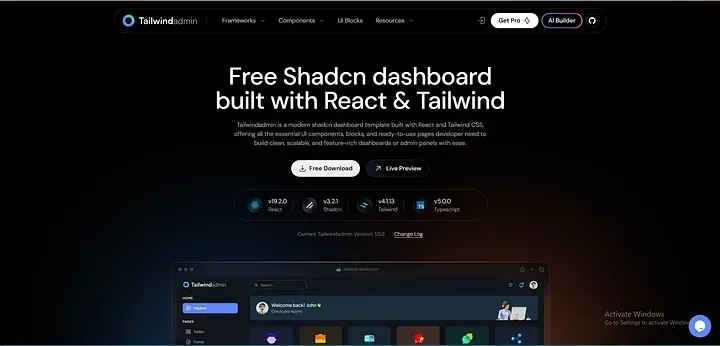
Tailwindadmin is a clean React dashboard built with Tailwind CSS and designed with real application flows in mind.
Why it works well with authentication:
Separate auth layout for login and register pages
Protected route structure is easy to set up
Clean routing that works well with JWT or session-based auth
Lightweight and easy to customize
Best for:
Internal tools
Developer-focused admin panels
Projects where you want full control over auth logic
MaterialPro React
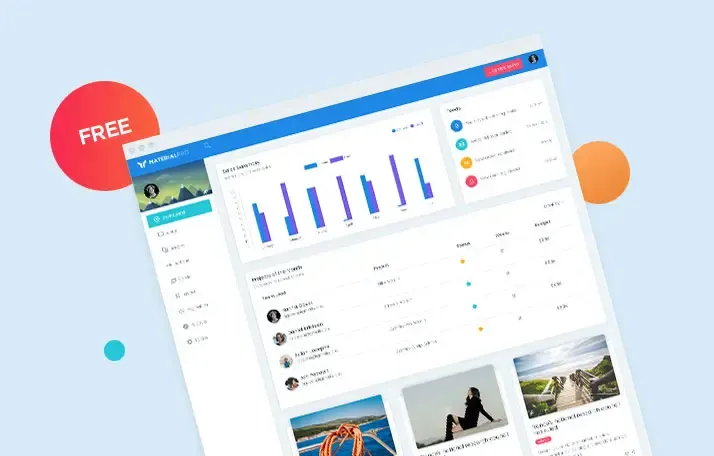
MaterialPro React is a solid choice if you prefer Material UI and structured components.
Authentication-related strengths:
Ready-made login and authentication pages
Clean layout separation between auth and app views
Works well with API-based authentication
Suitable for role-based dashboards
Best for:
Enterprise dashboards
Internal business tools
Teams already using Material UI
Modernize (React + MUI)
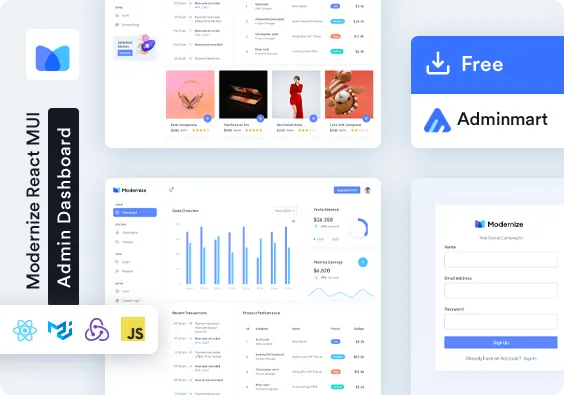
Modernize is a React admin dashboard built on Material UI with a polished structure.
Why developers choose it for auth-heavy apps:
Pre-built authentication screens
Well-organized routing system
Easy to connect with backend auth APIs
Good structure for scaling user roles
Best for:
SaaS admin panels
Applications with multiple user roles
Teams that want MUI consistency
Spike (React + Tailwind)
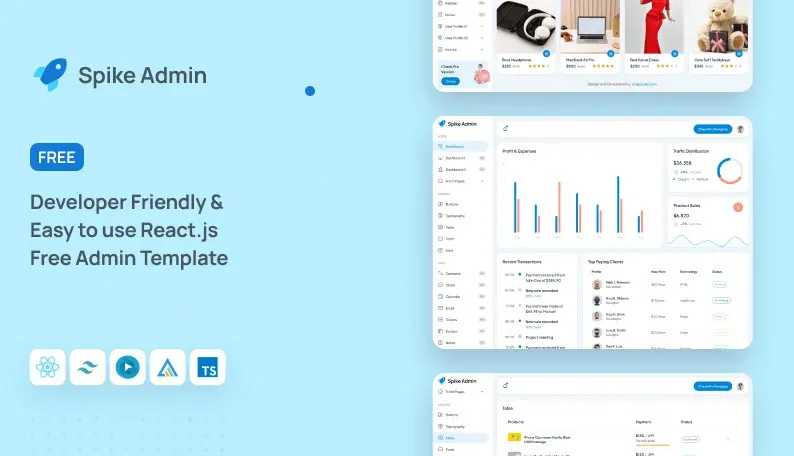
Spike is a Tailwind-based React admin template focused on simplicity and speed.
Authentication advantages:
Auth pages included
Simple route protection setup
Tailwind-first approach makes customization easy
Clean folder structure for auth logic
Best for:
Startups
Fast MVPs
Tailwind-first development teams
MatDash (Tailwind + React)
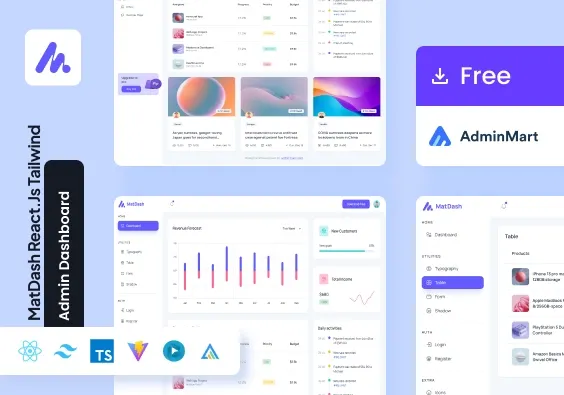
MatDash combines Tailwind styling with a flexible React dashboard layout.
Why it’s auth-friendly:
Dedicated authentication pages
Clear separation of public and private routes
Easy to integrate with token-based auth
Good balance between design and flexibility
Best for:
Admin panels
Internal dashboards
Teams using Tailwind across their stack
MaterialM (React + Tailwind)
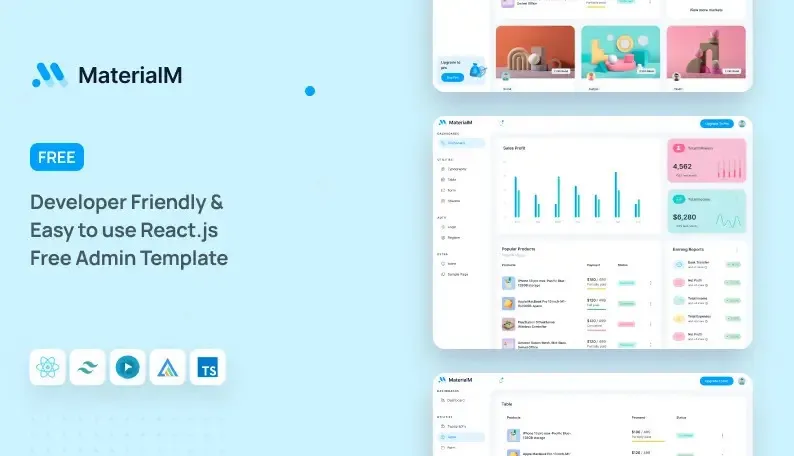
MaterialM is another Tailwind-based React admin dashboard with a clean and modern structure.
Authentication highlights:
Login and auth pages included
Works well with REST or GraphQL auth APIs
Simple layout switching for authenticated users
Easy to extend for role-based access
Best for:
Internal tools
Developer dashboards
Projects needing fast setup with Tailwind
How Developers Usually Add Authentication
Most teams use one of these approaches with the dashboards above:
JWT-based authentication with protected routes
Session-based auth using cookies
Auth providers like Firebase or custom backend APIs
Middleware-based route guards (especially with React Router)
The key benefit of using a ready dashboard is that layouts and routes are already structured, so you only focus on auth logic instead of UI wiring.
FAQs
1. Do these React dashboards come with built-in authentication?
Most of them include authentication pages and layouts, but the actual auth logic (API calls, token handling) is usually left to the developer. This gives you flexibility to connect any backend.
2. Are these dashboards suitable for internal tools?
Yes. These react dashboards are commonly used for internal tools, admin panels, and SaaS back offices where authentication and access control are required.
3. Can I add role-based access control?
Yes. All these dashboards support role-based access because they use standard React routing patterns. You can restrict routes based on user roles or permissions.
4. Which one is best for Tailwind projects?
Tailwindadmin, Spike, and MatDash are all strong Tailwind-based options. The choice depends on layout preference and project complexity.
Final Thoughts
A React dashboard with authentication doesn’t have to be complicated. Choosing a dashboard that already includes auth pages and a clean routing structure saves a lot of setup time and reduces mistakes in production apps.
If you’re building an internal tool or admin panel, dashboards like Tailwindadmin, Modernize, and MaterialM give you a solid foundation. You stay focused on business logic while relying on a proven UI structure that works well with real authentication flows.

Join Vaibhav on Peerlist!
Join amazing folks like Vaibhav and thousands of other builders on Peerlist.
0
3
0