

How AI Can Turn Images into Reusable Text
A practical workflow for image descriptions, alt text, OCR, captions, and SEO content.
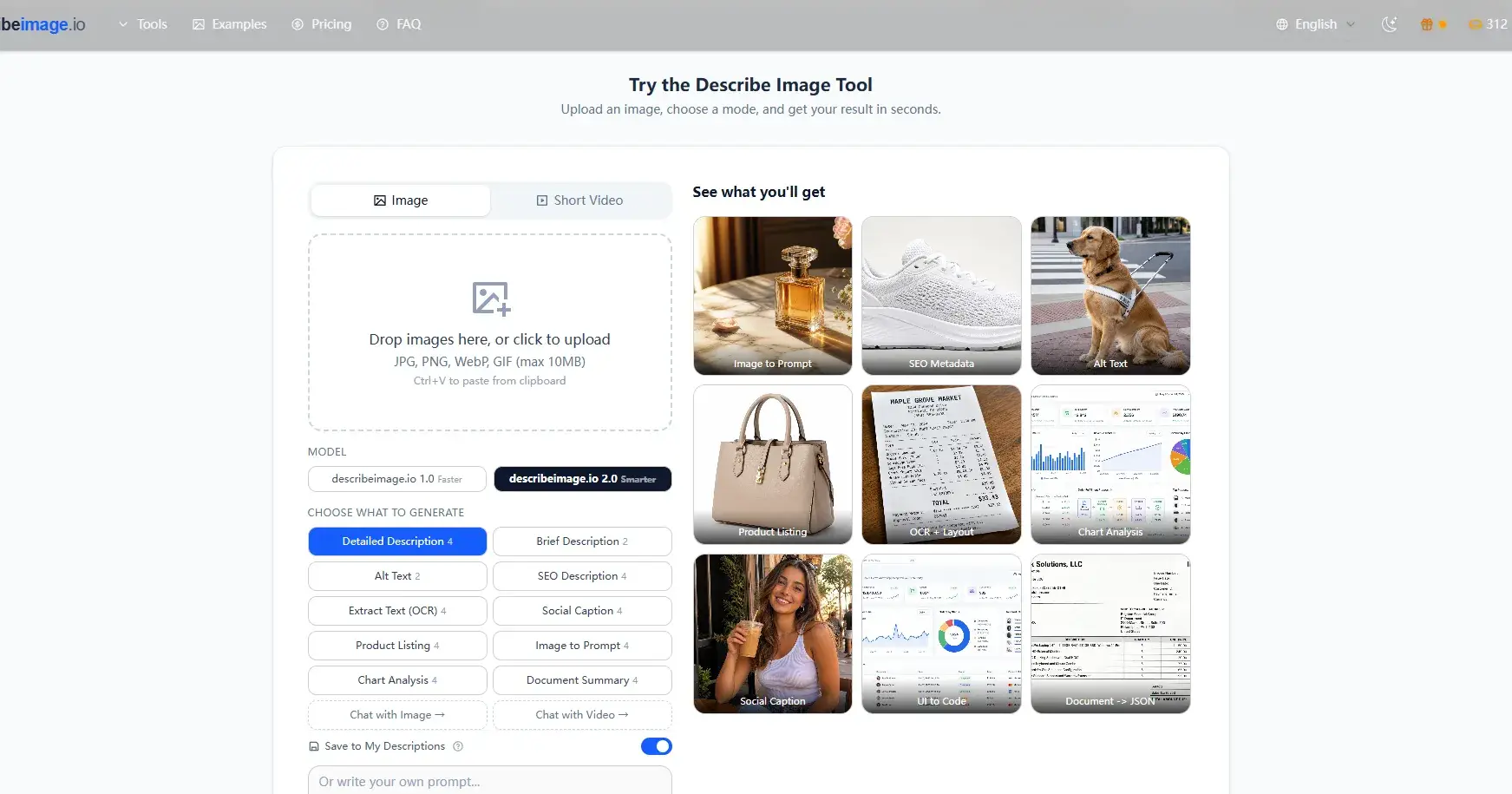
Images are one of the most common forms of content online, but they are not always easy to reuse. A product photo, screenshot, chart, document image, or social media graphic may contain valuable information, but that information often needs to be converted into text before it can be edited, searched, optimized, or used in another workflow.
That is where AI image-to-text tools can be useful.
Describe Image is an AI tool built around this simple idea: upload an image, choose the type of output you need, and turn visual content into useful written text.
## Why this workflow matters
When an image is converted into text, it becomes much easier to work with.
A website owner can use the output to create alt text. A marketer can turn a product image into a short description or caption. A blogger can generate a first draft of image metadata. A student or researcher can extract visible text from a screenshot or document. A creator can use an image-to-prompt result as a starting point for another AI tool.
The main benefit is not just speed. It is the ability to make visual content more accessible, searchable, and reusable.
## What Describe Image can generate
Describe Image supports several practical output types, including:
- Detailed image descriptions
- Brief image descriptions
- Alt text
- SEO image descriptions
- Social captions
- OCR text extraction
- Product listing copy
- Image-to-prompt results
- Chart analysis
- Document summaries
This makes the tool useful for different types of users. Someone working on a blog may care most about alt text and SEO descriptions. An e-commerce seller may care about product listing copy. A designer or AI creator may care about image-to-prompt results. Someone working with screenshots or scanned content may care about OCR.
## A simple workflow
A practical workflow looks like this:
1. Upload an image.
2. Choose the result type.
3. Generate the text.
4. Review the output.
5. Edit it for accuracy, tone, and context.
6. Reuse it in a website, article, product page, social post, accessibility field, or prompt.
This keeps the human in control while reducing the time spent starting from a blank page.
## Useful examples
For accessibility, Describe Image can generate a first draft of alt text. This is helpful because many images online still do not have useful descriptions. The generated result can be edited to match the surrounding page content.
For SEO and publishing, it can help create image descriptions and metadata. This is useful for articles, product pages, tutorials, and visual-heavy websites.
For OCR, it can extract visible text from screenshots, notes, receipts, menus, forms, and document images. This can save time when the goal is to understand or reuse information from an image.
For AI workflows, the image-to-prompt mode can help turn a visual reference into a prompt-style description. This is useful when working with writing tools, image generation tools, or other AI systems that need clear text context.
## Final thoughts
As AI tools become more common, the connection between visual content and text becomes more important. Many workflows start with an image, but the next step often requires a written description.
Describe Image is useful because it helps bridge that gap. It turns images into editable text that can be copied, improved, summarized, translated, optimized, or used in another AI workflow.
For people who regularly work with visual content, this kind of image description workflow can save time and make content easier to use.

Join hushuai on Peerlist!
Join amazing folks like hushuai and thousands of other builders on Peerlist.
0
1
0