

Why Growing WordPress Websites Eventually Need Media Offloading
As Your WordPress Site Grows, Media Becomes Infrastructure
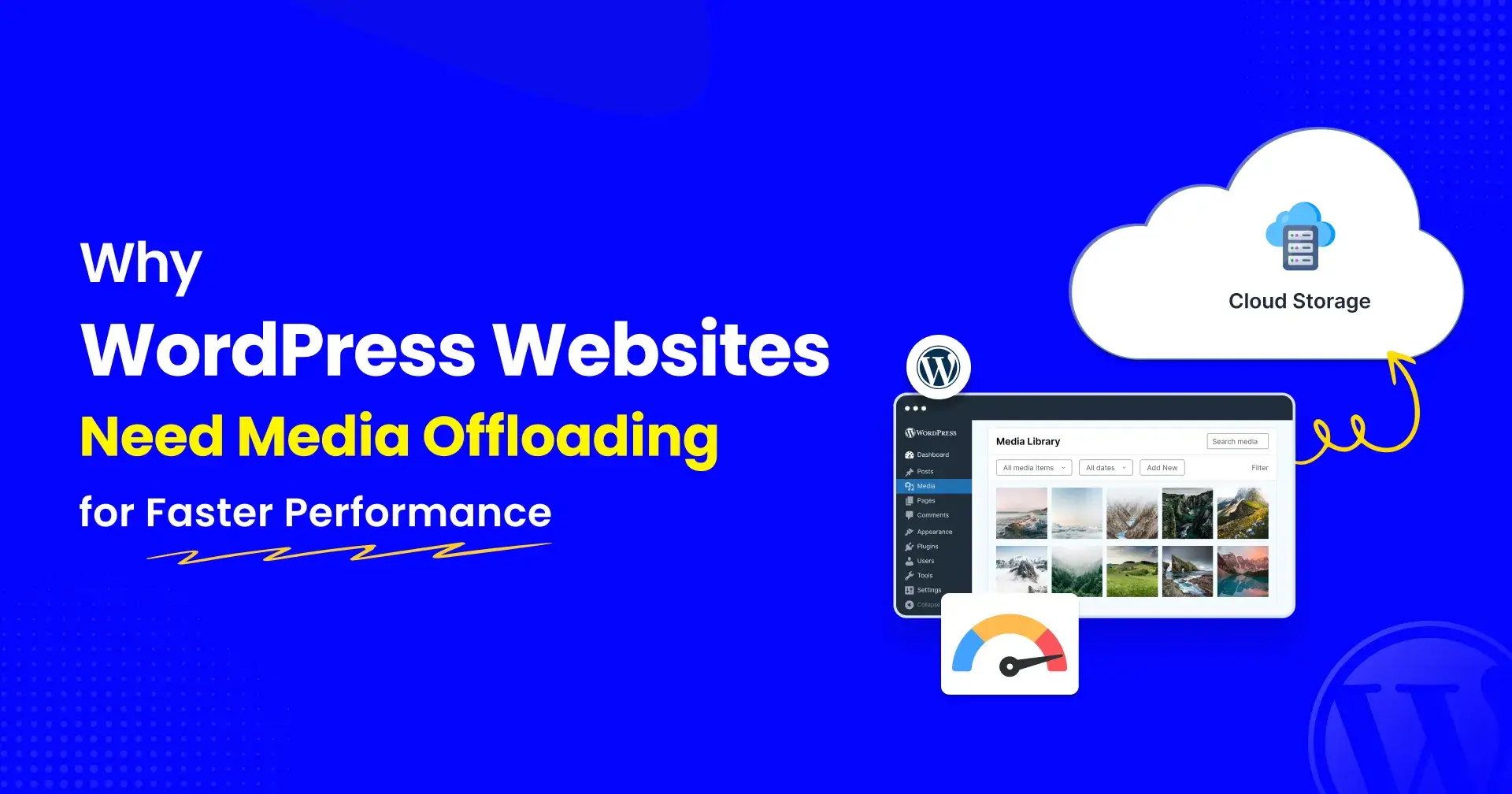
Most WordPress websites start small. A few pages, some images, and a lightweight media library are usually enough to keep everything running smoothly. Performance isn't something most site owners worry about in the early days because the website simply doesn't have much to manage.
The challenge appears as the website grows. More blog posts, product images, videos, PDFs, and downloadable resources slowly accumulate over time. Nothing breaks overnight, but the site starts feeling heavier. Pages take longer to load, backups become larger, and hosting resources disappear faster than expected. In many cases, the issue isn't WordPress itself it's the growing media library working behind the scenes
The Hidden Cost of Growth
Every image, video, PDF, and downloadable file adds to the workload of your server.
For a growing WooCommerce store or content website, that workload can become significant.
The server isn't just running WordPress anymore.
It's also storing and delivering thousands of media assets.
Eventually, that creates pressure.
Why Upgrading Hosting Has Limits
A bigger server can provide temporary relief.
But it doesn't change the fact that the same growing media library still lives on that server.
The website may become faster for a while. Then growth continues and the cycle repeats.
What Media Offloading Actually Does
Media offloading moves images, videos, and documents to cloud storage.
Visitors still see the same website.
Content teams still upload media through WordPress.
But the storage and delivery workload moves away from the hosting server.
That separation helps create a cleaner and more scalable architecture.
Why More Teams Are Adopting It
Modern WordPress websites aren't small anymore.
They support:
Large WooCommerce catalogs
Online courses
Membership platforms
Agency portfolios
Content libraries
As those websites grow, media becomes one of the largest contributors to storage consumption and server workload.
That's why media offloading is becoming part of the performance conversation.
Tools like Next3 Offload make it easier to connect WordPress with cloud storage and manage media at scale without changing existing workflows.
Final Thought
The goal of performance optimization isn't simply making a website faster today.
It's building a website that can continue growing tomorrow.
Media offloading helps make that possible by separating media storage from website operations and creating a more sustainable foundation for long-term growth.

Join William on Peerlist!
Join amazing folks like William and thousands of other builders on Peerlist.
0
0
0