

Top Tools to Remove Sora Video Watermarks with AI Technology
In this post, I'll show you the best AI tools to remove Sora watermarks right now.
Look, I get it - you're creating videos with OpenAI's Sora, and that watermark is killing your vibe. You can't use these videos for client work, social media campaigns, or professional presentations with that branding slapped on them.
Here's the good news: AI-powered watermark removal tools can actually handle this. I tested them all to save you the hassle. These tools use frame-by-frame reconstruction to strip out watermarks while keeping your video quality intact.
Let me show you which tools actually work. Let's go!
Top 5 Picks
Here are the top picks for your convenience:
1. Pixnova AI Sora Watermark Remover
2. Media.io Watermark Remover
3. Vmake AI Watermark Remover
4. Apowersoft Watermark Remover
5. Remove.bg Video Watermark Remover
Now, let me show you the results after using these products.
1. Pixnova AI Sora Watermark Remover
Best For: Fast, high-quality Sora watermark removal with zero quality loss.
Pixnova AI is one of the most powerful watermark removal tools you can use online right now.
It's a web-based platform that works right in your browser—no downloads needed.
The best part? It's completely free and you don't even need to register. Just upload your Sora video, and within seconds, Pixnova strips out the watermark using advanced frame reconstruction technology.
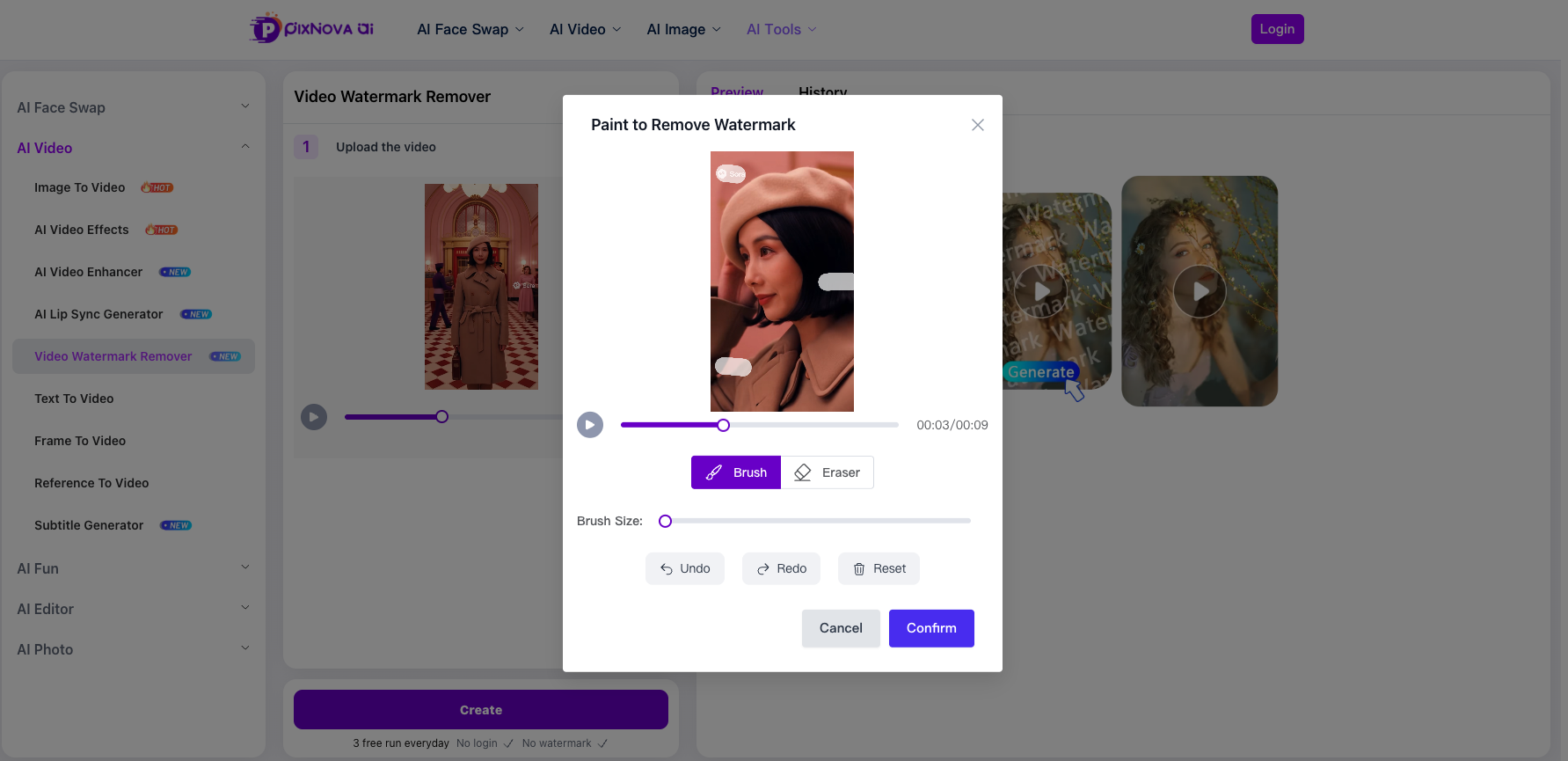
Upload the video and brush the watermark. It's very easy to use.
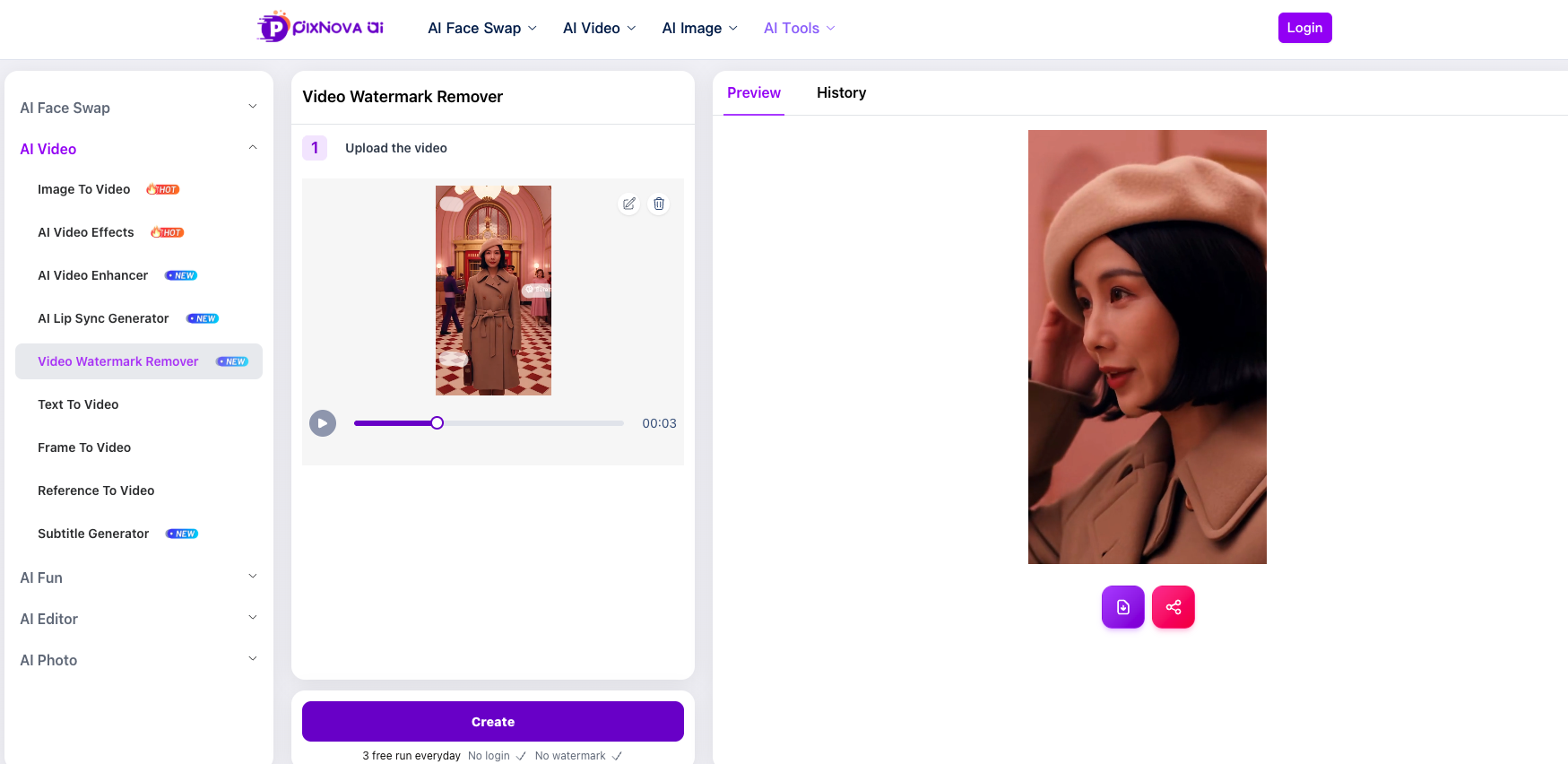
Very clean! I downloaded this video without signing in or trick.
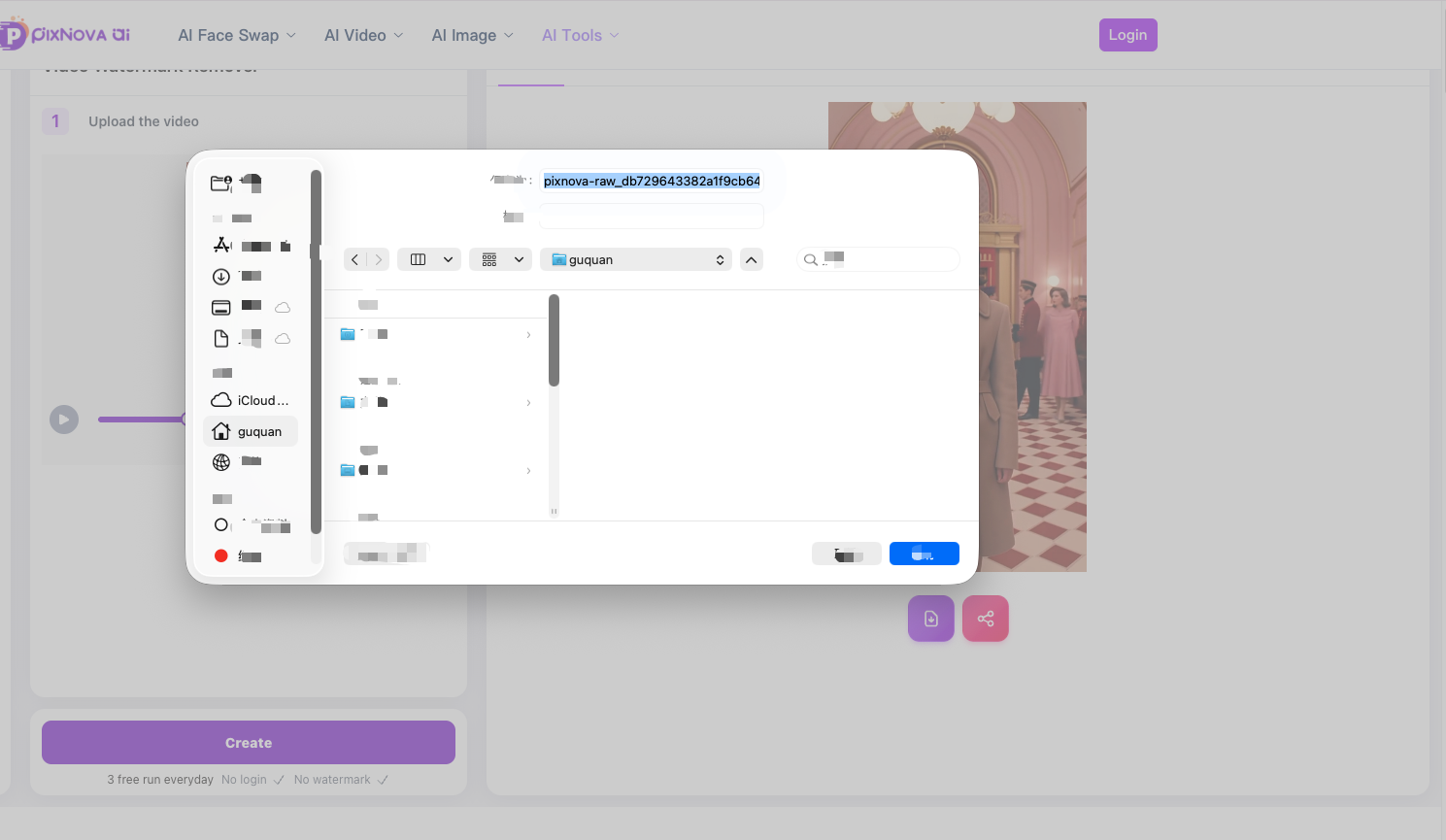
My conclusion:It's extremely helpful for beginners. You don't need to sign in or register to download it and get the result.
p.s. No matter how good it gets, it only has 3 daily uses!
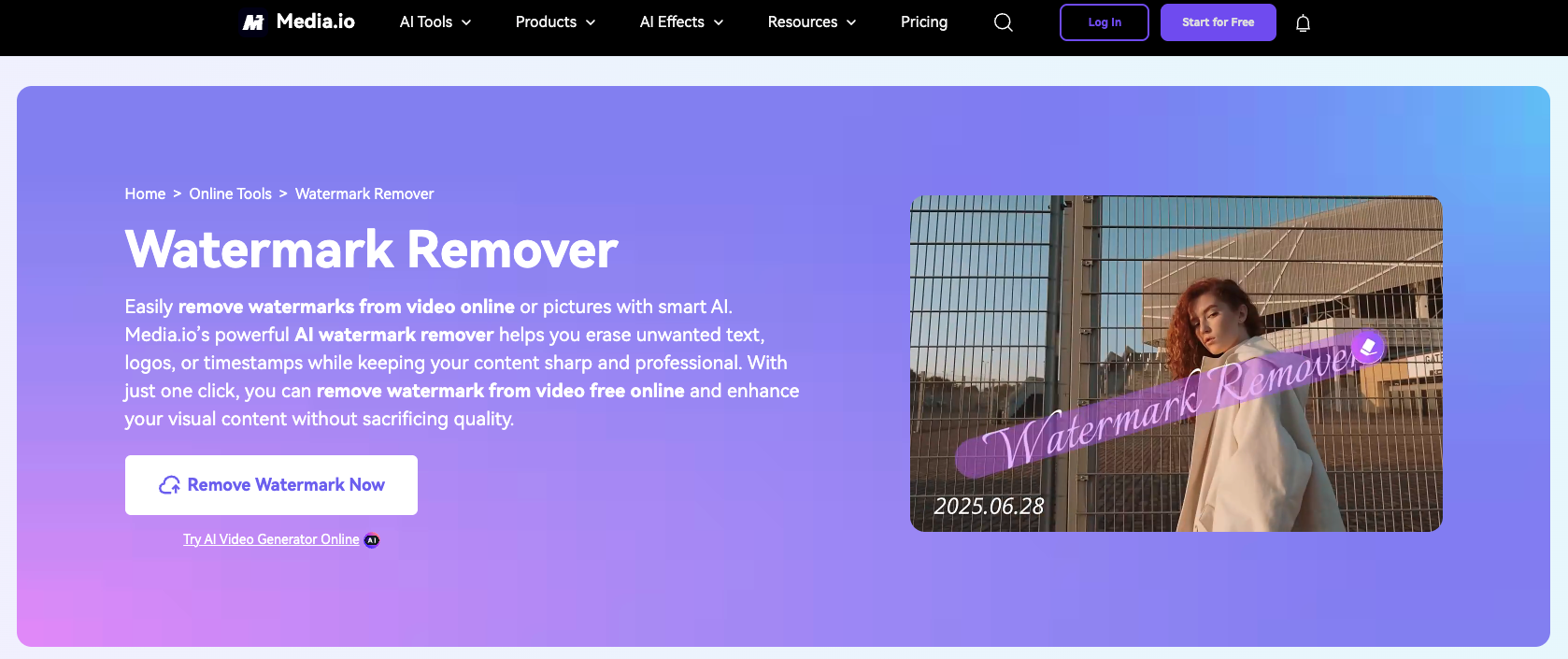
2. Media.io Watermark Remover
Best For: Removing watermarks from various video platforms.
Media.io offers a straightforward watermark removal tool that works with multiple video sources. Users can upload videos and manually select watermark areas for removal. The tool uses AI to fill in the removed areas with surrounding content.
Key Features
Supports removal of watermarks from TikTok, YouTube, and Instagram videos.
Allows manual selection of watermark areas for precise control.
Cloud-based processing eliminates the need for software installation.
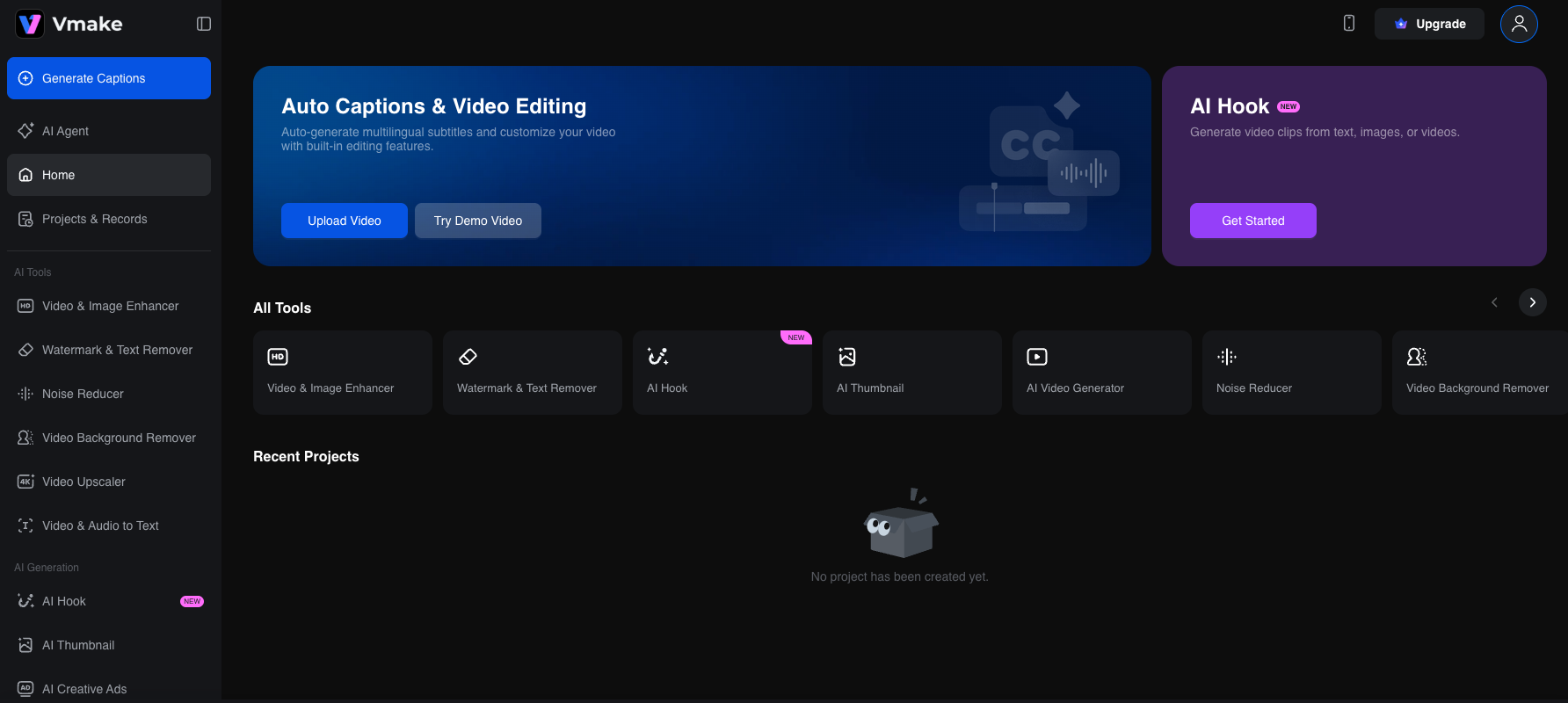
3. Vmake AI Watermark Remover
Best For: Quick watermark removal for social media videos.
Vmake provides an AI-driven solution for removing watermarks from short-form videos. The tool is optimized for social media content and offers fast processing times for videos under 5 minutes.
Key Features
Specialized algorithms for social media watermark patterns.
Preview functionality lets you review results before downloading.
Mobile-friendly interface for on-the-go editing.
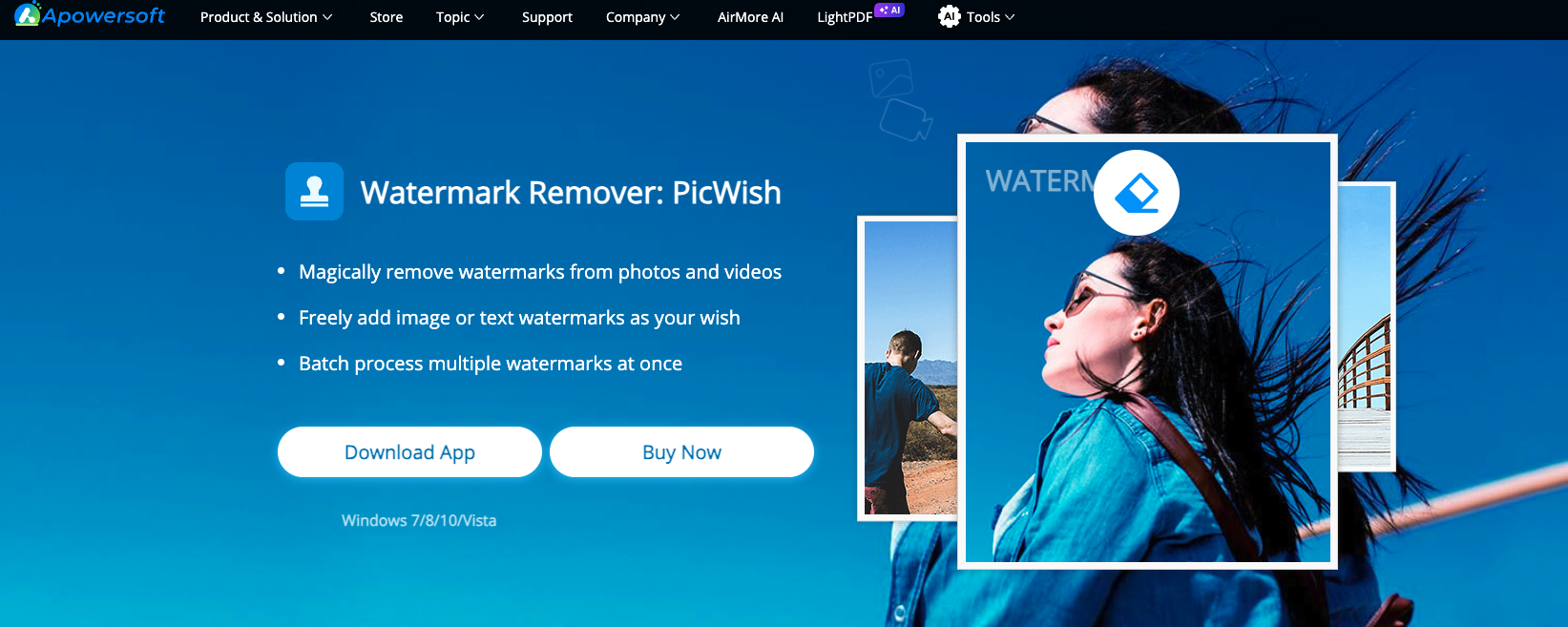
4. Apowersoft Watermark Remover
Best For: Desktop-based watermark removal with advanced controls.
For users who prefer offline tools, Apowersoft offers a desktop application with comprehensive watermark removal capabilities. The software provides granular control over the removal process and supports various video formats.
Key Features
Desktop application ensures privacy and works without internet connection.
Advanced selection tools for complex watermark shapes and positions.
Built-in video editor for additional post-processing needs.
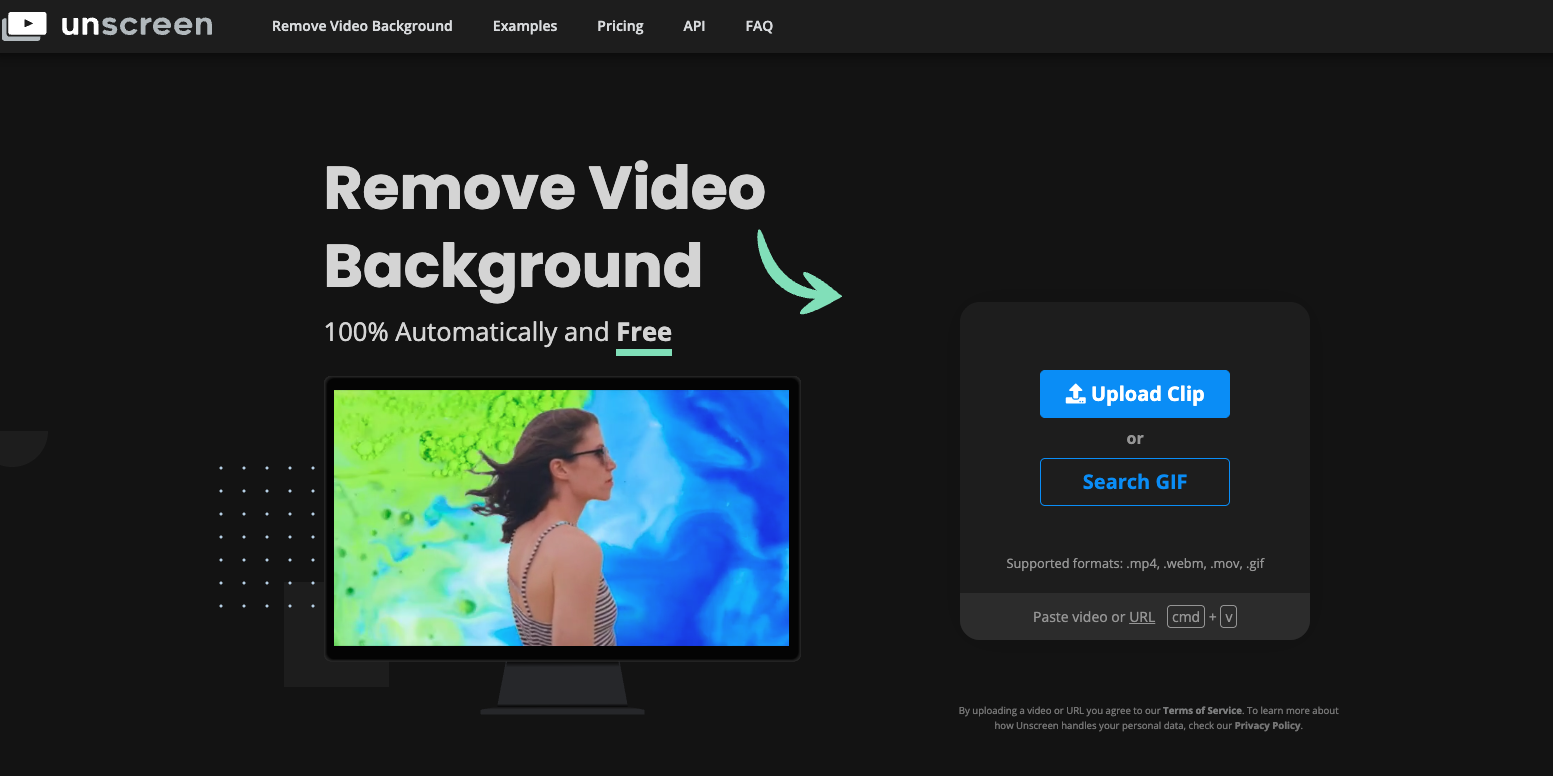
5. Remove.bg Video Watermark Remover
Best For: Simple, user-friendly watermark removal.
Known for background removal, Remove.bg also offers watermark removal features. The tool is designed for users who need quick results without technical knowledge.
Key Features
Intuitive interface suitable for beginners.
Automatic watermark detection reduces manual work.
Integration with other editing tools for complete workflow solutions.
Disclaimer: This guide is for informational purposes only. Users should ensure they have the right to modify and use AI-generated videos according to OpenAI's terms of service and applicable copyright laws. Always review the licensing terms of your Sora subscription before removing watermarks for commercial use.

Join Kiara on Peerlist!
Join amazing folks like Kiara and thousands of other builders on Peerlist.
0
6
0