

Make Your Images Move — Anifun Image to Video 🎞️
How I used Anifun’s Image to Video to add subtle motion to my static images—and why it makes them feel alive.
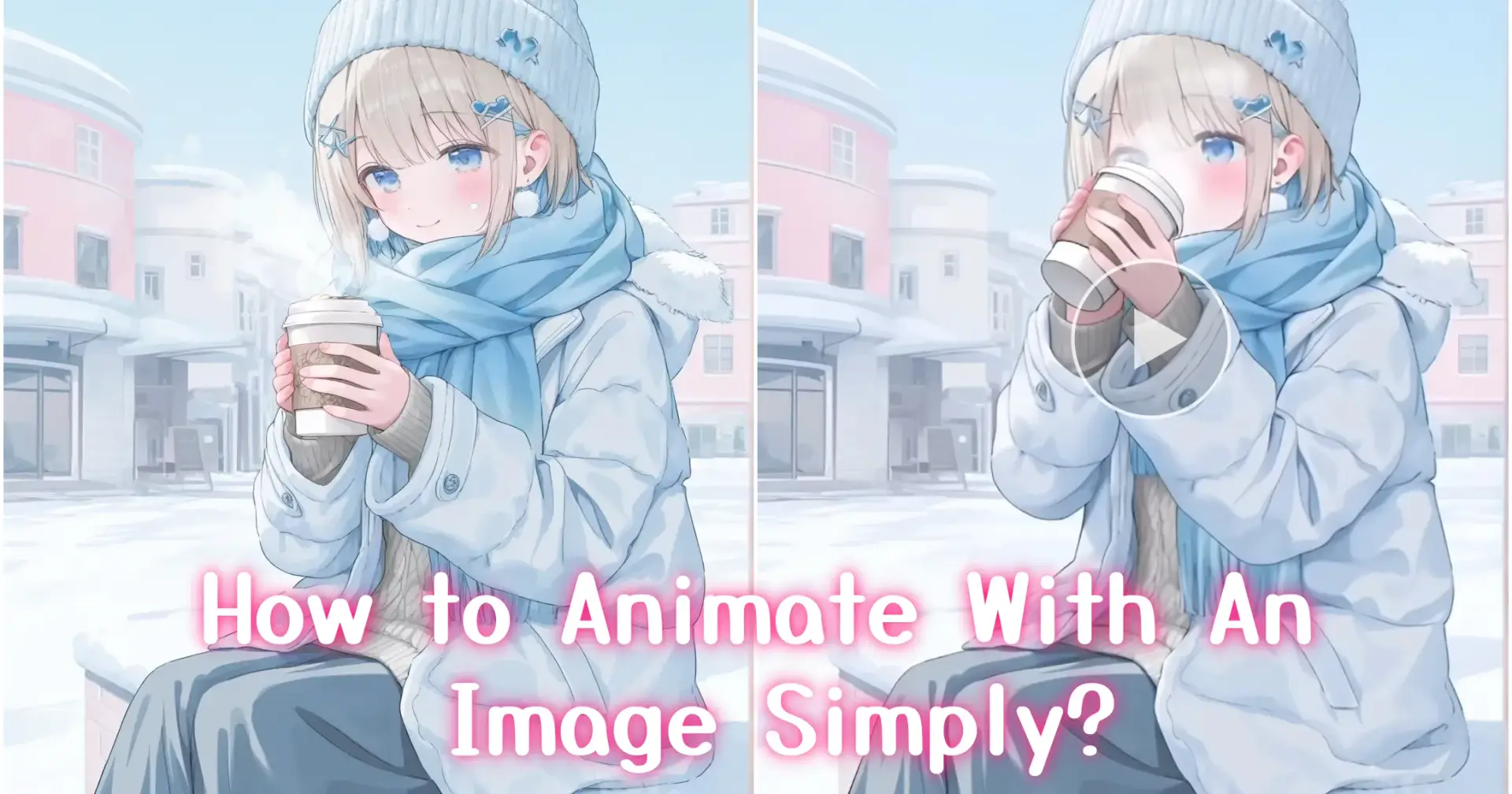
It started with a finished image 👀
I had an image I really liked.
Composition was solid. Colors were fine. It was “done.”
But when I looked at it again before sharing, it felt a bit flat.
Not bad. Just static.
I didn’t want to make a full video.
I just thought: what if this image could move a little?

Why I avoided Image to Video for a long time 🎬
To be honest, Image to Video always sounded heavy to me.
I imagined timelines, complex edits, and a lot of setup.
That felt unnecessary when all I wanted was subtle motion—not a short film.
So for a long time, I just didn’t try.
Trying Image to Video the “lazy” way 🖼️➡️🎞️
The mindset shift was simple:
I already had images. Why not start there?
That’s when I tried Anifun’s Image to Video feature.
I didn’t change the image.
I didn’t plan a story.
I just described small movements I wanted.
The result wasn’t dramatic—but that was the point.
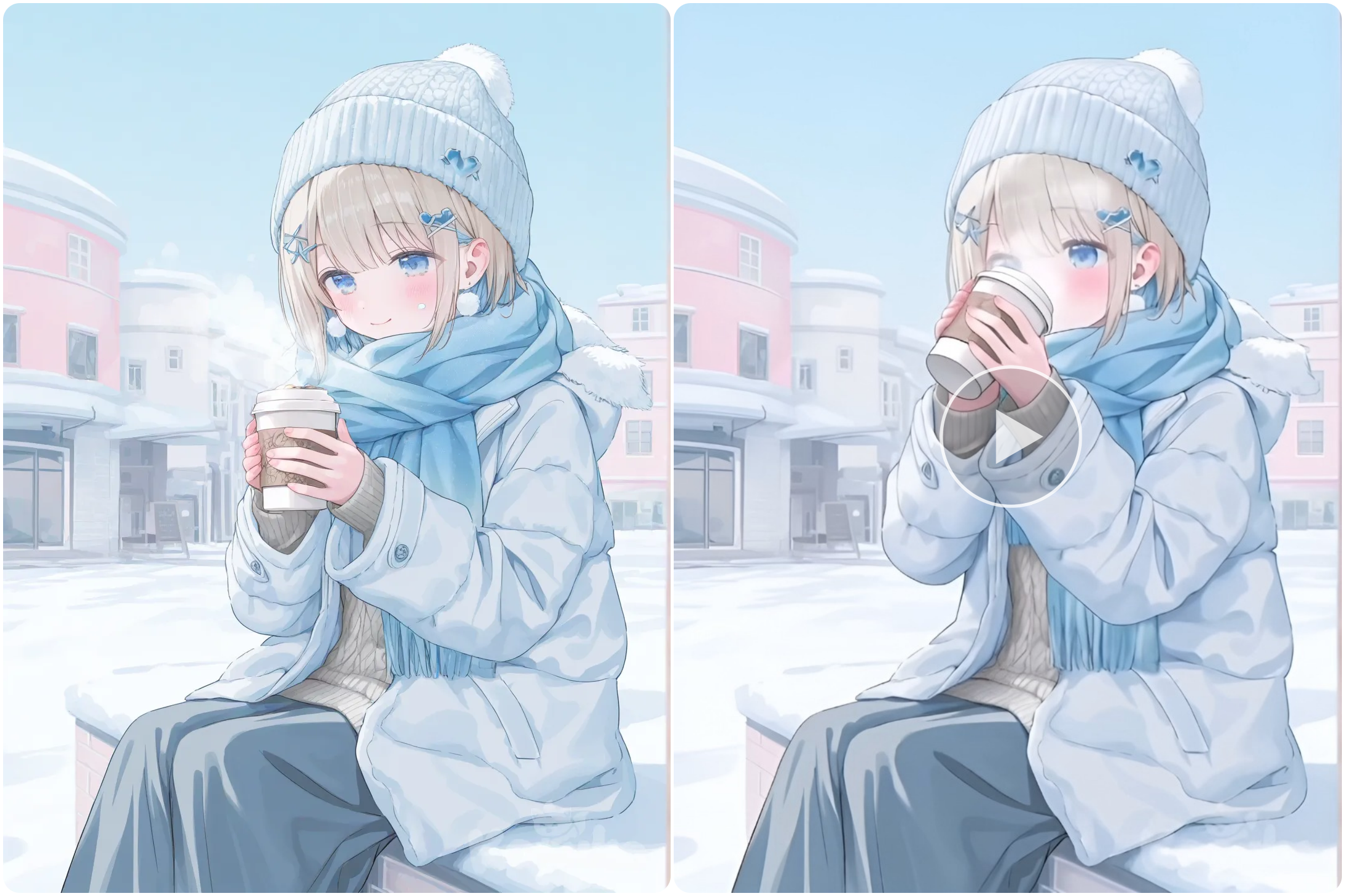
"The girl lifts a cup to sip, blinking softly, hair and scarf moving slightly, cozy winter scene"
It still looked like an image.
Just one that was breathing.
What surprised me about the result 🌬️
The biggest surprise wasn’t the motion itself.
It was how little motion was enough.
With Image to Video, I realized I don’t need big animations.
Tiny movements work better:
eye blinks
subtle floating
gentle light changes

Those details kept the mood instead of breaking it.
I started treating Image to Video not as “video creation,” but as bringing still images to life.
How I actually use it now 💡
I don’t use Image to Video for everything.
I use it when:
a static image feels “almost there”
I want something more engaging for sharing
I want people to pause for an extra second
For product demos, character showcases, or social posts, it works especially well. The output feels lightweight, loopable, and easy to reuse.
It’s not magic (and that’s fine) 🙃
Some images don’t need motion.
Some prompts don’t work the first time.
And sometimes, a still image is already perfect.
But having Image to Video as an option changes how I think about images.
It’s no longer static vs video—it’s a spectrum.
A simple takeaway 🌱
I’m not trying to become a video creator.
I just like giving images a bit more life.
And for that, Image to Video—especially in Anifun—turned out to be much lighter and more useful than I expected.
Sometimes, you don’t need to make a video.
You just need the image to move a little.

Join yukie on Peerlist!
Join amazing folks like yukie and thousands of other builders on Peerlist.
0
5
0