

Live3D Multiple Face Swap: A User’s Honest Take
Quick, seamless, and natural face swaps for photos — a user’s perspective on Live3D’s powerful feature.
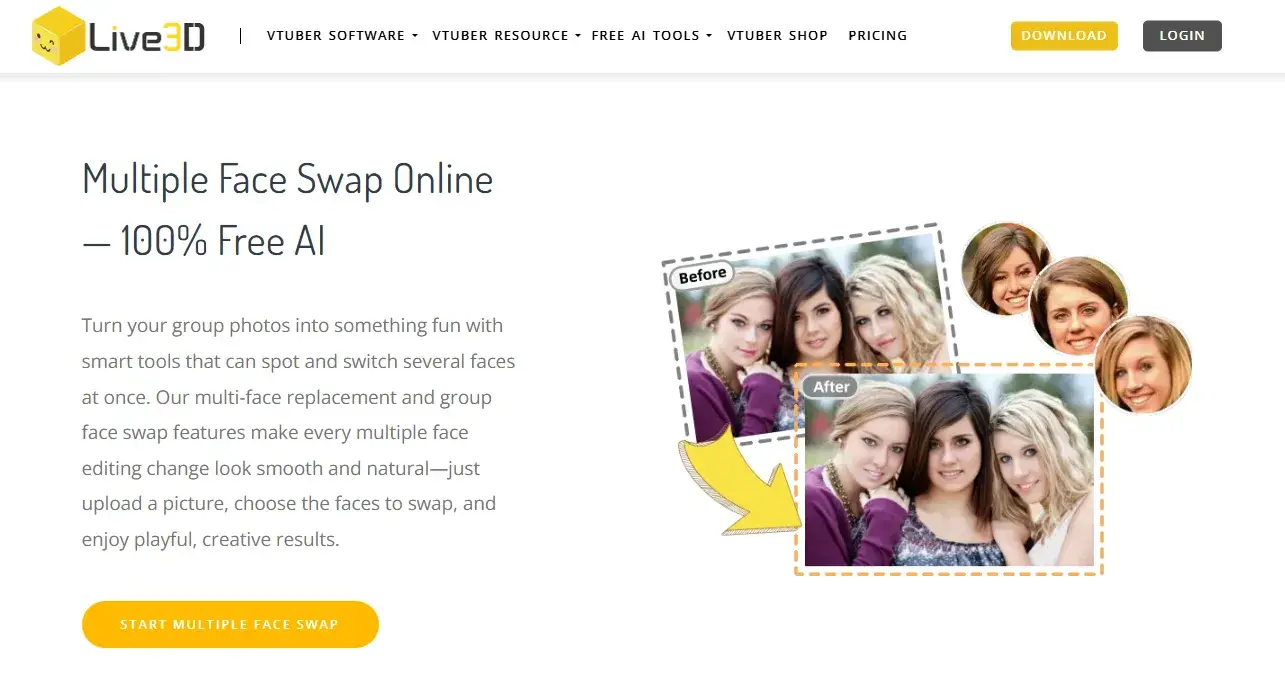
Have you ever wanted to swap faces in a photo quickly, but found yourself stuck adjusting angles, lighting, and expressions for what feels like hours? That was exactly my experience before I discovered Live3D’s Multiple Face Swap feature. As someone who loves experimenting with creative photos, I can honestly say this tool has made a huge difference in how I approach face swaps.
At first, I was skeptical—most face swap tools promise seamless results, but rarely deliver natural-looking outcomes. But after trying Live3D, I was genuinely impressed. It’s not just fast; the faces blend in perfectly, maintaining the original lighting and style of the photo. Suddenly, what used to take me ages can be done in minutes, and with consistently realistic results.
What Makes Live3D Multiple Face Swap Stand Out
Live3D allows you to swap faces in photos quickly and seamlessly. From my experience:
Speed: Replacing faces that used to take a lot of time can now be done in just a few minutes.
Natural Results: The swapped faces blend beautifully with the original photo, keeping lighting and style consistent.
Ease of Use: The interface is intuitive, making it easy even for someone who isn’t a professional designer.
Creative Possibilities: It opens up a lot of opportunities for fun edits, creative compositions, and artistic projects.
One thing I particularly like is how it handles multiple faces in a single photo. While the current version focuses on photo swaps, it’s exciting to think about the potential for multi-person video face swaps in the future.
My Workflow
Here’s how I typically use the feature:
Prepare the source photos – Choose clear images of the faces you want to swap.
Import into Live3D – Select the areas to swap with guidance from the tool.
Swap Faces – With a few clicks and minor adjustments, the faces are replaced naturally.
Export the result – The final image is ready for creative projects, social sharing, or personal collections.
This simple workflow has saved me a lot of time while producing consistently natural-looking results.
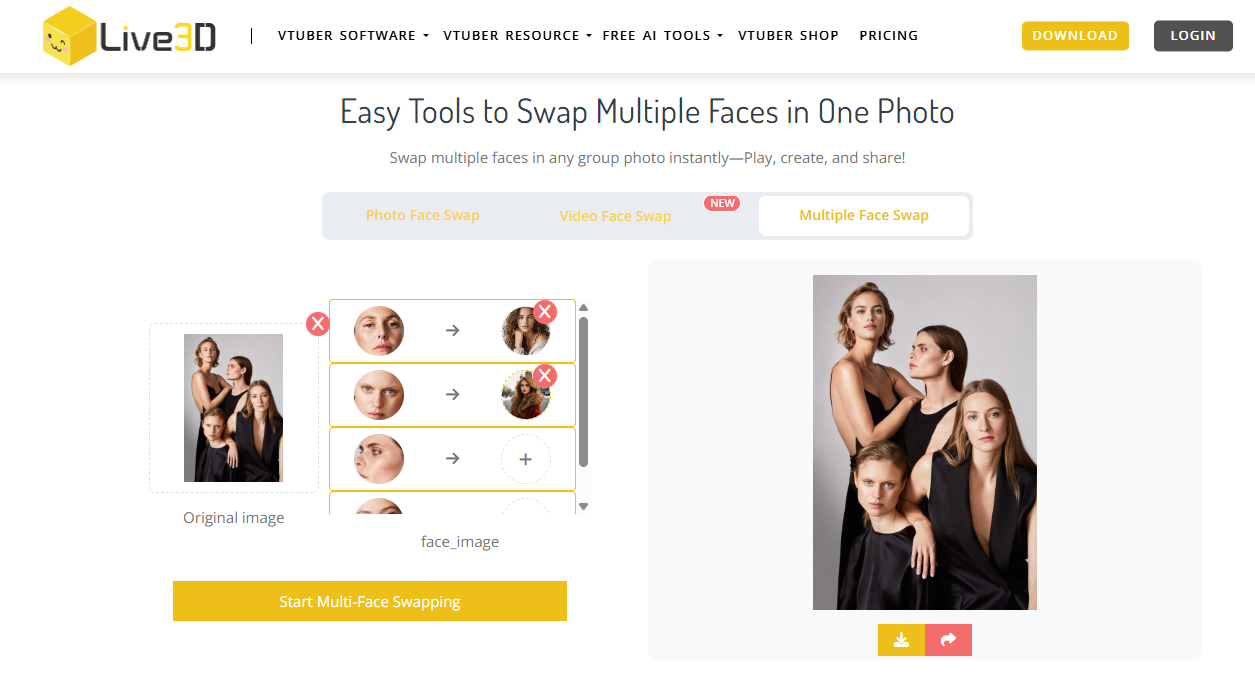
live3d multiple face swap playground
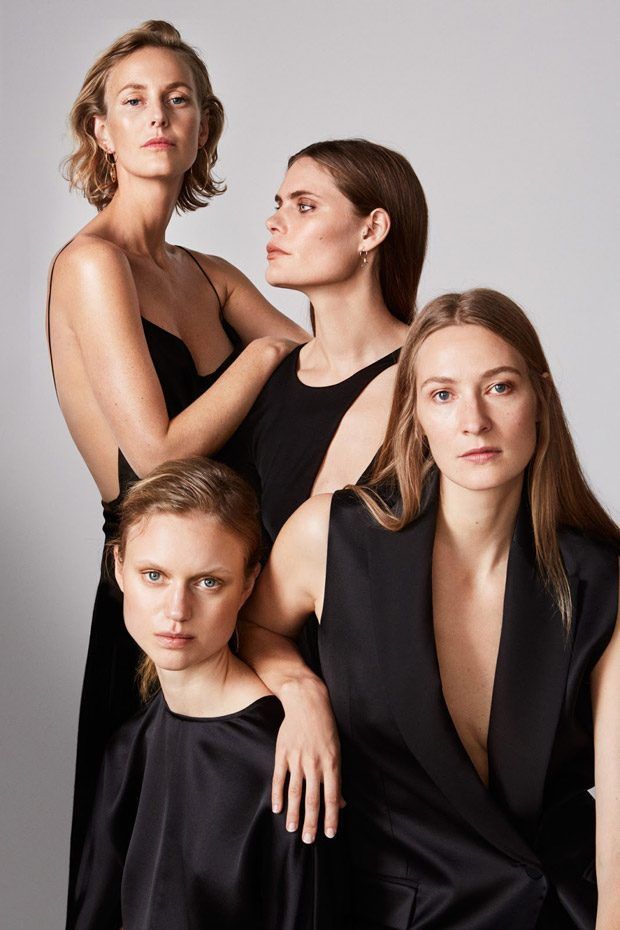
before
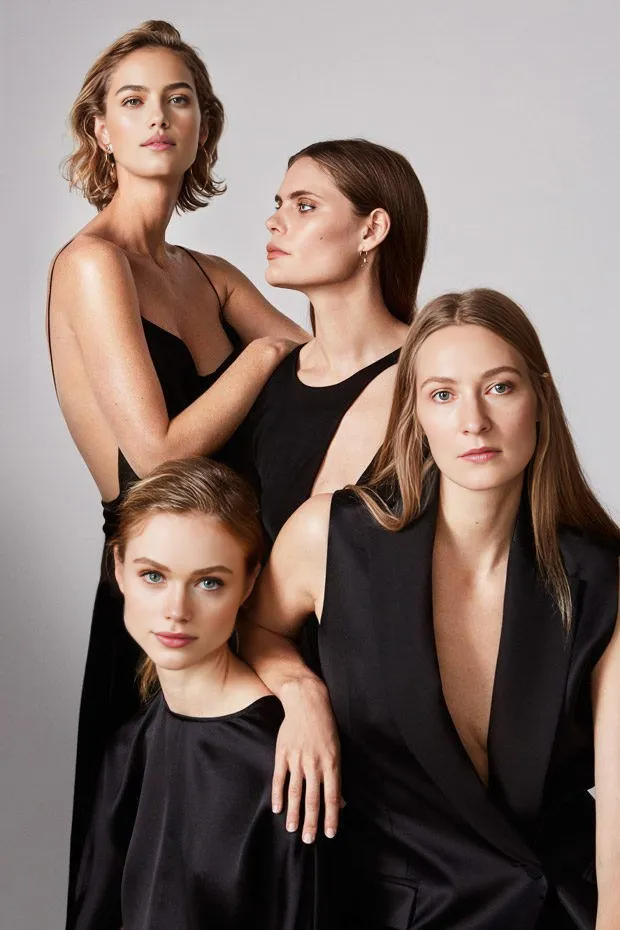
after
Pros and Considerations
Pros:
Fast and efficient for single and multiple face swaps in photos
Realistic results that maintain style and lighting
User-friendly interface, suitable for beginners and hobbyists
Considerations:
Extreme angles or unusual expressions may need minor adjustments
Lighting differences between source photos can sometimes require small tweaks
I’m looking forward to seeing this feature extended to multi-person video face swaps, which would make dynamic content creation just as easy as static images
Who Should Try It
Photo enthusiasts and hobbyists who enjoy creative edits
Social media creators looking for quick and natural face swaps
Anyone who wants to experiment with multiple face swaps in a single photo
Final Thoughts
Overall, I highly recommend Live3D’s Multiple Face Swap feature. It makes photo-based face swapping faster, easier, and more enjoyable than ever. As a user, I’m excited about the possibilities it brings, and I can’t wait for the day when multi-person video face swaps become available, expanding the creative potential even further.
If you enjoy experimenting with photos or creative edits, this is definitely a tool worth trying out.

Join yukie on Peerlist!
Join amazing folks like yukie and thousands of other builders on Peerlist.
0
6
0