

AI Chat for Transcripts: A Smarter Way to Understand Your Content
Discover AI Chat for Transcripts in AI Video Summarizer. Ask questions about transcripts, extract insights, and understand content faster with a completely free, no-login AI assistant.
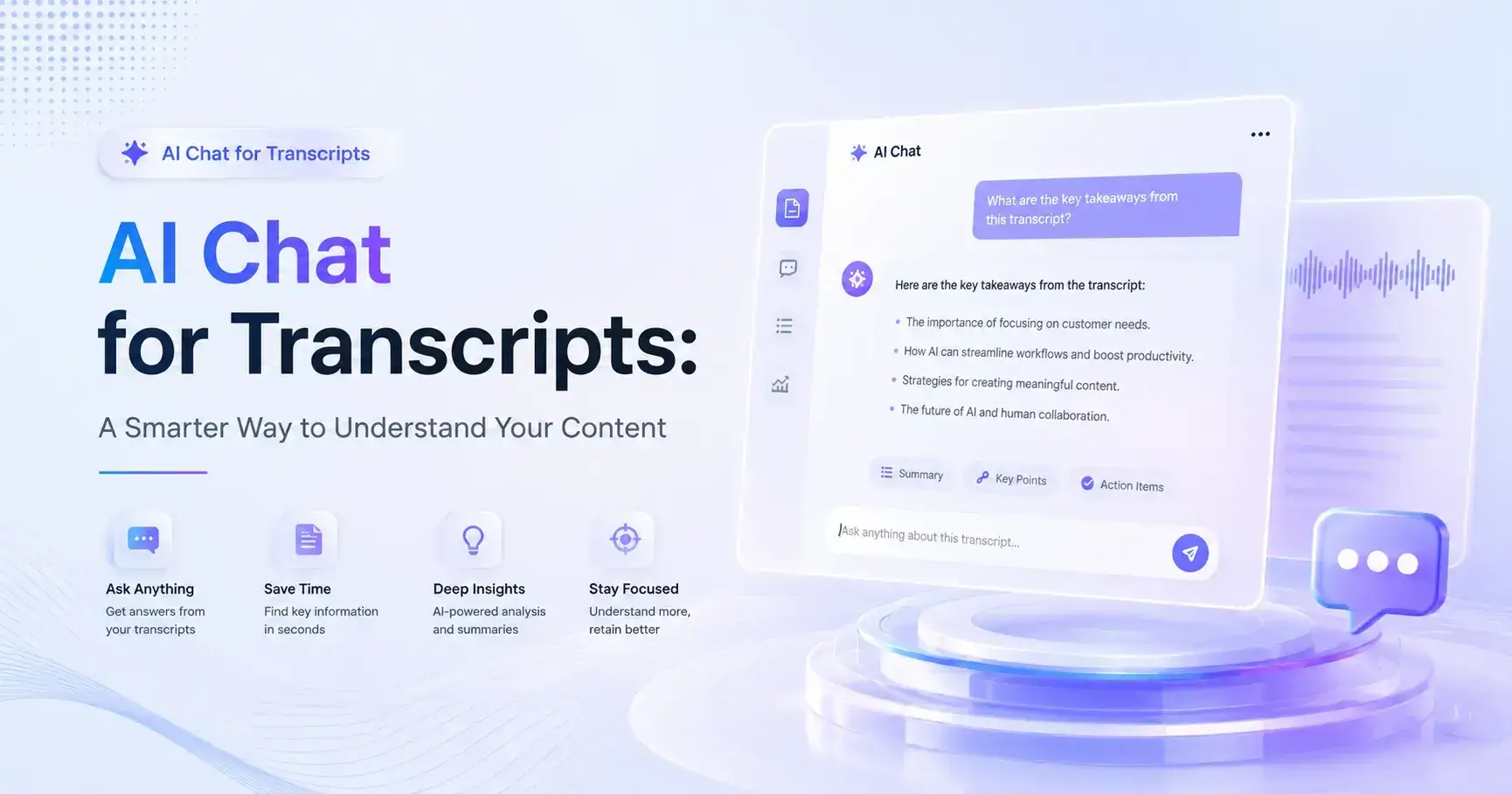
Most transcription tools do a good job of turning videos or audio into text. Some can even generate summaries and key takeaways. But after the transcript is created, users are often left with a new challenge: finding the exact information they need.
Long transcripts can quickly become overwhelming. A two-hour podcast, a recorded lecture, an interview, or a webinar can easily generate thousands of words. Even with a summary, users may still have questions, need clarification, or want to explore a specific topic in more detail.
This is where AI Chat for Transcripts in AI Video Summarizer stands out.
Instead of manually searching through a transcript, users can simply ask questions about the content and receive answers instantly. The AI understands the transcript and helps users explore it through a conversational interface. Even better, AI Video Summarizer is completely free and requires no registration, making it one of the easiest ways to interact with transcript-based content.
What Is AI Chat for Transcripts?
AI Chat for Transcripts is a built-in chat feature available after generating a transcript or summary with AI Video Summarizer.
Once your content has been processed, you can ask follow-up questions about anything discussed in the video, audio file, PDF, article, or other supported content formats.
Rather than treating a transcript as a static document, the feature turns it into something interactive.
For example, you can ask:
What are the main ideas in this video?
Summarize the speaker's opinion on a specific topic.
Explain this section in simpler language.
What action items were mentioned?
Create study notes from this transcript.
Turn the key points into a blog outline.
The experience feels less like reading a document and more like having a conversation with your content.
Why This Feature Matters
Many people assume that generating a transcript is the final step.
In reality, understanding the content is often the most time-consuming part.
I have personally experienced situations where I only needed one specific answer from a two-hour recording. Finding that answer manually could take longer than expected, even with timestamps and summaries available.
AI Chat solves this problem by allowing users to go straight to the information they need.
Instead of searching, scrolling, and rereading sections multiple times, users can simply ask questions and get direct answers.
This makes transcripts significantly more useful for learning, research, content creation, and everyday productivity.
Key Features Worth Paying Attention To
1. Ask Questions About Any Transcript
The most obvious feature is also the most practical.
After generating a transcript, users can ask questions directly about the content.
Whether you're reviewing a podcast, meeting recording, online course, or interview, the AI can quickly surface relevant information without requiring manual searching.
For example, imagine watching a two-hour business podcast and wanting to find the speaker's advice on customer retention. Instead of reading thousands of words, you can simply ask the question and receive a focused answer.
For users who regularly consume long-form content, this alone can save a considerable amount of time.
2. Simplify Complex Topics
Not every transcript is easy to understand.
Educational lectures, technical presentations, research discussions, and industry interviews often contain complex terminology and concepts.
One of the most useful aspects of AI Chat is its ability to explain difficult content in simpler language.
Users can ask:
Explain this like I'm a beginner.
Give me a simple summary.
What does this term mean?
Can you provide an example?
This makes the feature especially valuable for students, researchers, and professionals learning unfamiliar subjects.
3. Generate Additional Insights Beyond the Summary
Traditional summaries usually provide a fixed output.
AI Chat goes much further.
After reviewing a summary, users can continue exploring the content by asking follow-up questions.
For example:
What are the biggest takeaways?
What risks were mentioned?
What opportunities were discussed?
Which points were repeated most often?
What should I focus on first?
This creates a much deeper understanding of the content than a standard summary alone.
4. Help Repurpose Content Faster
Content creators often spend hours turning videos into written content.
AI Chat can dramatically speed up this process.
After generating a transcript, users can ask the AI to:
Create a blog outline
Generate social media posts
Extract key quotes
Build a Twitter/X thread
Create FAQs
Produce study notes
This is particularly useful for YouTubers, marketers, bloggers, educators, and anyone creating content from existing media.
Rather than starting with a blank page, users already have a foundation they can build upon.
5. Completely Free and No Login Required
One of the most surprising aspects of AI Video Summarizer is its accessibility.
Many AI-powered transcription and chat tools place advanced features behind subscriptions or require users to create accounts before getting started.
AI Video Summarizer removes both barriers.
Users can upload content, generate transcripts, create summaries, and chat with their transcripts without paying or creating an account.
For occasional users and first-time visitors, this creates a much smoother experience.
Real-World Use Cases
Students Reviewing Lectures
Imagine preparing for an exam after watching several recorded classes.
Instead of rereading lengthy transcripts, students can ask:
What are the most important concepts?
Create study notes from this lecture.
What topics should I review before the exam?
The transcript becomes an interactive study companion rather than a wall of text.
Researchers Analyzing Interviews
Researchers often work with long interviews and discussions.
AI Chat can help identify recurring themes, summarize viewpoints, and surface specific information much faster than manual review.
Content Creators Repurposing Videos
Many creators want to transform one piece of content into multiple formats.
A single video can quickly become:
A blog post
Social media content
Newsletter material
Learning resources
Discussion points
AI Chat helps bridge the gap between raw content and publishable content.
Professionals Reviewing Meetings
Even after receiving a transcript or summary, professionals often need additional clarification.
AI Chat allows users to ask specific questions about decisions, action items, and key discussion points without digging through the entire transcript manually.
Pros and Cons
Pros
Completely free to use
No registration required
Makes long transcripts easier to navigate
Supports deeper content understanding
Helpful for learning, research, and content creation
Saves time compared to manual searching
Works well with long-form content
Cons
Quality depends on transcript accuracy
Some responses may still require verification
Less valuable for users who only need basic transcription
Complex topics may require multiple follow-up questions
Final Verdict
AI Chat for Transcripts adds something that many transcription tools are still missing: the ability to interact with content after it has been transcribed.
Instead of spending time searching through pages of text, users can ask questions, clarify confusing sections, and quickly extract the information they need.
If you regularly work with videos, podcasts, lectures, interviews, meetings, or other long-form content, AI Video Summarizer offers a simple way to turn transcripts into actionable insights. Its combination of transcript chat, content exploration, and completely free access makes it a practical tool for students, professionals, researchers, and content creators alike.

Join Youlanda on Peerlist!
Join amazing folks like Youlanda and thousands of other builders on Peerlist.
0
0
0