

AI Image Summarizer in 2026: Real Use Cases, Not Just Marketing
Tired of messy screenshots and unread notes? AI Image Summarizer turns images into clear summaries. Here's my honest review of AI Video Summarizer, its strengths, limits, and real-world value.
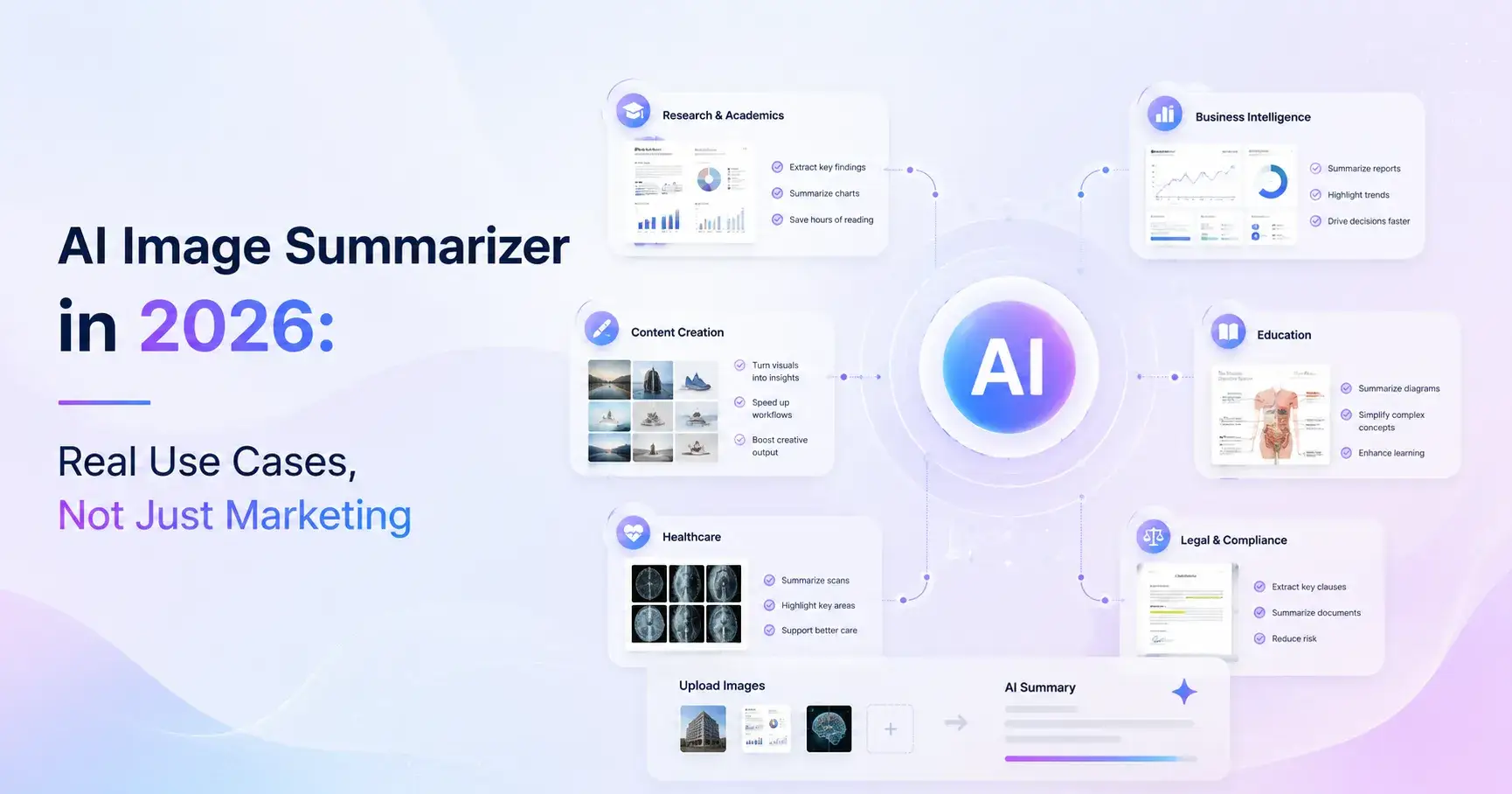
I’ve tested quite a few AI tools that claim to “summarize” content, but most of them focus heavily on text, video, or audio. When I first came across the idea of an AI image summarizer, I honestly didn’t think much of it. Images don’t feel like something you “summarize,” right? You either look at them or you don’t.
But after spending time with tools like the AI image summarizer inside AI Video Summarizer, my perspective changed a bit. There’s actually a very real use case here—especially in a world where we’re constantly flooded with screenshots, slides, scanned notes, and long visual content that’s hard to quickly digest.
This article breaks down what an AI image summarizer really is, why it’s becoming relevant, and whether it actually delivers value or just sounds good on paper.
What is an AI Image Summarizer and Why It Exists Now
An AI image summarizer is a tool that takes an image—anything from a screenshot, document scan, handwritten note, presentation slide, or even a long chat screenshot—and converts it into a structured summary of its content.
Instead of forcing you to read every detail manually, it tries to extract meaning, key points, and context.
This category of tools didn’t really exist a few years ago in a usable form. So why now?
Because user behavior changed.
We now consume information through:
Long screenshot conversations (WhatsApp, Discord, iMessage)
Social media threads captured as images
Online learning materials saved as images
Work documents forwarded as screenshots instead of PDFs
Meeting notes photographed from whiteboards
I noticed this personally when my phone gallery started filling up with “important screenshots” I never re-read. That’s exactly the problem AI image summarizers are trying to solve.
Instead of storing visual clutter, they try to turn it into something readable and actionable.
The Real Use Cases (Where It Actually Helps)
What surprised me most is that this tool isn’t just a novelty—it actually solves very specific pain points.
1. Turning Screenshot Chaos into Clarity
We’ve all been there: saving 20 screenshots from a Twitter thread or group chat and never revisiting them. An AI image summarizer can take that messy visual and extract the core message in seconds.
It feels like someone else “cleaned up” your brain for you.
2. Studying and Learning Faster
If you’re a student or self-learner, you probably deal with a lot of:
lecture slides
handwritten notes
textbook photos
Instead of rereading everything, the tool compresses it into digestible points. I found this especially useful for dense slides where half the content is visual noise.
3. Work and Productivity
For professionals, especially in remote teams, screenshots are everywhere:
meeting notes
OKR boards
dashboards
Slack summaries
An AI image summarizer helps extract action points instead of forcing you to interpret everything manually.
Why I Recommend the AI Image Summarizer on AI Video Summarizer
There are already a few tools in this space, but the AI image summarizer on AI Video Summarizer stood out to me for a few reasons.
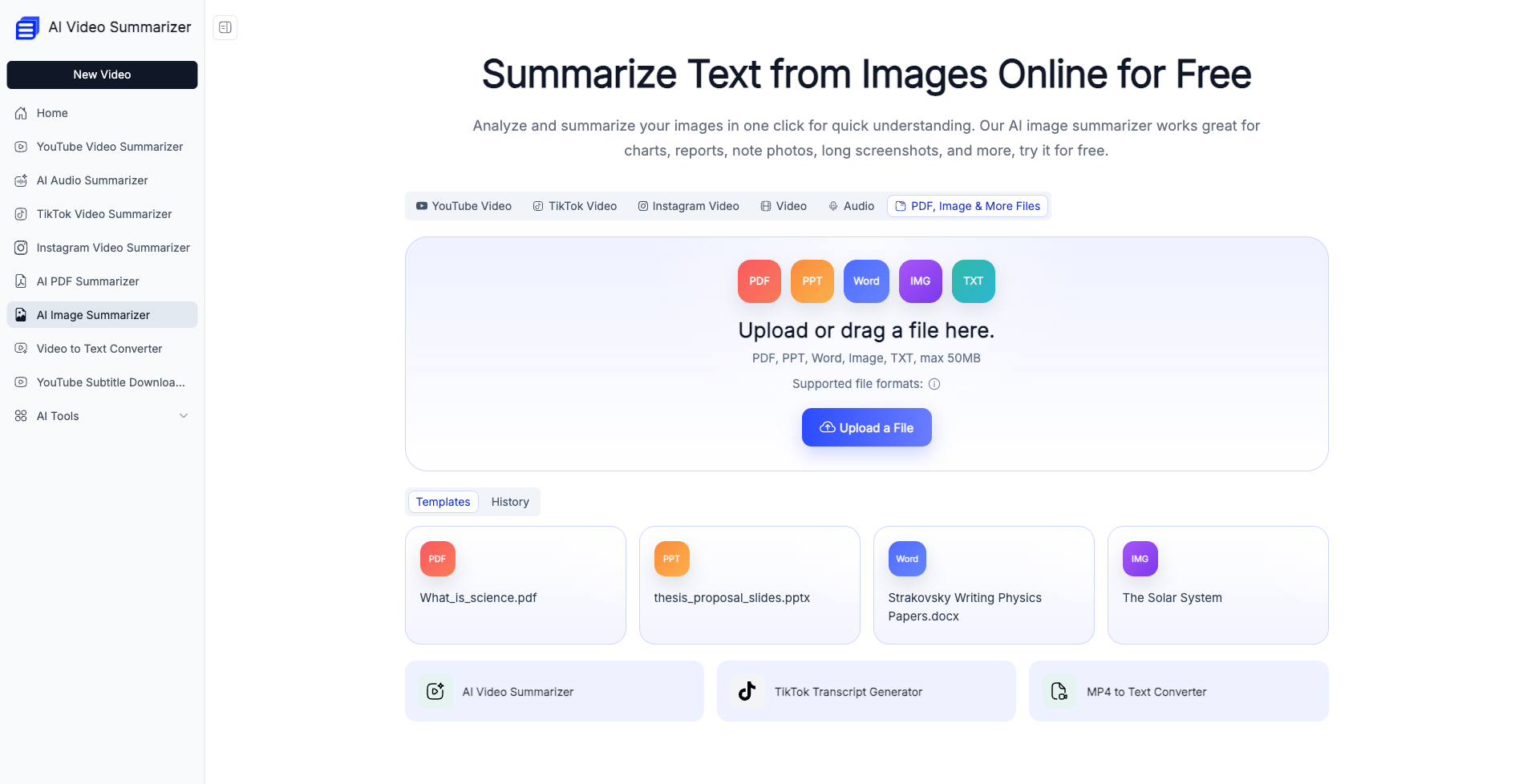
It doesn’t feel overly complicated. You just upload an image, and it immediately gives you a structured breakdown.
What I personally liked is that it doesn’t just “describe” the image—it actually tries to interpret meaning.
For example:
A long OKR screenshot becomes a clear goal breakdown
A messy chat screenshot becomes key decision points
A handwritten note becomes structured bullet points
That interpretation layer is what makes it useful rather than just a basic OCR tool.
Pros and Cons (Honest Breakdown)
No tool is perfect, and I think it’s important to be honest here.
👍 Pros
1. 100% Free
This alone makes it easy to try without hesitation. No subscription anxiety, no hidden paywalls.
2. No Login Required
I personally like tools that don’t force account creation just to test a feature. It feels frictionless.
3. Supports Long Screenshots
This is a big one. Many tools break when images are too long or complex, but this handles them surprisingly well.
4. Works with Handwritten Notes and Chat Screenshots
This is where it gets practical. Handwriting recognition is often messy in other tools, but here it’s fairly usable.
5. High Summary Accuracy
It doesn’t just repeat text—it actually organizes it. That’s a meaningful difference.
6. Smart OKR Recognition
This is a niche but powerful feature. If you feed it structured work documents, it can identify goals and key metrics in a surprisingly clean format.
👎 Cons
1. Occasional Over-Simplification
Sometimes the tool simplifies too aggressively, especially when the image contains layered meaning.
2. Still Evolving
Like most AI tools in this category, it’s improving quickly but not yet perfect for mission-critical analysis.
What It Feels Like to Use It (Real Experience)
I want to be honest here: the first time I used it, I didn’t expect much.
I uploaded a long screenshot of a messy group chat where people were discussing travel plans. Normally, I’d spend a few minutes scrolling up and down trying to understand what was agreed.
But the output came back structured:
Destination confirmed
Date finalized
Budget discussion summarized
Pending decisions highlighted
It felt like someone had cleaned up the conversation for me.
That’s when I realized the real value isn’t “reading images faster”—it’s removing cognitive friction.
Who This Tool Is Actually For
After using it for a while, I don’t think it’s for everyone equally.
It’s most useful for:
Students dealing with lecture notes and slides
Knowledge workers handling screenshots daily
Content creators saving research material
People who rely heavily on visual information storage
Anyone who constantly says “I’ll read this later” and never does
If you rarely deal with screenshots or image-based information, you probably won’t feel the impact as strongly.
Final Thoughts: Is It Worth Using?
Honestly, yes—but with realistic expectations.
The AI image summarizer in AI Video Summarizer isn’t trying to replace deep reading or critical thinking. What it does well is something more practical: it reduces clutter.
We’re all sitting on thousands of unread screenshots and half-forgotten notes. Tools like this don’t magically make information better—they just make it easier to revisit.
And sometimes, that’s exactly what we need.
If you’re someone who constantly saves visual information but struggles to process it later, this tool is worth trying. Not because it’s perfect, but because it solves a very real modern problem in a surprisingly simple way.

Join Youlanda on Peerlist!
Join amazing folks like Youlanda and thousands of other builders on Peerlist.
0
1
0