

Explore Office Styles with AI Office Design Generator
Discover how PixNova AI Office Design Generator helps you explore diverse office styles instantly. Transform your workspace vision into reality today.
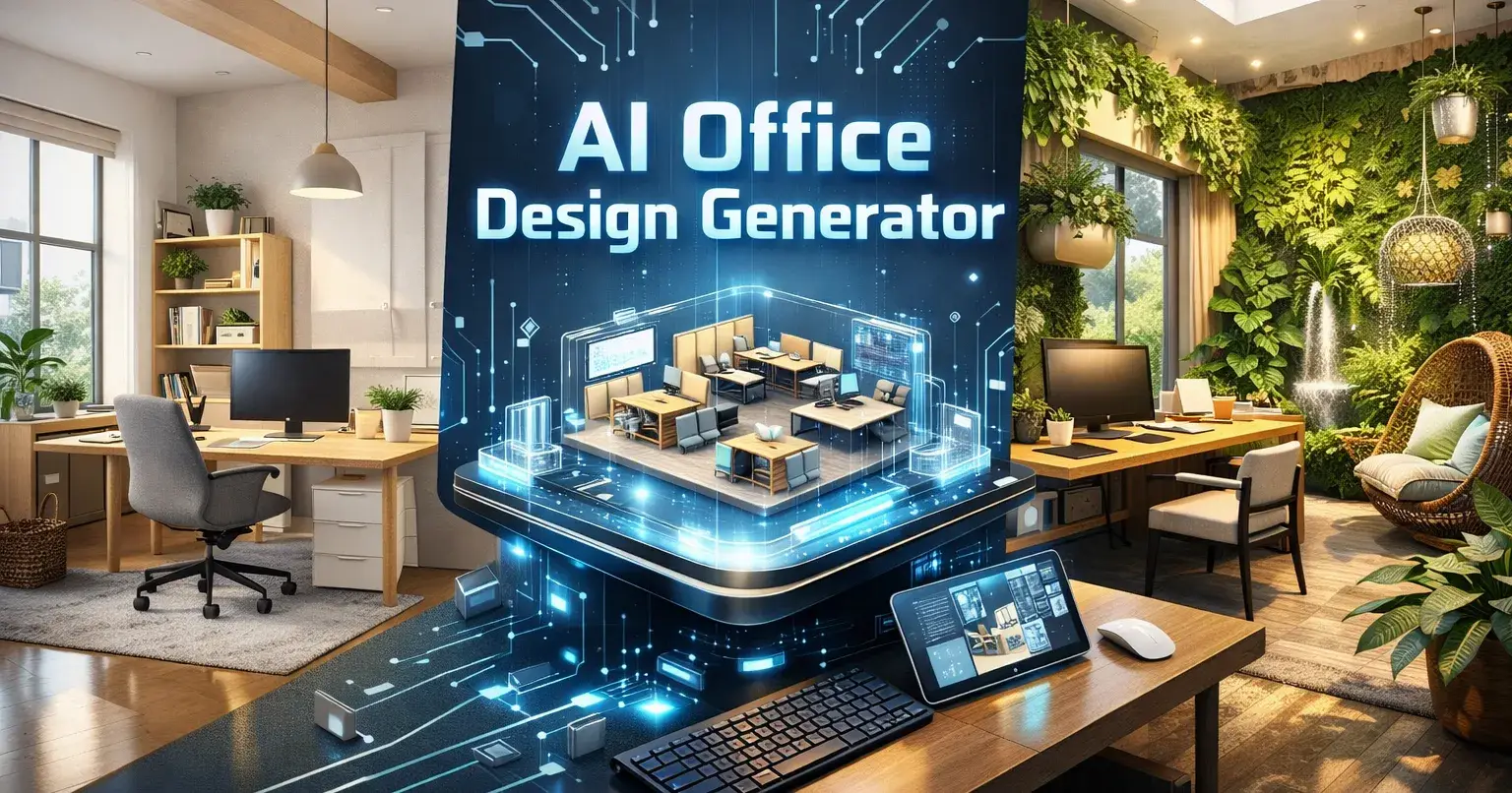
Designing an office space used to mean hiring expensive consultants, waiting weeks for mockups, and hoping the final result matched your vision. Those days are over. With AI Office Design Generator technology, anyone can visualize their dream workspace in seconds—no design degree required.
Whether you're launching a startup from a garage, renovating a corporate headquarters, or simply curious about how a Scandinavian aesthetic might transform your home office, an AI office design generator puts professional-quality visualization at your fingertips. In this guide, we'll explore why this technology matters, how to choose the right tool, and what makes PixNova stand out in the crowded AI design landscape.
Why You Need an AI Office Design Generator
Let's be honest: traditional office design is slow, expensive, and often frustrating. You describe your vision, wait for concepts, realize they missed the mark, and start over. AI changes everything.
Speed That Matches Your Ideas
Traditional design workflow: 2-4 weeks for initial concepts. AI workflow: 30 seconds.
That's not an exaggeration. When inspiration strikes at 2 AM, you don't have to wait until your designer's next available appointment. Upload a photo, select a style, and watch your vision materialize instantly. This speed isn't just convenient—it fundamentally changes how you think about design possibilities.
Experiment Without Consequences
Ever wondered how your office would look with exposed brick walls? Curious about that trendy japandi aesthetic everyone's talking about? With AI, wondering becomes seeing.
The beauty of virtual experimentation is freedom from costly mistakes. That bold orange accent wall that seemed exciting? You can see exactly how it looks before buying a single paint can. The mid-century modern furniture you've been eyeing? Visualize it in your actual space before committing thousands of dollars.
Budget-Friendly Professional Results
Professional interior design services for commercial spaces typically start at $5,000 and can easily exceed $50,000 for comprehensive projects. AI design tools offer similar visualization quality for a fraction of that cost—making professional-grade design exploration accessible to businesses of every size.
Popular Office Design Styles to Explore
One of the greatest advantages of AI design tools is the ability to explore styles you might never have considered. Here are some trending aesthetics worth experimenting with:
Minimalist Modern
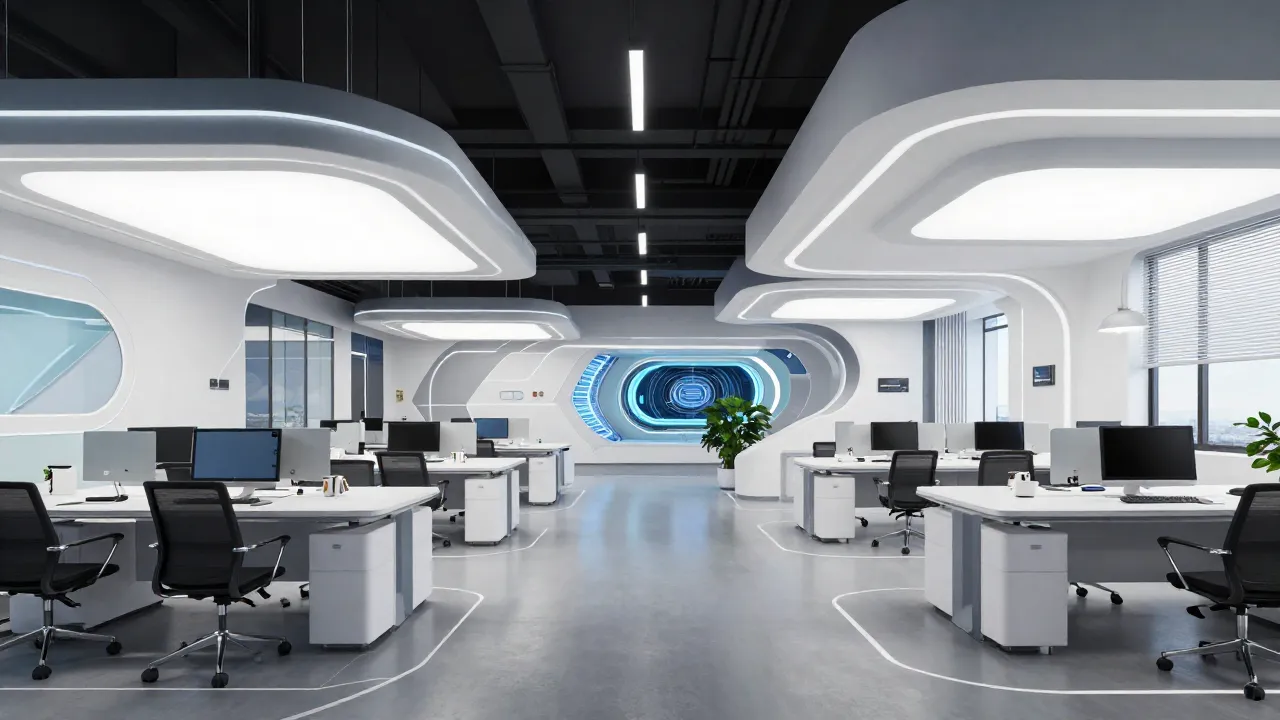
Clean lines, neutral palettes, and "less is more" philosophy. Perfect for companies that value clarity and focus. Think white walls, simple furniture, and intentional negative space.
Industrial Chic
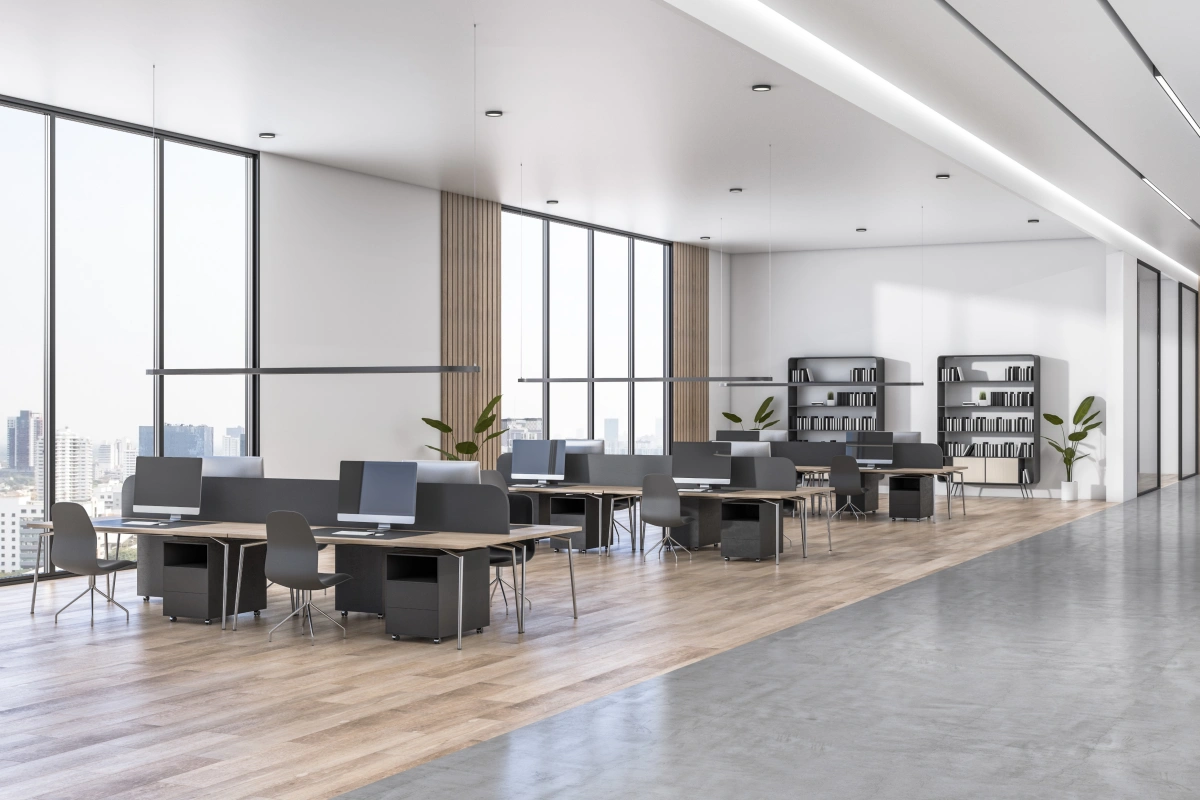
Exposed ductwork, concrete floors, metal accents, and raw textures. Popular among creative agencies, tech startups, and anyone who appreciates that converted-warehouse vibe.
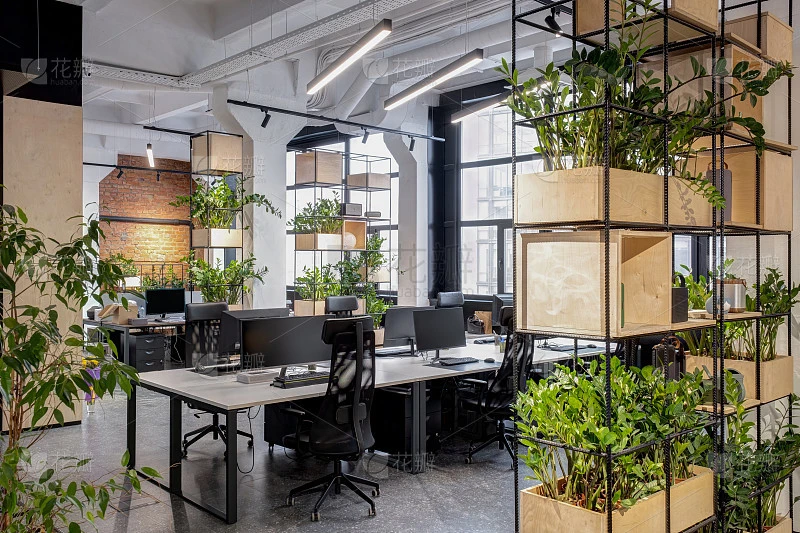
Biophilic Design
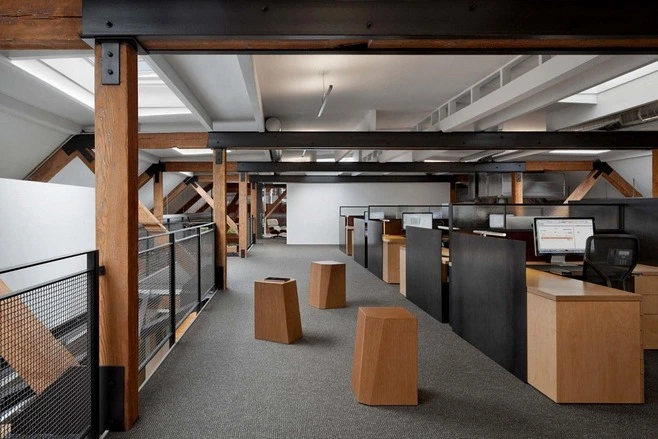
Nature-inspired spaces featuring living walls, abundant plants, natural materials, and organic shapes. Research shows biophilic offices can boost productivity by up to 15% and reduce stress significantly.
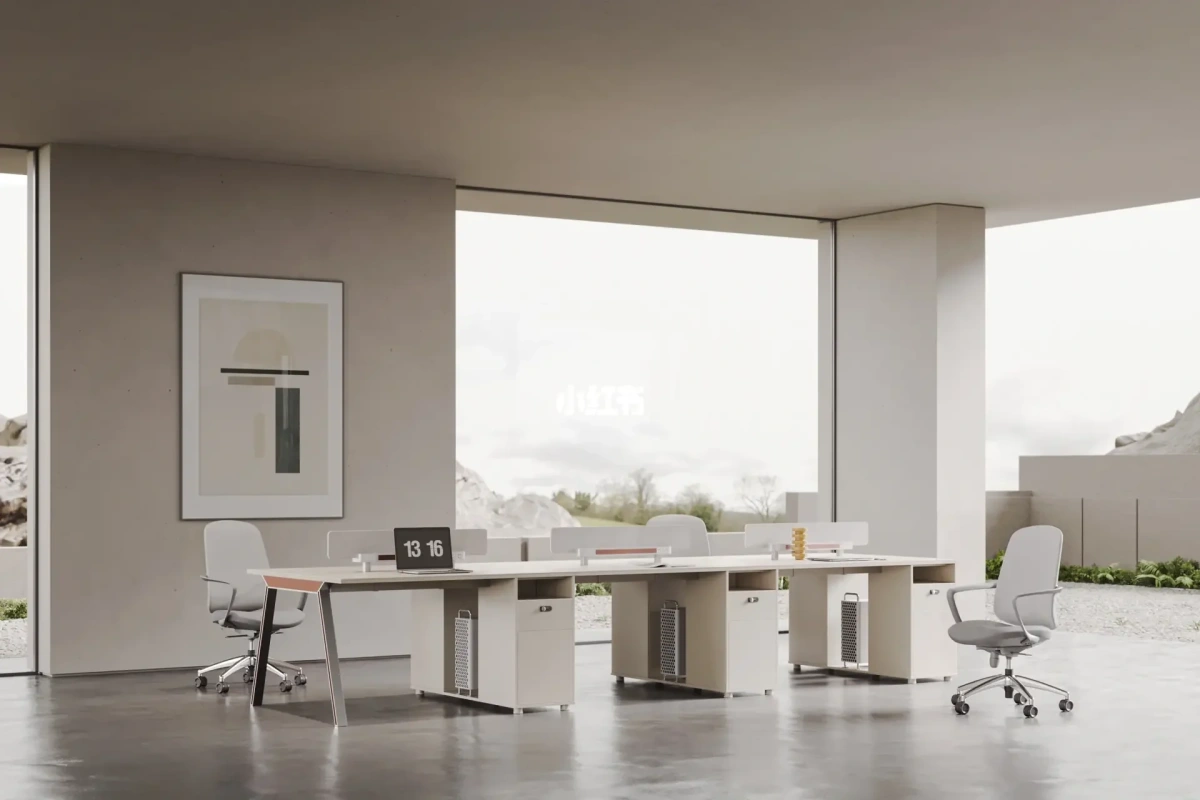
Scandinavian Simplicity
Warm minimalism with light woods, cozy textiles, and hygge-inspired comfort. Balances professionalism with approachability—ideal for companies wanting to feel welcoming without sacrificing sophistication.
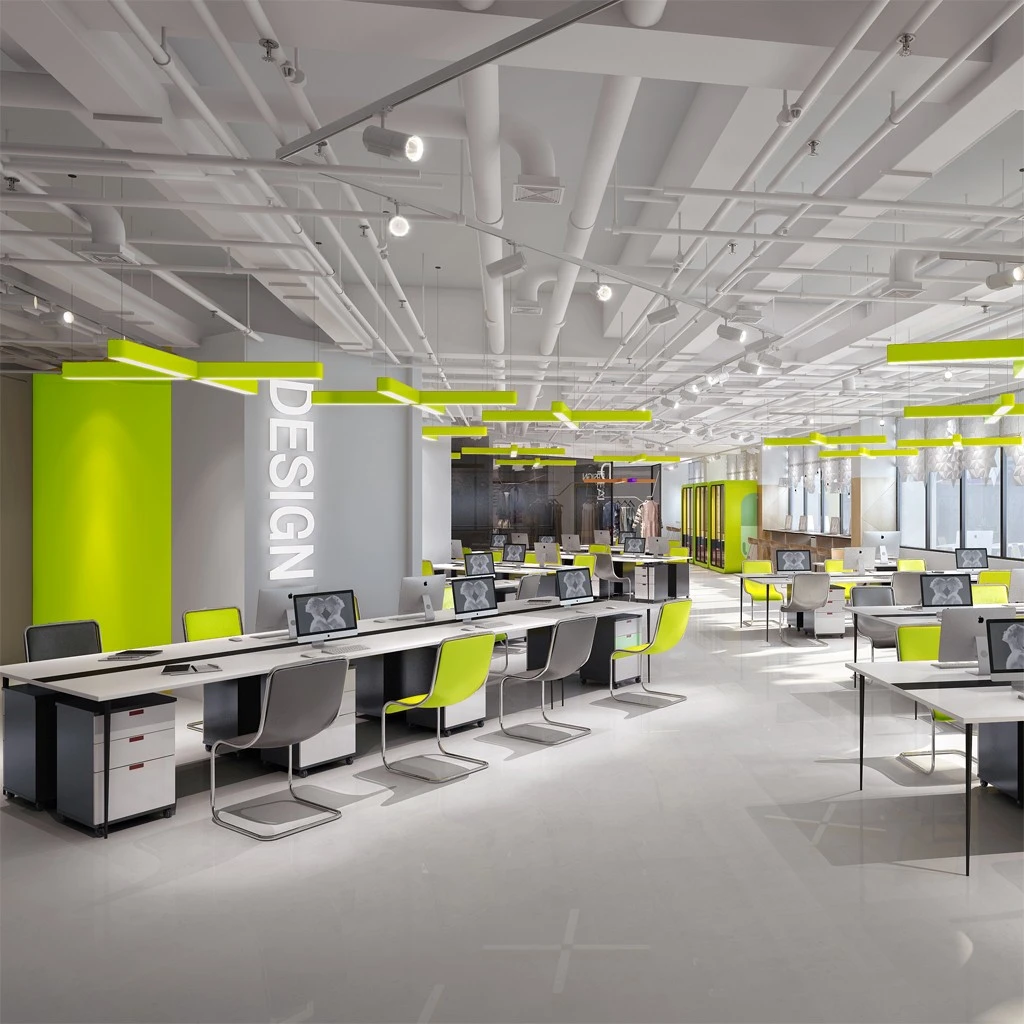
Creative Studio
Bold colors, eclectic furniture, inspiring artwork, and spaces that spark imagination. Perfect for design firms, marketing agencies, and any team where creativity drives success.
The best part? You don't have to choose just one. AI lets you generate visualizations in every style within minutes, helping you discover what truly resonates.
What Makes a Great AI Office Design Generator
The market is flooded with AI design tools, but quality varies dramatically. Here's what separates the excellent from the mediocre.
Image Quality That Actually Helps
Low-resolution, obviously fake images defeat the purpose. You need visualizations realistic enough to inform actual decisions. Look for tools that render proper lighting, accurate textures, and believable spatial relationships.
Style Variety That Inspires
A tool offering only five generic styles limits your exploration. The best platforms provide dozens of aesthetic options—plus the flexibility to customize and combine elements from different styles.
Intuitive User Experience
Powerful AI means nothing if you need a PhD to operate it. Great tools feel intuitive from the first click, guiding users naturally through the design process without overwhelming them with options.
Speed Without Sacrificing Quality
Waiting 10 minutes per generation kills creative momentum. Top-tier tools deliver high-quality results in seconds, enabling rapid iteration and real-time exploration.
This Is Where PixNova Excels
PixNova AI Office Design Generator checks every box above—and then some. The platform combines cutting-edge AI with thoughtful UX design, delivering professional-quality visualizations through an interface anyone can master quickly.
Key Features of PixNova AI Office Design Generator
Let's dive into what makes PixNova AI the go-to choice for office design visualization.
Comprehensive Style Library
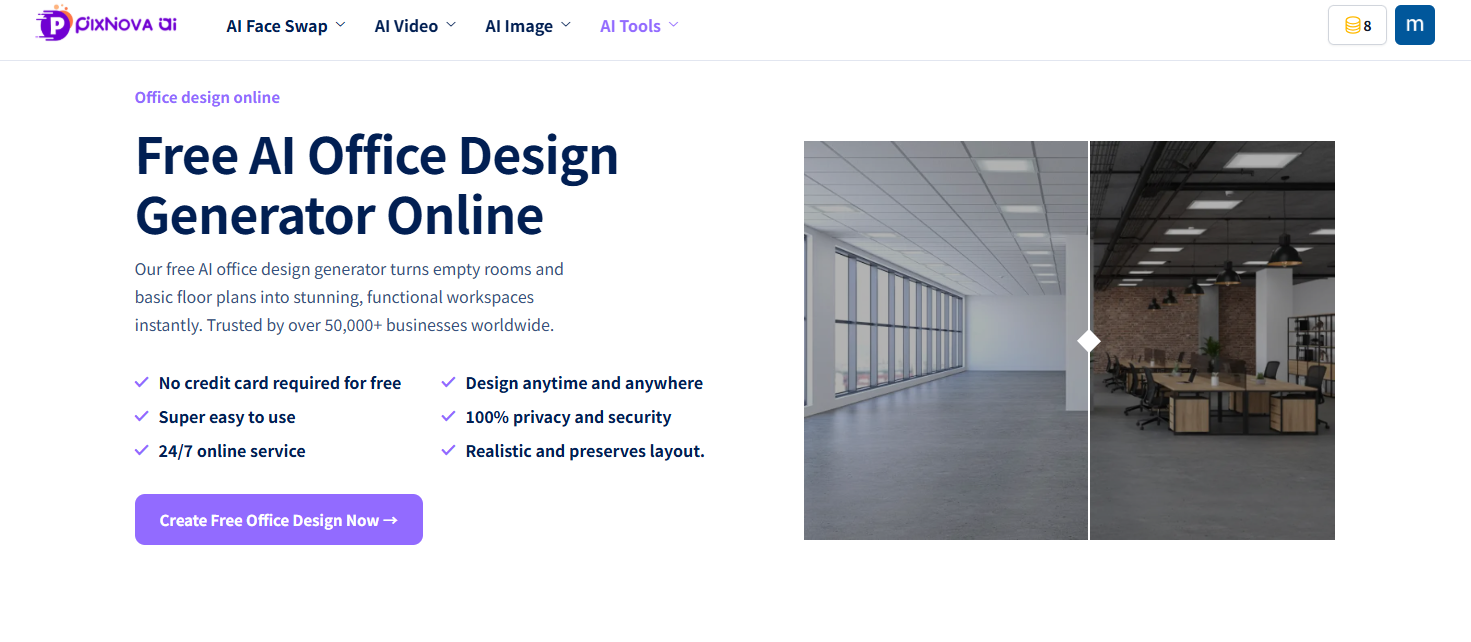
PixNova offers 30+ professionally curated design styles, from executive luxury to creative chaos. Each preset captures authentic aesthetic characteristics—appropriate furniture, color palettes, materials, and spatial arrangements.
But presets are just the beginning. Mix Scandinavian warmth with industrial edge. Combine minimalist structure with biophilic elements. PixNova encourages creative hybridization that produces truly unique results.
Transform Your Actual Space
Upload photos of your current office and watch AI transform them. This feature is incredibly powerful for renovation planning because the AI works with your actual architectural constraints—existing windows, doors, ceiling heights, and structural elements.
No more imagining how a concept might translate to your specific space. See it directly, with all the quirks and features of your real environment included.
Natural Language Prompts
Have a specific vision? Describe it in plain English:
"A law firm conference room with dark wood paneling, leather chairs, brass accents, and a view of the city skyline through floor-to-ceiling windows."
PixNova's AI interprets detailed descriptions and generates matching visualizations. This prompt-based approach offers unlimited customization for users who know exactly what they want.
Collaboration Made Simple
Office design decisions rarely happen in isolation. PixNova includes sharing and collaboration features that streamline stakeholder alignment:
Share links for quick feedback
Create collections for side-by-side comparisons
Download high-res images for presentations
Team workspaces for collaborative projects
No more email chains with attached PDFs. Everyone views, comments, and votes in one centralized platform.
Practical Tips for Using AI Office Design Tools
To get the most from PixNova or any AI design generator, keep these tips in mind:
Start Broad, Then Narrow
Begin by exploring wildly different styles—even ones you think you'd never choose. You might be surprised. Once you identify directions that resonate, iterate within those aesthetics to refine your vision.
Use Quality Input Images
For transformation features, better input means better output. Well-lit photos taken during daytime, showing the full space clearly, produce the most accurate and useful results.
Be Specific in Prompts
Vague prompts produce generic results. Instead of "modern office," try "modern office with warm wood accents, statement pendant lighting, and a mix of collaborative and focused work zones." Details drive quality.
Save Everything
Your first generation won't always be your favorite. Save interesting directions even if they're not perfect—they might inspire future iterations or serve as reference points for discussions with stakeholders.
Real-World Applications
Who benefits most from AI office design tools? The answer is broader than you might expect.
Startup Founders planning their first real office after graduating from kitchen tables and co-working spaces. Limited budgets make virtual experimentation essential.
Facilities Managers evaluating renovation options for existing corporate spaces. AI visualization helps build internal consensus before engaging contractors.
Interior Designers accelerating their workflow and expanding concept presentation capabilities. Generate ten directions in an hour instead of three in a week.
Real Estate Professionals helping clients envision potential in empty or outdated spaces. A vacant office becomes a vivid possibility with the right visualization.
Remote Workers optimizing home office setups for productivity and comfort. Even small spaces deserve thoughtful design.
Conclusion: Your Office Design Journey Starts Now
The democratization of professional design is one of AI's most exciting applications. What once required significant time, money, and expertise is now accessible to anyone with a vision and an internet connection.
PixNova AI Office Design Generator represents the best of this technology—powerful enough for professionals, intuitive enough for beginners, and flexible enough for any office design challenge. Whether you're exploring styles for inspiration or planning a specific renovation, AI-powered visualization transforms how you approach workspace design.
Stop imagining. Start seeing. Your perfect office is just a few clicks away.

Join Youlanda on Peerlist!
Join amazing folks like Youlanda and thousands of other builders on Peerlist.
0
0
0