

Which AI Tools Can Actually Swap Heads — Not Just Faces?
A hands-on review comparing popular “head swap” tools to reveal which ones truly replace the whole head — and which are just doing face swaps.
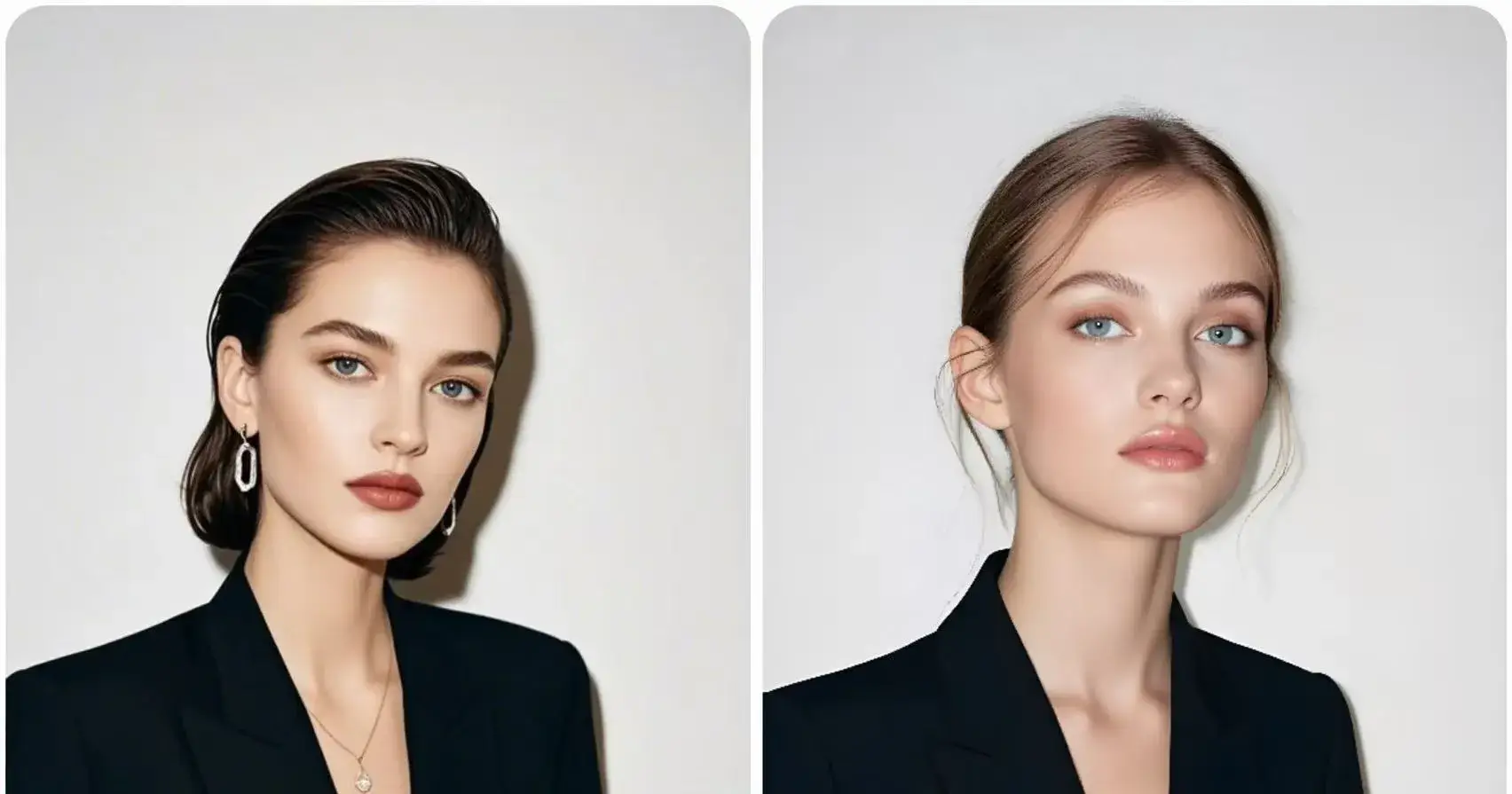
I stumbled upon this issue by chance, but it seems to be a common source of confusion. When you search for “head swap” on Google Console, you’ll find plenty of tools claiming to do it, but most are just doing basic face swaps. It felt misleading, to be honest.
So I decided to run my own tests on the top-ranked tools to see which ones can truly pull off a full head swap.
What Counts as a “Real Head Swap”?
Most AI tools that claim to do “head swaps” are actually just swapping faces, replacing the eyes, nose, and mouth area while leaving the original hair and jawline untouched. A real head swap should replace the entire head region and blend naturally with the body.
Here's how I define the difference:
📌Scope of Replacement: Face swaps change facial features; head swaps replace the full head, including hair and outline.
📌Neck and Body Alignment: The transition between head and body looks natural, with no visible seams.
📌Angle and Pose Consistency: Works even when the head is tilted or turned, without distortion.
📌Lighting and Color Matching: The lighting and skin tone remain consistent across head and body.
📌Usability on Full-Body Photos: Can handle upper-body or full-body shots instead of just close-ups.
The Tools I Tested
To keep things fair, I used the same set of photos for all the tests.
1️⃣Vidnoz
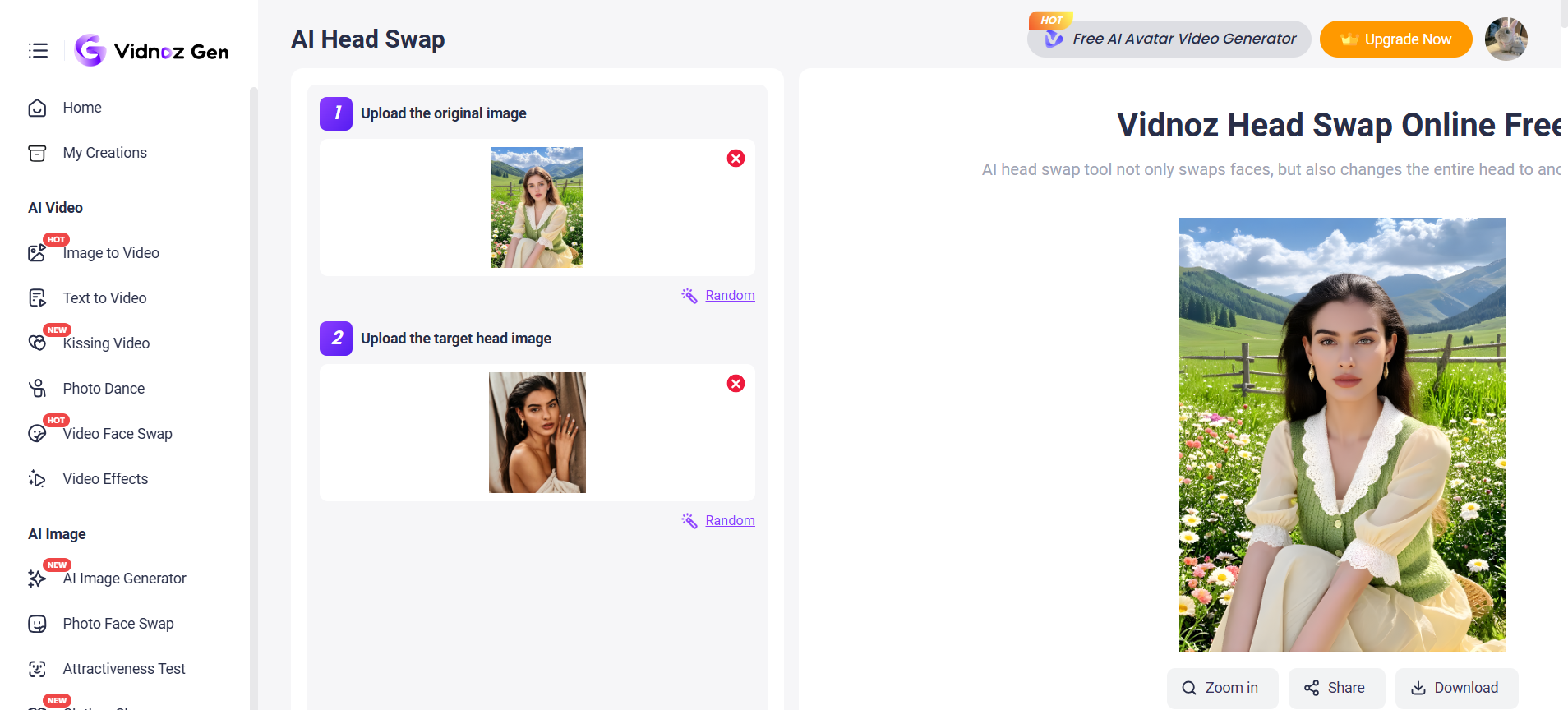
Vidnoz is one of the few tools that truly supports head swap rather than just face swap. The results are surprisingly realistic, the alignment between head, neck, and body is smooth, and it handles different angles better than most competitors. However, the platform does have some limitations that may affect how freely you can use it.
✅ Pros:
Real head swap support: Replaces the full head (including hair and jawline) instead of just facial features.
High-quality output: Skin tone, lighting, and blending look natural in most cases.
Fast processing: Generates results quickly, usually under a minute.
Fun random templates: Includes pre-set or random templates that make creative swaps easy and entertaining.
❌ Cons:
Limited free tries: Only two free swaps for new users, which makes testing multiple images difficult.
Occasional mismatch: Some templates may slightly distort proportions or lighting under complex poses.
2️⃣PixNova AI
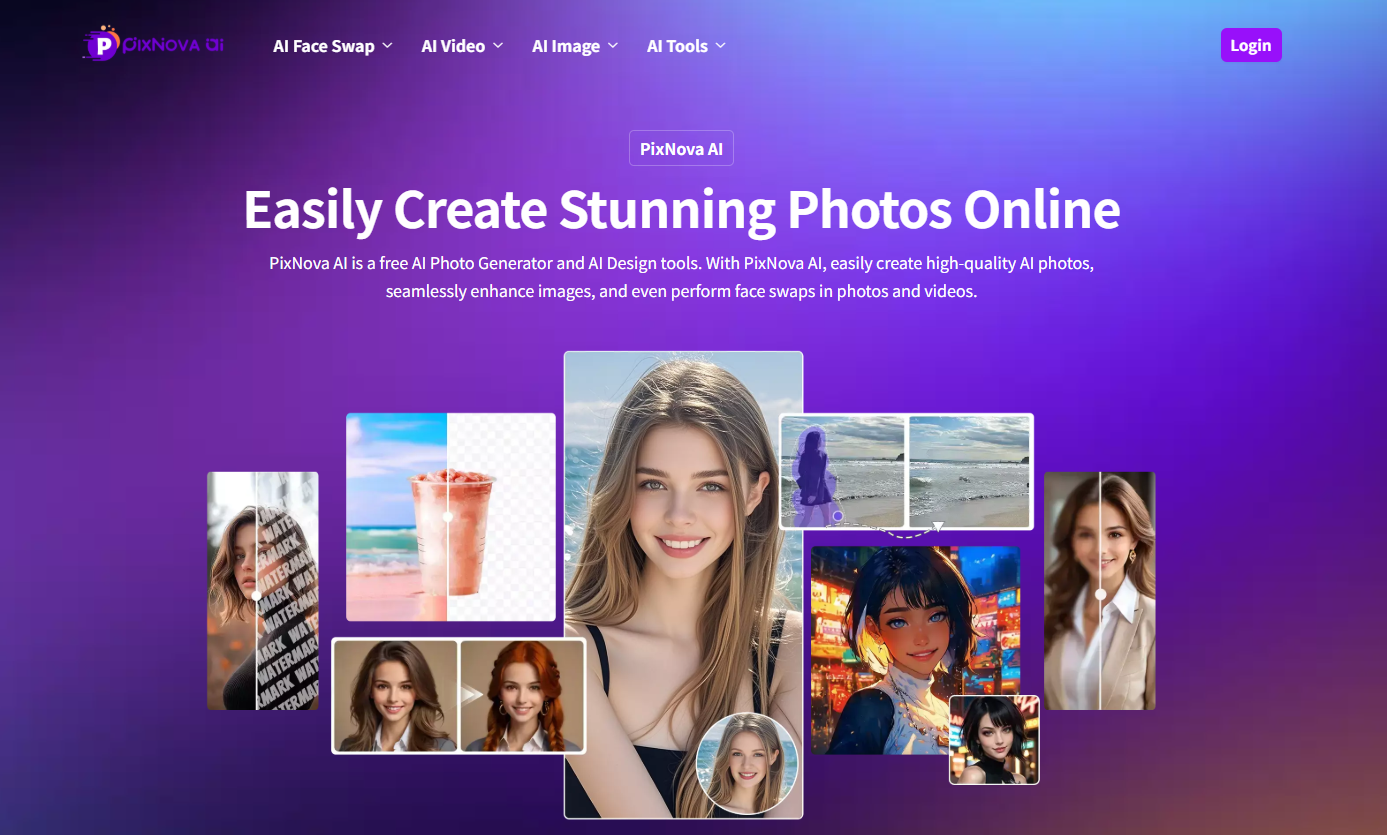
PixNova AI doesn’t actually support head swap, even though its demo images might look like it does. In reality, it performs face swap AI only — replacing facial features while keeping the original hair and head shape. That said, the face swap quality itself is impressive: the images are sharp, well-blended, and processed instantly.
✅ Pros:
Good face swap quality: Produces clear, natural-looking results without heavy artifacts.
Completely free: No credits, no watermarks, and no sign-up required.
Unlimited usage: You can swap as many images as you want.
Fast processing: Generates results almost instantly.
❌ Cons:
No real head swap support: Only replaces facial features, not the entire head.
Misleading preview: The website’s sample images make it look like a full head swap.
3️⃣Remaker
Remaker doesn’t support head swap, but its face swap quality is still quite good. The results look natural on front-facing photos, with smooth blending and decent lighting. However, the free plan comes with limits, so you can’t test it extensively without upgrading.

✅ Pros:
Good face swap quality: Natural blending and color consistency.
Easy to use: Simple, beginner-friendly web interface.
Stable output: Works well on portrait or ID-style photos.
❌ Cons:
No head swap feature: Only swaps facial features, not the whole head.
Limited free usage: Requires credits after a few swaps.
Angle sensitivity: Results degrade when faces are tilted or turned.
Final Thoughts
After testing multiple tools, it’s clear that most platforms advertising “head swap” features are still just doing face swaps. Only a few, like Vidnoz, come close to achieving a true head replacement with proper alignment and natural blending. The rest — such as PixNova AI and Remaker, perform well for face swaps but stop short of full head integration.
In short, if your goal is to create realistic body-level replacements, true head swap tools are still rare and often limited by usage caps or credit systems. For casual or creative projects, free options like PixNova AI work great; but if you need professional-quality results that replace the entire head seamlessly, you’ll have to be more selective — and maybe a bit patient as the tech continues to evolve.

Join Youlanda on Peerlist!
Join amazing folks like Youlanda and thousands of other builders on Peerlist.
0
2
1