

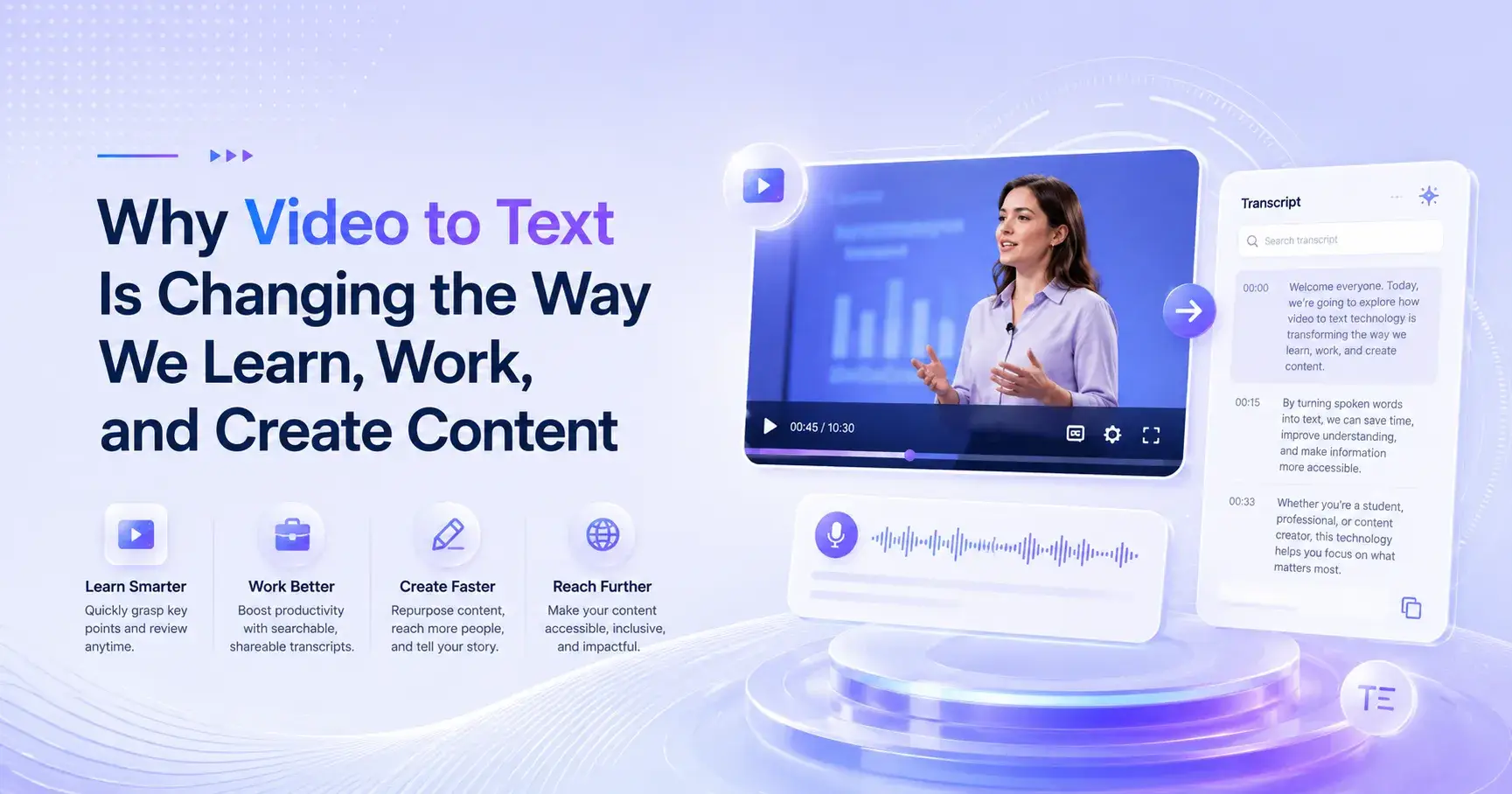
Why Video to Text Is Changing the Way We Learn, Work, and Create Content
Convert videos into clear text, summaries, blogs, and social posts with AI Video Summarizer. It’s completely free to use, requires no login, and helps students, creators, and professionals save time a
There’s something quietly frustrating about video content that almost everyone has experienced but rarely talks about directly.
You find a great video — maybe a lecture, a podcast, a product breakdown, or even a random YouTube explanation — and halfway through you realize: this is valuable, but I can’t keep up with it the way I want to.
You pause. Rewind. Try to take notes. Miss a sentence. Rewind again. Suddenly, what should have been a smooth learning experience turns into a slow, fragmented process.
This is exactly where Video to Text tools step in — not as a “nice-to-have,” but as something that genuinely changes how people consume and reuse information.
In this article, I want to break down what Video to Text really means in practice, why it matters more than people initially assume, and what tools actually make the experience effortless instead of complicated. I’ll also share my experience using a free tool called AI Video Summarizer, which stood out for being surprisingly simple and completely barrier-free.
What is Video to Text, really?
At its core, Video to Text is exactly what it sounds like: converting spoken content in a video into written text.
But in reality, it’s much more than transcription.
A good Video to Text system doesn’t just dump words onto a page. It reorganizes spoken language into something readable, structured, and usable. It turns messy, natural speech — full of pauses, repetitions, and detours — into something you can actually work with.
Think about the difference between:
Watching a 45-minute lecture
vs. scanning a structured text version with key points, headings, and summaries
They are technically the same information, but the experience is completely different.
And that difference is exactly why Video to Text tools have become essential for students, researchers, marketers, content creators, and even casual learners.
Why Video to Text matters more than you think
I used to underestimate this category of tools. Honestly, it felt like something only journalists or researchers needed.
But the more I worked with video content, the more obvious the value became.
1. Videos are time-consuming, but text is skimmable
This is the most obvious but also most important point.
A video forces you to follow its pace. Text gives you control.
With Video to Text, you can:
Jump directly to relevant sections
Scan for key ideas in seconds
Revisit specific points without scrubbing through a timeline
I remember going through a 30-minute tutorial video. Normally, I would have needed to rewatch sections multiple times. But once I had the text version, I found the exact explanation I needed in under a minute. That small shift felt surprisingly liberating.
2. It turns passive watching into active learning
Watching a video is passive. You receive information.
Reading text extracted from that video changes your mindset. You start highlighting, copying, reorganizing, and mentally structuring ideas.
It feels more like owning the content rather than just consuming it.
3. It solves the “I’ll come back later” problem
We’ve all done this: saving a video to “watch later,” which often means never.
Video to Text removes that friction. Even if you don’t have time to watch a video again, you can still extract value from it in seconds.
That alone changes how people manage information overload.
4. It unlocks content reuse
This is where things get interesting.
Once video becomes text, it stops being “just a video” and becomes raw material.
You can:
Turn it into blog posts
Extract social media captions
Build study notes
Create newsletters
Summarize research
In other words, one video can turn into multiple content assets.
A closer look at real usability: AI Video Summarizer
Now, let’s talk about something more practical.
I’ve tried quite a few tools in the Video to Text space. Some are powerful but overly complex. Some require accounts, onboarding steps, or paid upgrades before you even test them properly.
That’s why AI Video Summarizer stood out to me.
What surprised me first was not even the output — it was the fact that I could use it instantly. No login, no setup, no friction. Just open and start.
And in a world where every tool asks for an email before you even know if it works for you, that simplicity feels refreshing.
What AI Video Summarizer actually does well
1. Clean and readable text output
The generated text isn’t just raw transcription. It feels structured enough to read comfortably.
Instead of dumping everything in one block, it tends to organize content in a way that reflects natural sections of the video.
This matters more than people realize. Because bad formatting can ruin even accurate transcripts.
2. Fast processing without overthinking
There’s something satisfying about how quickly it works.
You don’t sit there wondering if it’s stuck or loading in the background. You get your result and move on.
For someone handling multiple videos a day, that speed adds up.
3. No login barrier (this is underrated)
I want to emphasize this because it changes behavior.
When a tool doesn’t require login:
You’re more likely to try it casually
You don’t feel “committed” before testing
You don’t worry about data entry fatigue
It lowers psychological resistance, which is often the biggest hidden barrier in productivity tools.
The real value: templates that turn text into action
This is where AI Video Summarizer becomes more than just a transcription tool.
After converting video to text, it doesn’t stop there. It offers different content transformation templates, which is where things get genuinely useful.
Video to Blog
This is one of the most practical options.
Instead of manually structuring an article from scratch, you can turn a video into a blog-style draft.
I tested this with a long educational video, and what came out wasn’t perfect, but it was shockingly usable as a first draft. It already had structure, topic flow, and readable sections.
For content creators, this alone can save hours.
Video to Post
This one feels designed for social media workflows.
Long explanations get condensed into shorter, punchier content that fits platforms like Twitter, LinkedIn, or Instagram captions.
What I noticed is that it doesn’t just shorten text — it reshapes tone slightly to be more direct and digestible.
Smart Notes
This is probably my personal favorite.
Instead of just summarizing, it extracts structured notes from the video.
It feels like someone watched the video for you and wrote down:
Key ideas
Important definitions
Main arguments
If you’re studying or researching, this is where the tool becomes genuinely useful rather than just convenient.
Who actually benefits from Video to Text tools?
After using tools like AI Video Summarizer, I started noticing clear user patterns.
Students
They use it to convert lectures into revision notes instead of rewatching hours of video.
Content creators
They repurpose long videos into multiple pieces of content.
Researchers
They extract information from interviews, talks, and presentations faster.
Casual users
They just want to “save time” and avoid rewatching long explanations.
Interestingly, none of these groups are doing anything unusual. They’re just trying to deal with the same problem: too much video, not enough time.
A more honest perspective: it’s not magic
It’s important to be realistic here.
Video to Text tools are powerful, but they are not perfect.
Sometimes:
Context gets slightly lost
Speaker tone isn’t captured
Complex discussions may need manual refinement
AI Video Summarizer is no exception. It’s strong in usability and speed, but like any tool, it works best when you treat it as a starting point rather than a final polished output.
And honestly, that’s fine. Most people don’t need perfection — they need clarity and time savings.
Final thoughts
What I’ve realized after spending time with Video to Text tools is simple:
They don’t just convert formats — they change behavior.
Once you have video in text form, you stop treating content as something you “watch” and start treating it as something you can use.
And that shift is subtle but powerful.
Among the tools I tested, AI Video Summarizer stands out mainly because it removes friction. No login. No complexity. Just instant transformation from video to usable text, plus flexible templates like Video to Blog, Video to Post, and Smart Notes that extend the value far beyond transcription.
If you’ve ever felt overwhelmed by the amount of video content you need to consume or reuse, this category of tools is worth paying attention to. Not because it’s flashy, but because it quietly gives you back time — and in today’s world, that’s probably the most valuable thing you can get.

Join Youlanda on Peerlist!
Join amazing folks like Youlanda and thousands of other builders on Peerlist.
0
0
0