

Understanding Variables and Data Types in Python
Everything you need to know about storing and working with data in Python
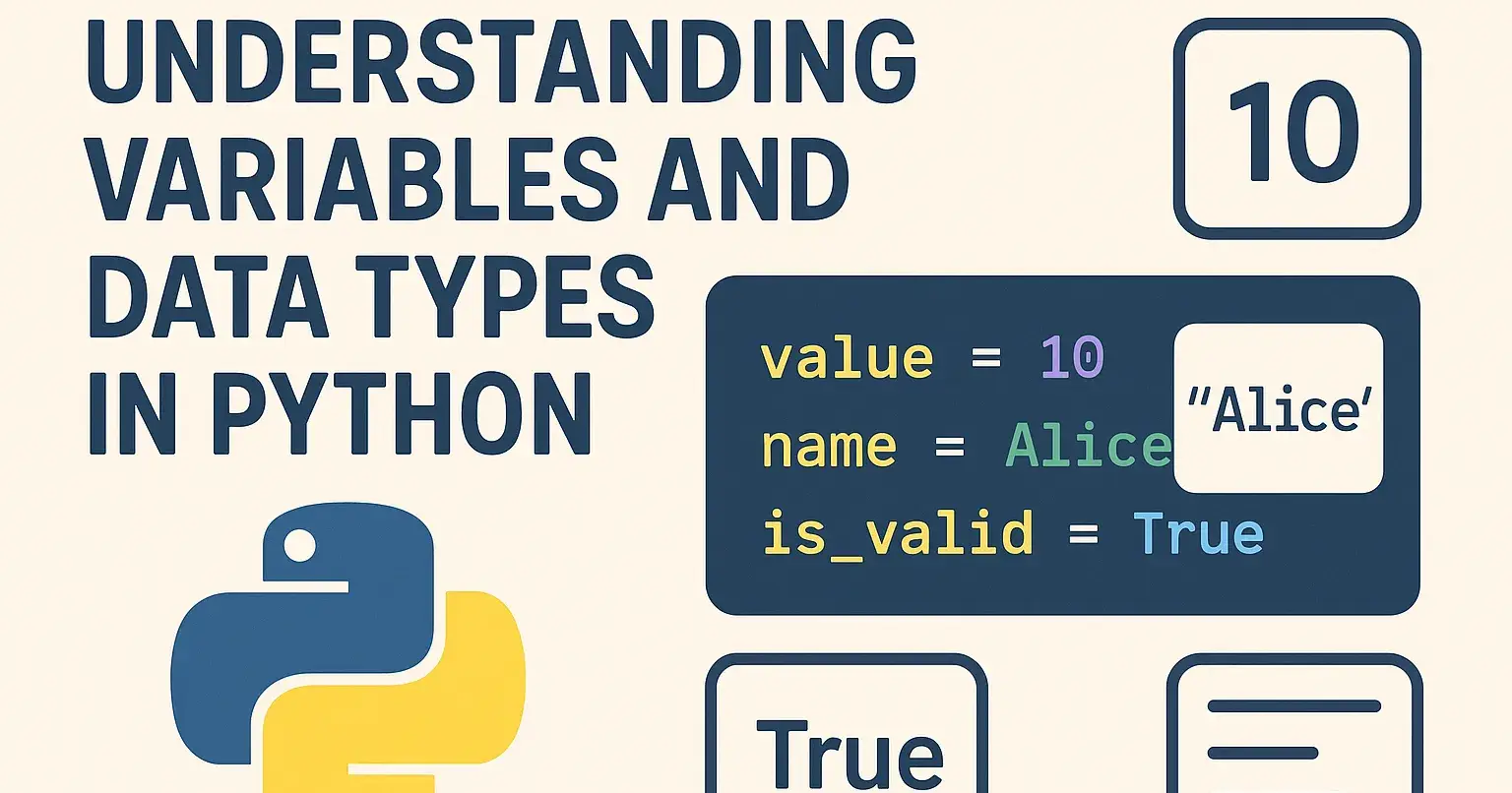
When stepping into the world of Python programming, two concepts you’ll encounter right from the beginning are variables and data types. Mastering these basics not only lays a strong foundation for coding but also simplifies the process of writing efficient, bug-free code. In this article, we’ll explore what variables are, how data types work in Python, and why they matter.
What are Variables?
In simple terms, variables are containers for storing data values. Think of a variable as a labelled jar you can put anything in it, give it a name, and later use or change what’s inside by referencing the jar’s label.
In Python, you don’t need to declare the variable type beforehand. You assign a value to a name, and Python figures out the rest:
python

age = 25 name = "Alice" price = 19.99
Here, age holds an integer value, name stores a string, and price is a floating-point number.
Rules for Naming Variables
Variable names can only contain letters, numbers, and underscores (_).
They cannot begin with a number.
Python is case-sensitive:
Nameandnameare different.Avoid using Python keywords (like
for,class,if) as variable names.
Good examples:
user_nametotalAmountitem_1
Bad examples:
1stUser(starts with a number)for(reserved keyword)
What are Data Types?
A data type defines what kind of value a variable holds and what operations you can perform with it. Python has several built-in data types, each serving a different purpose.
Here are some of the most common ones:
1. Integer (int)
Whole numbers, positive or negative, without decimals.
python

count = 10 temperature = -5
2. Floating Point (float)
Numbers with decimal points.
python

weight = 65.5 average = 3.14
3. String (str)
Any sequence of characters, enclosed in single or double quotes.
python

greeting = "Hello, World!"
4. Boolean (bool)
True or False values are commonly used for conditional statements.
python

is_active = True has_permission = False
5. List (list)
An ordered, changeable collection of items. Lists can hold multiple types.
python

fruits = ["apple", "banana", "cherry"] marks = [90, 85, 78]
6. Tuple (tuple)
An ordered, unchangeable (immutable) collection.
python

coordinates = (10, 20) colors = ('red', 'blue', 'green')
7. Dictionary (dict)
A collection of key-value pairs, useful for mapping relationships.
python

student = {"name": "Bob", "age": 21, "grade": "A"}
Dynamic Typing in Python
Python uses dynamic typing, meaning you can change the type of value assigned to a variable at any time:
python

variable = 10 # int variable = "text" # now a str
This flexibility makes Python very beginner-friendly, but it can also lead to unexpected bugs if you’re not careful with types.
Checking a Variable’s Type
You can always check what data type a variable holds using the type() function:
python

value = 10 print(type(value)) # Output: <class 'int'>
Why Are Data Types Important?
Understanding data types helps you:
Prevent bugs and errors
Write more optimised and readable code
Make use of appropriate methods for each type (e.g., string methods, list methods)
Conclusion
Variables and data types are the backbone of any Python program. Understanding how to use them correctly will make your journey as a Python developer much smoother. Remember, practice is key experiment with different types, create your own variables, and see how Python handles them!

Join Zakir on Peerlist!
Join amazing folks like Zakir and thousands of other builders on Peerlist.
0
8
0