

From Hacks to Shorthands: Evolving My GPT Workflow
When I started using ChatGPT seriously in my People Ops work, I realised something quickly: getting an answer was never the problem. The real challenge was getting the right kind of questioning before the answer.
That’s what led me down a path — from small hacks, to leveraging memory, to even creating my own shorthands — to turn GPT into less of a compliant tool, and more of a sparring partner.
Here’s what I learned along the way. 👇
1. Why fundamental questioning matters
ChatGPT’s questions often hover at the surface — about polish or formatting.
Take this example:
Prompt: “Draft a leave policy for my company, XYZ Pvt. Ltd.”
Cosmetic question → “Should I make it more formal?”
Fundamental question → “How should consultants vs employees be treated differently in this policy?”
The second one doesn’t just change the tone — it changes the direction of the whole draft. That’s the kind of fundamental refinement you want AI to give you first — because it saves you from wasting time later.
2. Phase One: The Hack (Free GPT → stateless across sessions)
I realised early on in the free GPT that every new session was a reset — it had no stateful (persistent) memory across sessions.
So I came up with a hack: I’d end every prompt with —
👉 “Before you respond, do you have any questions?”
It was clunky 🙂, but it forced GPT to question my premise before giving me an answer.
3. Phase Two: The Memory (GPT Plus)
The turning point for me was when ChatGPT introduced memory (available on GPT Plus).
For the first time, I could bake in a default persona: GPT would always question the crux, context, or premise of my prompts before responding. No more hacks.
That precise feature — stateful memory across sessions — was the reason I decided to invest in GPT Plus personally. It solved a real workflow pain.
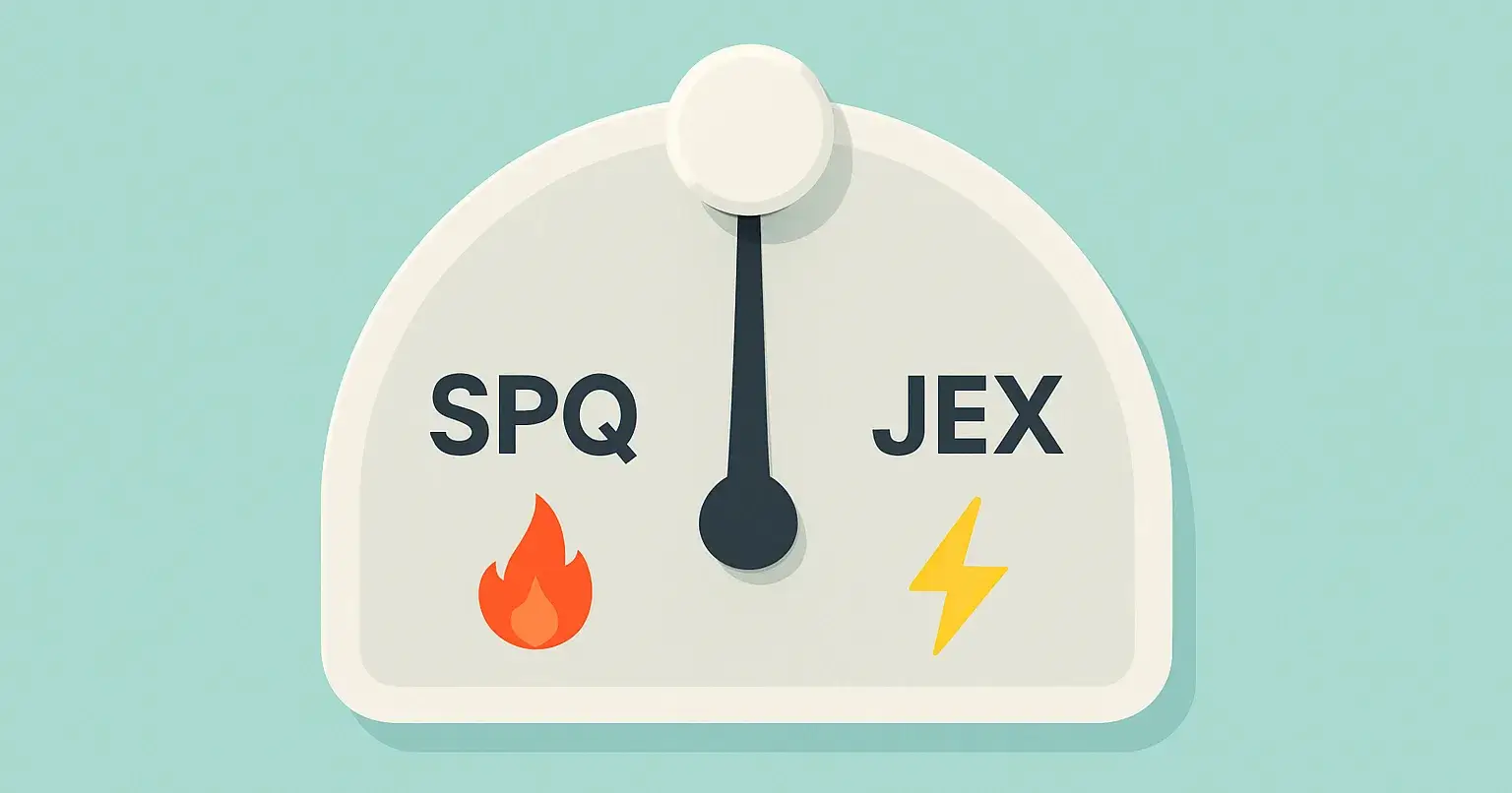
4. Phase Three: The Shorthands (SPQ and JEX)
But I soon realised that even with memory, defaults alone weren’t enough.
Sometimes I needed GPT to just do the work quickly. Other times, I needed it to challenge me harder than even the default sparring. That’s when I created two shorthands:
JEX (Just Execute): Suppress all questioning — no sparring, no clarifications, no cosmetic queries. Just deliver the output and stop. Silence after delivery. Perfect when speed matters.
SPQ (Sparring Partner Questions): Intensify the sparring. Push harder on the assumptions.
Example:
Prompt: “Draft a diversity hiring policy.”
Default sparring: “Do you already track diversity metrics?”
SPQ mode: “What problem are you solving with this policy? Is it compliance-driven, brand-driven, or cultural? Each will lead to very different choices.”
That’s the difference between filling a template and reframing the whole problem.
5. Wrapping up
Working with GPT taught me this: the best results don’t come when you treat it as a compliant follower or a stenographer.
The real power comes when you treat it as a pair (borrowing from pair programming 🙂)
Sometimes you want speed (JEX).
Sometimes you want your assumptions grilled (SPQ).
And sometimes the default sparring is just right.
Think of the difference like this:
Cosmetic questioning: “Do you want this report in Excel or PPT?”
Fundamental questioning: “Do we even need this report at all? What decision is it supposed to drive?”
That’s the leap from polish to premise. From hacks → to memory → to shorthands, my journey with GPT has been about turning it into less of a tool, and more of a partner.
That’s my system. Curious to hear: how are you designing your own interaction patterns with GPT?

Join Mayank on Peerlist!
Join amazing folks like Mayank and thousands of other builders on Peerlist.
0
7
0