

How We Ditched 5 Tools for One: Our Teamcamp Journey
How One $99 Tool Replaced Our $400+ Monthly Software Stack
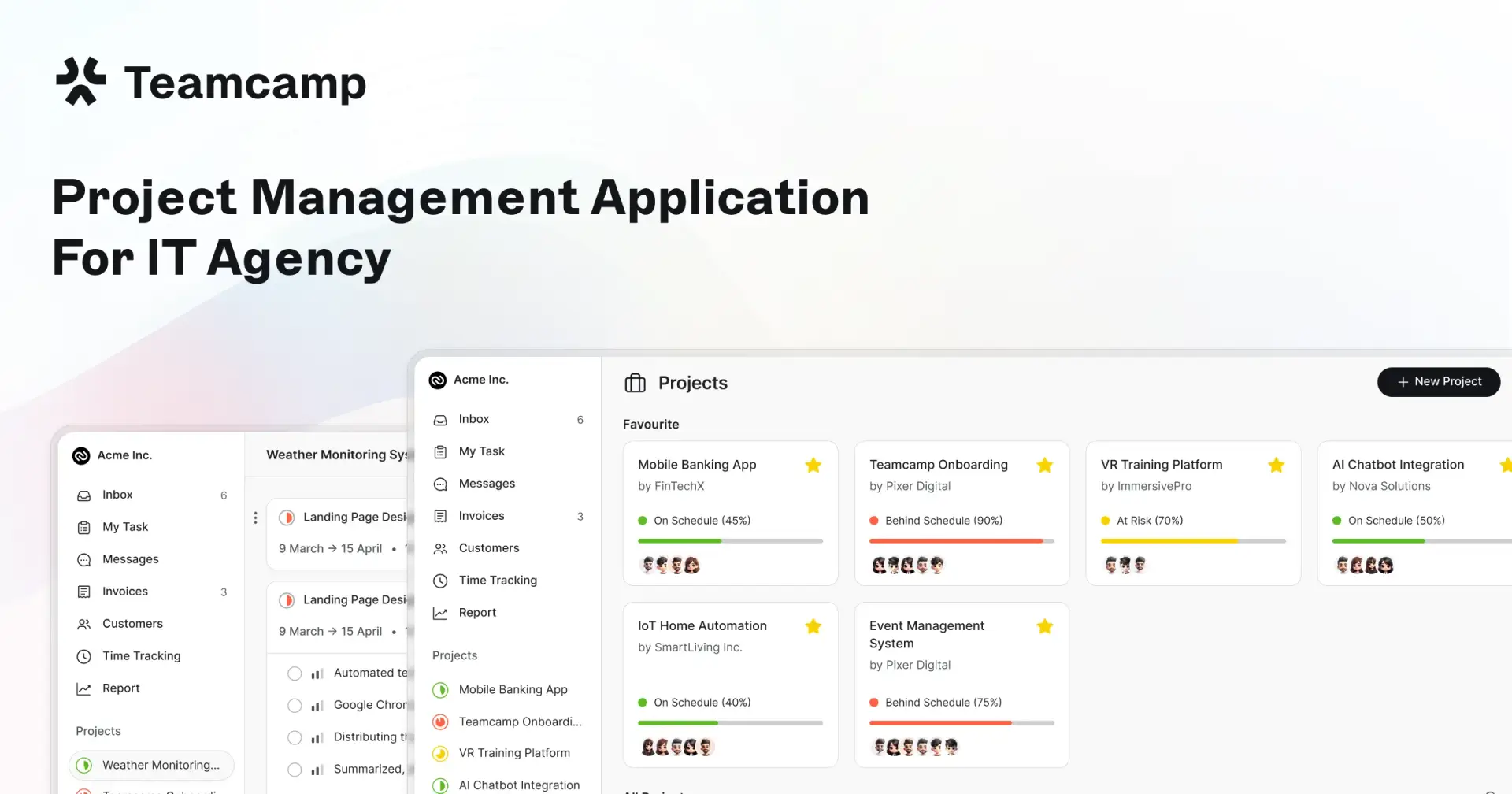
Project management chaos was killing our productivity.
We were juggling Trello for tasks, Slack for communication, Harvest for time tracking, FreshBooks for invoicing, and a separate client portal solution.
Sound familiar?
The Multi-Tool Nightmare
Our Previous Setup Was Expensive
We were paying $400+ monthly across multiple platforms:
Trello Business Class: $10/user/month
Harvest Pro: $12/user/month
FreshBooks Plus: $30/month
Client portal solution: $100/month
File sharing service: $15/user/month
Context Switching Destroyed Flow States
Every project update required jumping between platforms. Check Trello for tasks, log time in Harvest, update clients via email, then invoice through FreshBooks. Each context switch cost us 23 minutes to refocus.
Clients Were Confused and Frustrated
Our clients received scattered updates through emails, phone calls, and occasional portal access. They constantly asked "What's the project status?" because information lived everywhere except where they could see it.
Why We Chose Teamcamp Over Alternatives
1. Flat Pricing Changed Everything
Also, you can start with $6/Per user and $99/month for unlimited users meant we could scale without software costs eating our margins. Compare this to Asana's $15/user/month or Monday $25/user/month. With our 12-person team, we'd pay $300+ monthly on competitor platforms.
2. Built Specifically for Client Work
Unlike Jira (designed for internal development) or ClickUp (trying to be everything), Teamcamp focuses on agency-client relationships:
Professional client portals with real-time visibility
Automated invoicing from tracked time
Client-friendly communication tools
Project templates designed for client deliverables
3. Integration Without Complexity
Teamcamp connects with tools we actually use:
Figma for design handoffs
GitHub for development workflows
Stripe for payment processing
No overwhelming feature bloat like ClickUp
Real Results After 6 Months

1. Time Savings We Measured
80% reduction in status update emails thanks to client portals. Clients now check project progress independently instead of emailing us daily.
3 hours weekly saved on manual invoicing and payment tracking. Time logs automatically generate professional invoices with Stripe integration.
50% faster project onboarding using standardized templates for different project types.
2. Financial Impact on Our Agency
We saved $200-300 monthly switching from our tool stack to Teamcamp. That's $2,400-3,600 yearly that goes directly to profit or reinvestment.
Faster payment collection through automated Stripe integration improved our cash flow significantly. Clients pay invoices immediately instead of letting them sit for weeks.
Implementation Strategy That Worked
Week 1: Foundation Setup
We started with core features:
Created workspace and invited team members
Added first client and project
Configured invoicing settings and Stripe connection
Set up client portal access for ongoing projects
Week 2: Workflow Optimization
Focus shifted to customization:
Created project templates for different service types
Set up integrations with Figma and GitHub
Trained team on consistent time tracking practices
Configured client notification preferences
Week 3: Full Migration
We moved everything systematically:
Migrated active projects from old tools
Introduced clients to new portal system
Set up automated invoicing for all projects
Created reporting dashboards for team insights
Specific Features That Transformed Our Work
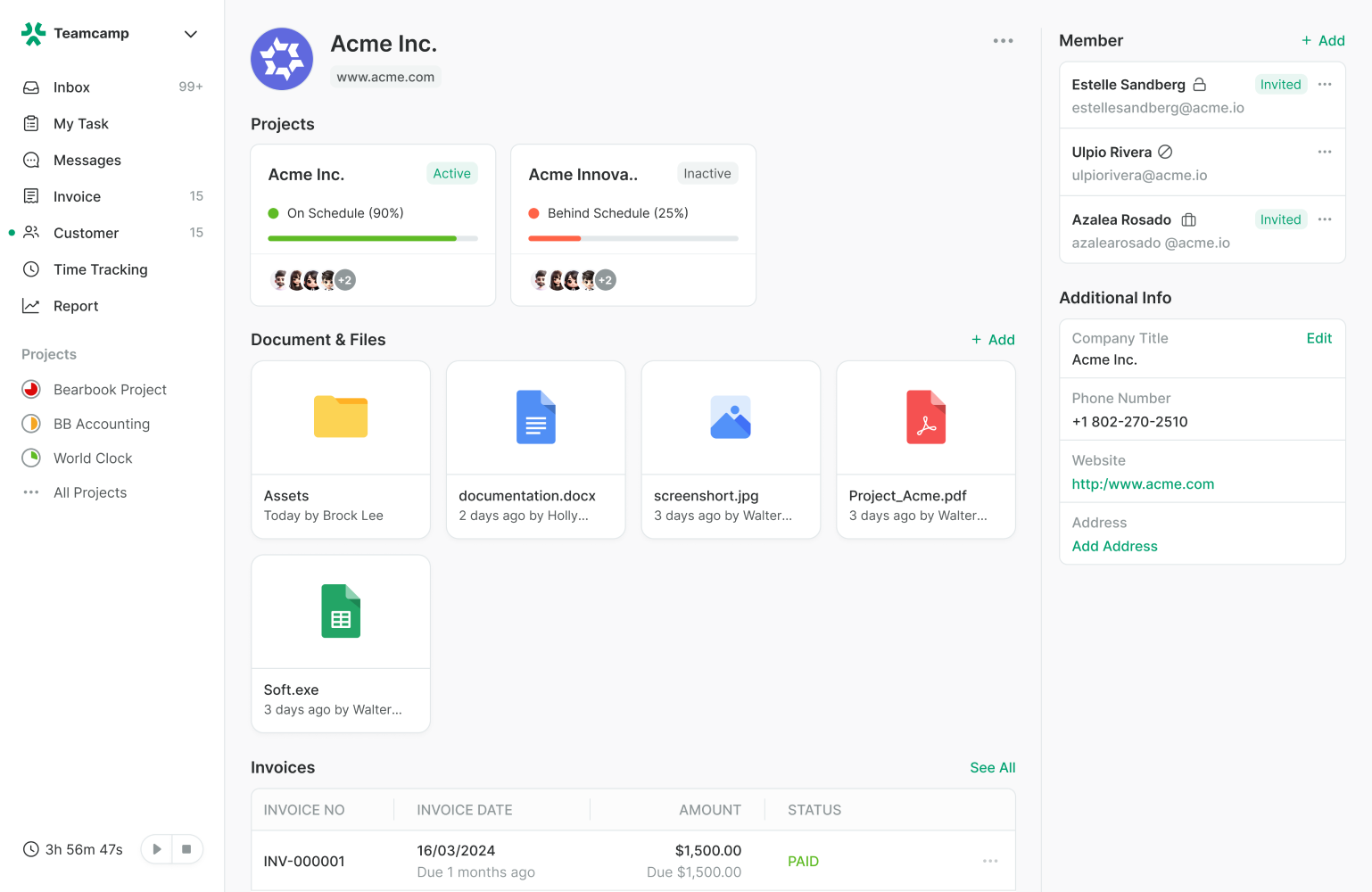
Client Portals Eliminated Communication Overhead
Clients see real-time project progress without needing status calls. They can:
View completed tasks and upcoming deliverables
Provide feedback directly on specific project elements
Access all project files in organized folders
Track time spent and budget remaining
Time Tracking Actually Works
Built-in time tracking means no more switching to Harvest. Features include:
One-click time logging from any task
Automatic invoice generation from logged hours
Client-visible time summaries for transparency
Resource allocation insights for better planning
Professional Client Experience
The client portal creates trust through transparency. Clients appreciate:
Professional project presentation
Clear deliverable tracking
Direct communication channels
Invoice transparency with time breakdowns
Lessons for Other Agencies
1. Start with Core Features First
Don't try implementing everything simultaneously. We focused on project management first, then added time tracking, then billing integration.
2. Client onboarding requires explanation
Plan time to walk clients through the portal. Most appreciate the transparency once they understand the system.
3. Template creation saves massive time
Invest effort upfront creating project templates. Our standardized workflows now launch new projects in minutes instead of hours.
The Bottom Line
Switching to Teamcamp eliminated our tool juggling problem while saving money and improving client relationships. The $6/Per User and $99 flat rate for unlimited users made the decision simple.
Our clients love the transparency. Our team loves the simplified workflow. Our accountant loves the automated invoicing.
If you're managing multiple client projects and frustrated with tool chaos, Teamcamp solves the real problems agencies face daily.

Join Pratham on Peerlist!
Join amazing folks like Pratham and thousands of other builders on Peerlist.
0
6
0