

From Spreadsheets to APIs: Why Every Developer Needs a Reliable CSV to JSON Converter
Streamline your development workflow with efficient CSV to JSON conversion. Discover tools and techniques that save time and reduce data transformation headaches.
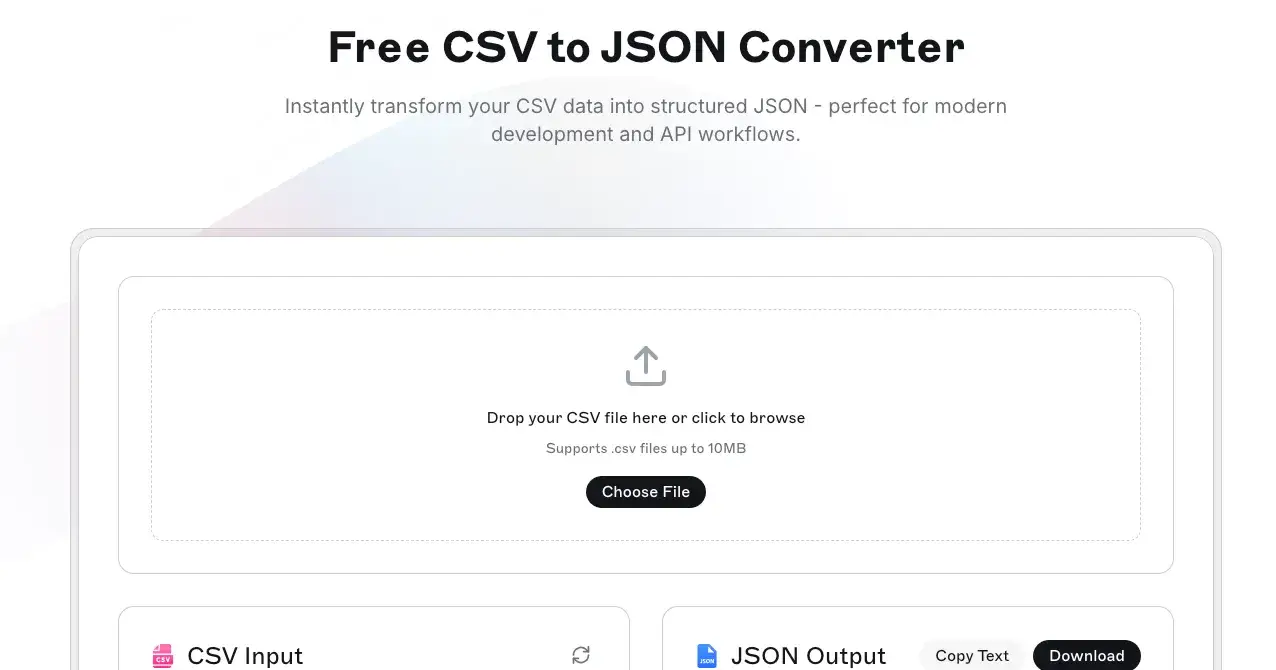
We have all been there - staring at a massive CSV file with client data or API responses, knowing we need it formatted as JSON for our modern application, and dreading the manual conversion process ahead.
That familiar sinking feeling when you realize your carefully planned sprint just hit its first roadblock: data format incompatibility.
Whether you're a frontend developer integrating with legacy systems, a backend engineer building APIs, or a product manager trying to understand user data exports, data transformation challenges are universal in tech.
The good news?
You don't have to suffer through manual conversions anymore.
The Modern Developer's Data Format Dilemma
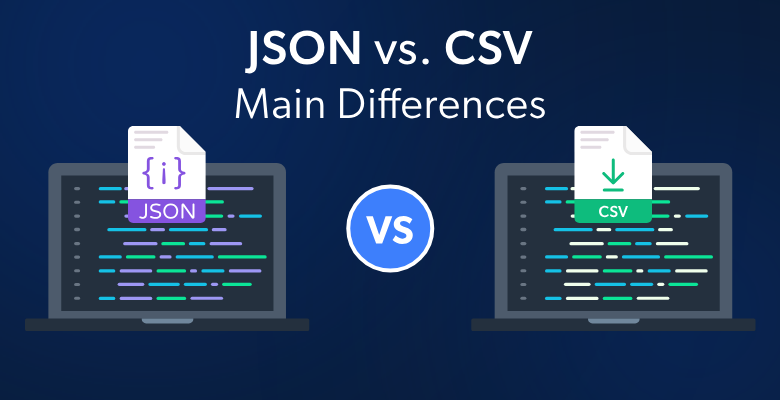
Why CSV vs JSON Matters in Today's Development Landscape
In the early days of computing, CSV (Comma-Separated Values) was king. Simple, readable, and supported by every spreadsheet application, CSV files became the default choice for data exchange.
But as web applications evolved and APIs became the backbone of modern software, JSON emerged as the clear winner for structured data transmission.
Pro tip : You can convert CSV to JSON using this tool Free JSON Convertor
Here's why JSON has become the standard for modern development:
Native JavaScript support - No parsing libraries needed
Hierarchical structure - Perfect for complex, nested data
API-friendly format - RESTful services love JSON
Type preservation - Numbers stay numbers, booleans stay booleans
Cross-platform compatibility - Works seamlessly across different technologies
Real-World Scenarios Where Conversion Becomes Critical
Let's talk about situations every developer encounters:
Scenario 1: The Client Data Import
Your client sends you user data in a massive Excel export. Your React application expects JSON for the user management dashboard. Without proper conversion tools, you're looking at hours of manual formatting or writing custom parsing scripts.
Scenario 2: Legacy System Integration
You are building a modern API that needs to consume data from an old ERP system that only exports CSV. Your Node.js backend expects clean JSON objects. The transformation step becomes a bottleneck in your integration pipeline.
Scenario 3: Data Analytics Dashboard
Your product manager needs to visualize sales data from multiple sources. Some systems export CSV, others provide JSON APIs. Consistency in data format becomes crucial for your analytics pipeline.
The Hidden Costs of Manual Data Transformation

1. Time Drain on Development Teams
Manual CSV to JSON conversion isn't just tedious - it's expensive. Consider this breakdown:
Average time per conversion: 15-30 minutes for simple datasets
Error-prone process: Manual formatting introduces bugs
Context switching: Breaks developer flow and productivity
Scalability issues: What works for 100 rows fails at 10,000
2. Code Maintenance Overhead
Many developers resort to writing custom conversion scripts. While this seems efficient initially, it creates technical debt:
// Typical custom CSV parser - works until it doesn't
function csvToJson(csvText) {
 const lines = csvText.split('\n');
 const headers = lines[0].split(',');
 const result = [];

 for (let i = 1; i < lines.length; i++) {
 const obj = {};
 const currentLine = lines[i].split(',');

 for (let j = 0; j < headers.length; j++) {
 obj[headers[j]] = currentLine[j];
 }
 result.push(obj);
 }
 return result;
}
This code breaks with:
Commas within quoted fields
Multi-line text data
Special characters and escape sequences
Different CSV dialects
Smart Solutions for Efficient Data Workflows
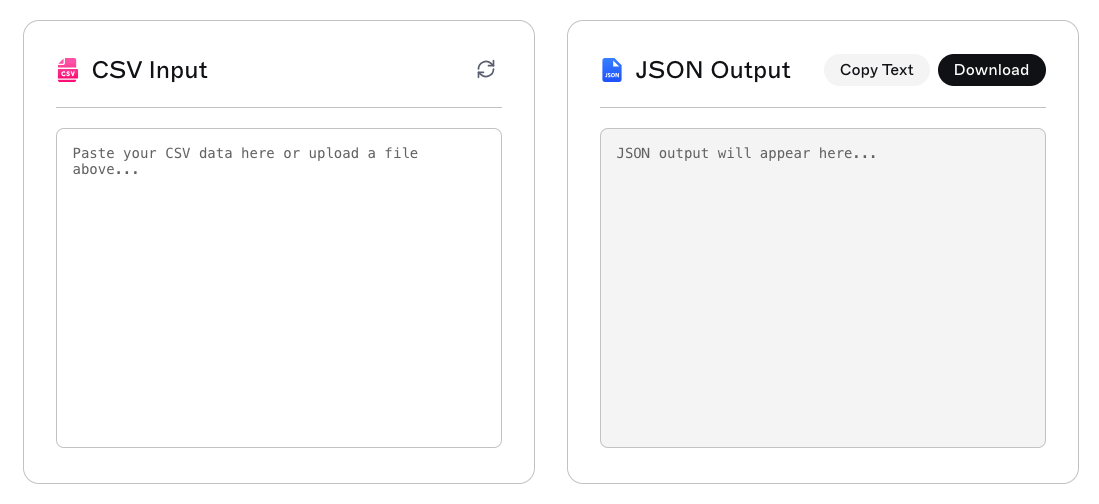
What to Look for in a CSV to JSON Converter
When choosing a data format conversion tool, prioritize these features:
Essential Features:
Instant processing - No upload delays or processing queues
Data type recognition - Automatic detection of numbers, dates, booleans
Custom delimiter support - Handle semicolons, tabs, and other separators
Preview functionality - See results before committing
Batch processing - Handle multiple files efficiently
Advanced Capabilities:
Schema validation - Ensure consistent output format
Custom field mapping - Rename columns during conversion
Nested object creation - Transform flat data into hierarchical JSON
API integration - Programmatic access for automated workflows
Building Efficient Data Transformation Workflows
The most productive development teams establish standardized data transformation processes:
Identify common data sources in your organization
Standardize on JSON for internal data exchange
Implement conversion checkpoints in your CI/CD pipeline
Create reusable transformation templates for recurring formats
Document data schemas to maintain consistency
Modern Tools That Actually Work
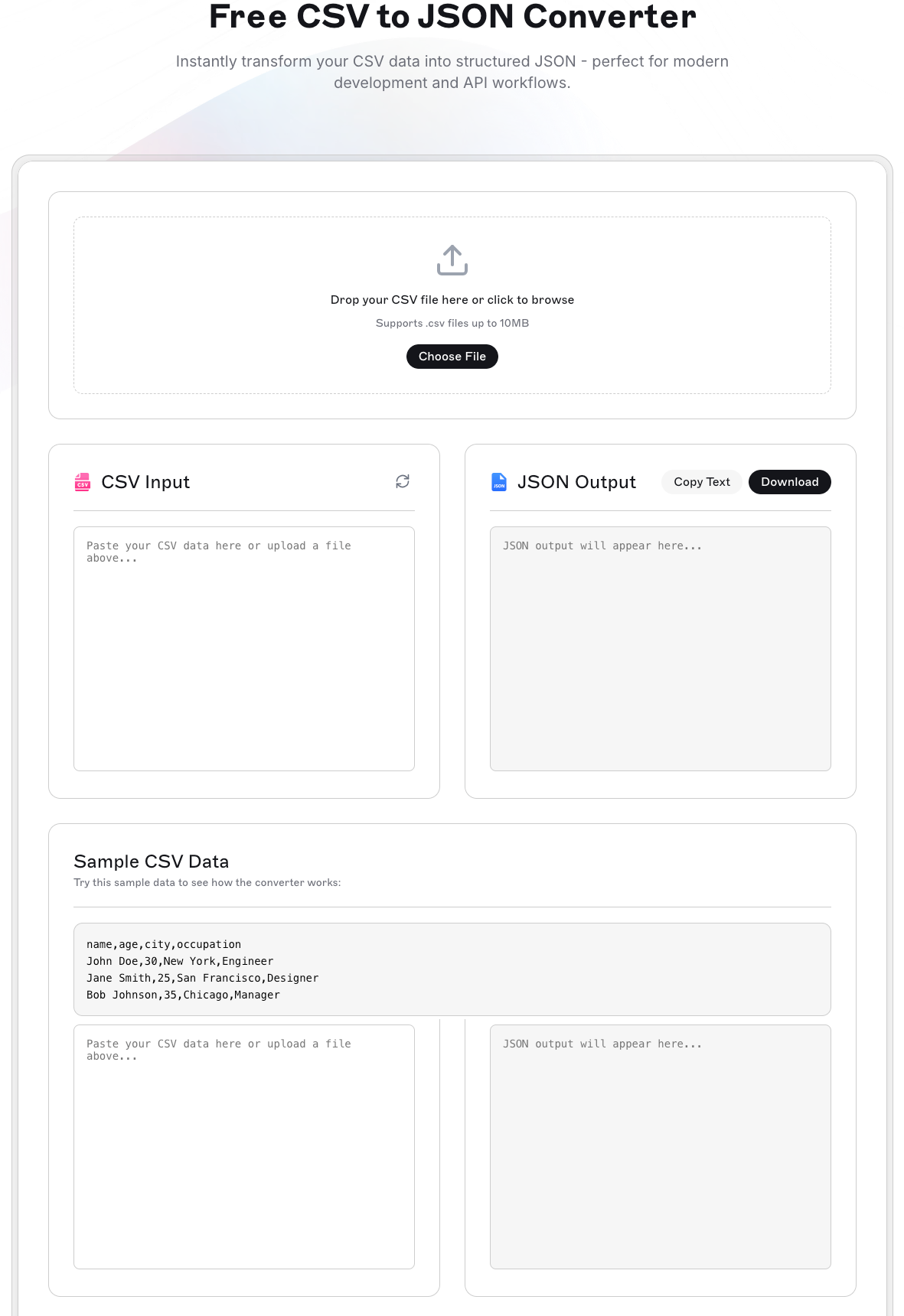
Online Converters vs. Custom Solutions
For quick conversions without setup hassle, tools like Teamcamp's CSV to JSON converter offer instant transformation perfect for development workflows. These browser-based solutions excel when you need:
Immediate results without software installation
One-time conversions for project setup
Quick data exploration and validation
Team collaboration on data formatting decisions
When to Build vs. Buy
Choose online tools when:
Converting data occasionally (less than weekly)
Working with standard CSV formats
Needing quick turnaround times
Collaborating with non-technical stakeholders
Build custom solutions when:
Processing data automatically in production
Dealing with highly specialized formats
Requiring advanced transformation logic
Integrating deeply with existing systems
Practical Implementation Tips
Optimizing Your Development Workflow
For Frontend Developers:
// Clean approach using fetch and online converter
const processCSVData = async (csvFile) => {
 const jsonData = await convertCSVToJSON(csvFile);
 return jsonData.map(item => ({
 id: parseInt(item.id),
 name: item.name.trim(),
 active: item.status === 'active'
 }));
};
For Backend Engineers:
Implement conversion as a microservice
Cache frequently converted datasets
Add validation layers for data integrity
Monitor conversion performance metrics
For Product Teams:
Establish data format standards early
Create conversion workflows for stakeholders
Document expected JSON schemas
Plan for data migration scenarios
The Future of Data Transformation
As API-first development continues to dominate, JSON will only become more critical. Modern development workflows increasingly rely on:
Real-time data synchronization between services
Microservices architecture with JSON message passing
Serverless functions processing JSON payloads
GraphQL APIs expecting structured JSON responses
Teams that master efficient data transformation gain a significant competitive advantage in development velocity and system reliability.

Join Pratham on Peerlist!
Join amazing folks like Pratham and thousands of other builders on Peerlist.
0
7
1